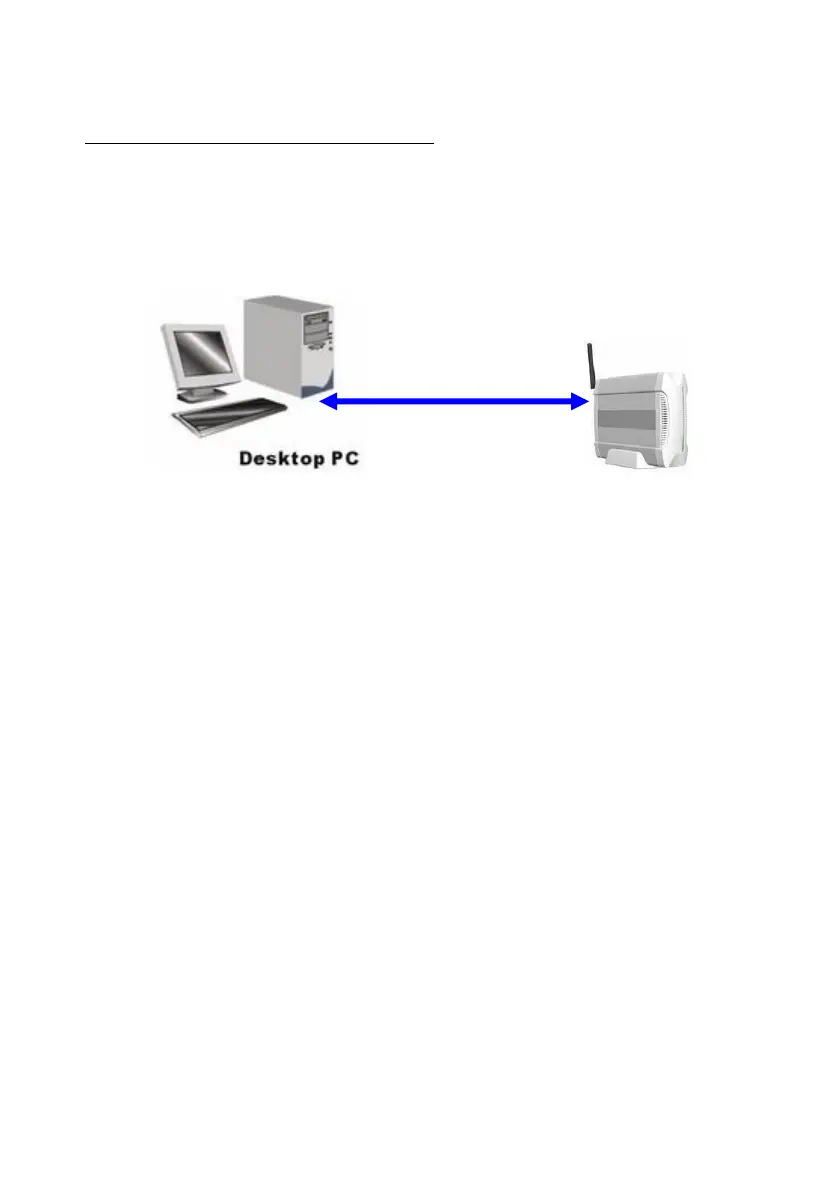
2.2.2 Wired Ethernet Connection
Use one Ethernet cable to connect the Network Storage and your computer
directly. Then power on the Network Storage.
The Network Storage will detect automatically if there is any DHCP server
nearby. If yes, it will get an IP address from DHCP server. But if there is no
DHCP server in your environment, the Network Storage will become a
DHCP server, and assign IP address to your computer. You can get some
information as below shown.
Then go to command prompt mode from Start Menu->Programs->
Accessories, and type “ipconfig”. If the IP address and subnet mask are
shown 0.0.0.0, please type “ipconfig /renew” to retrieve an IP address.















 To Next Page