Double click on “samba server (wap-0008)”, and you will see two folders.
Then double click the folder “Configure”.
You can find there is a “Configure.html” in the folder, just double click on
“Configure.html” directly to see configuration page.
2.2.3 Wireless Connection
Follow the steps below to connect to the Network Storage in a wireless
environment. We assume that there is at least one WLAN card installed on
your computer, and Network Storage is powered on.
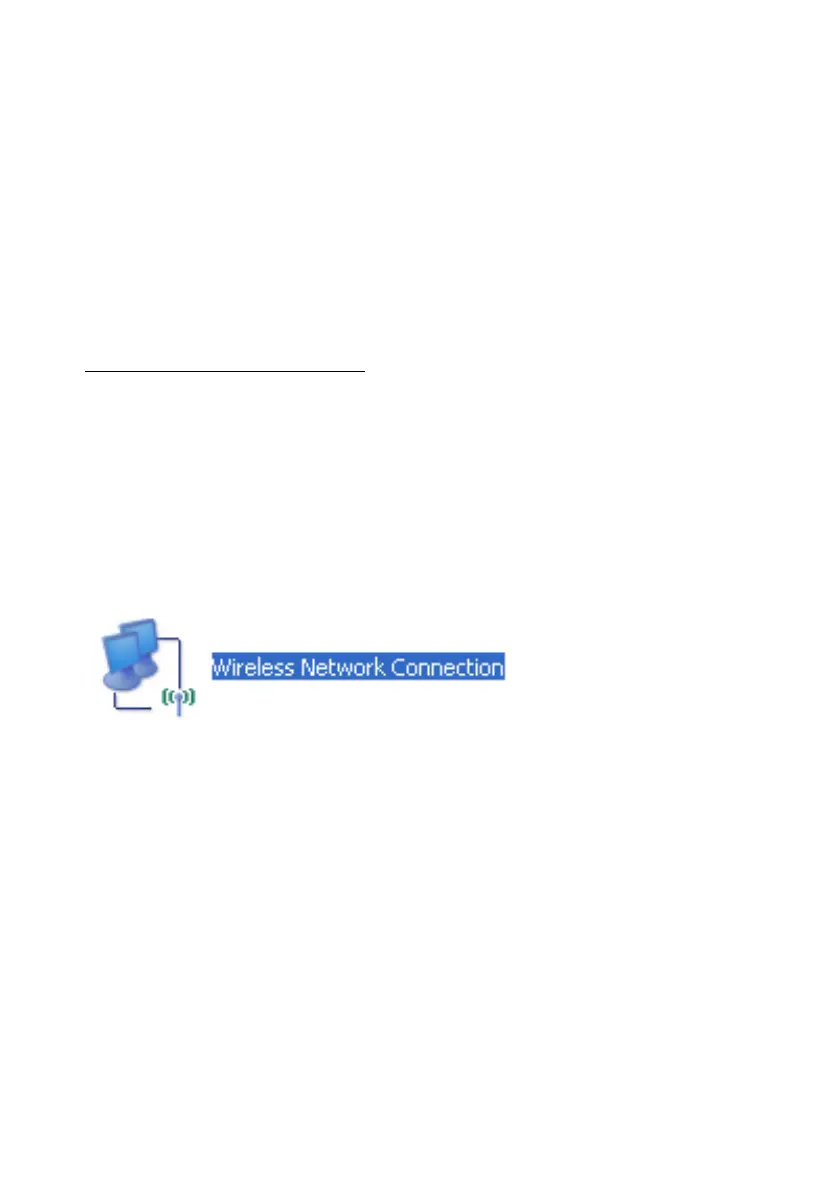
Step 1: Enabling the WLAN card first, and check the Wireless Network
Connection properties from My Network Places.
Step 2: Select the Wireless Networks icon after entering the “Wireless
Network Connection Properties”. You will find the WAP-0008 in the
available network list, then select the WAP-0008, and click Connect button
to connect. Otherwise, if you can’t find WAP-0008, please refresh network
list again.
NOTE. The default network name (SSID) of Network Storage is
“WAP-0008”.















 To Next Page