Method 2: Use Web Browser to Setup
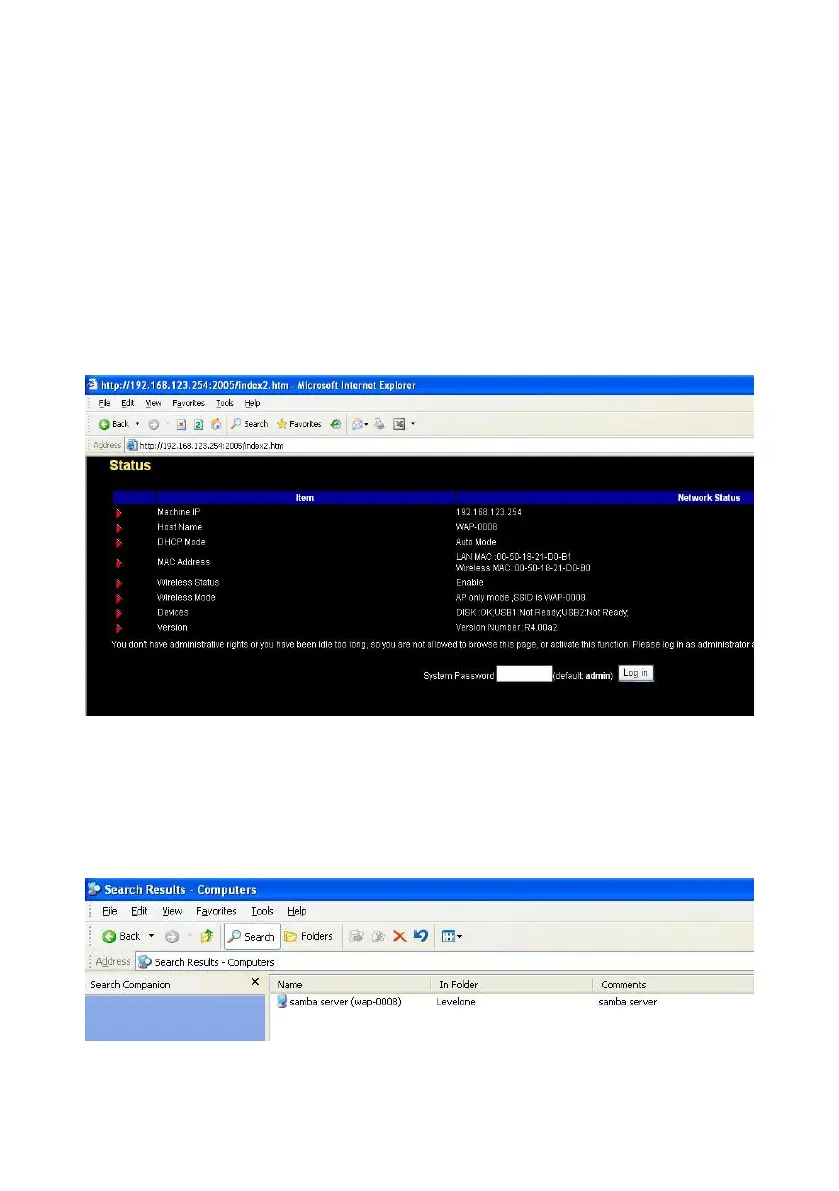
Launch any web browser, such as Internet Explorer or Netscape on your
computer, and then input IP address of Network Storage in the address field.
For an example, type “http://192.168.123.254” and press “Enter”, then you
can see the configuration page of Network Storage.
NOTE. You have to know the IP address of Network Storage when you use
this method. The default IP address is “192.168.123.254”.
Method 3: Use “My Network Places” to Search and Setup
First, go to My Network Places and search “WAP-0008”.
NOTE. The default host name of Network Storage is “WAP-0008”.















 To Next Page