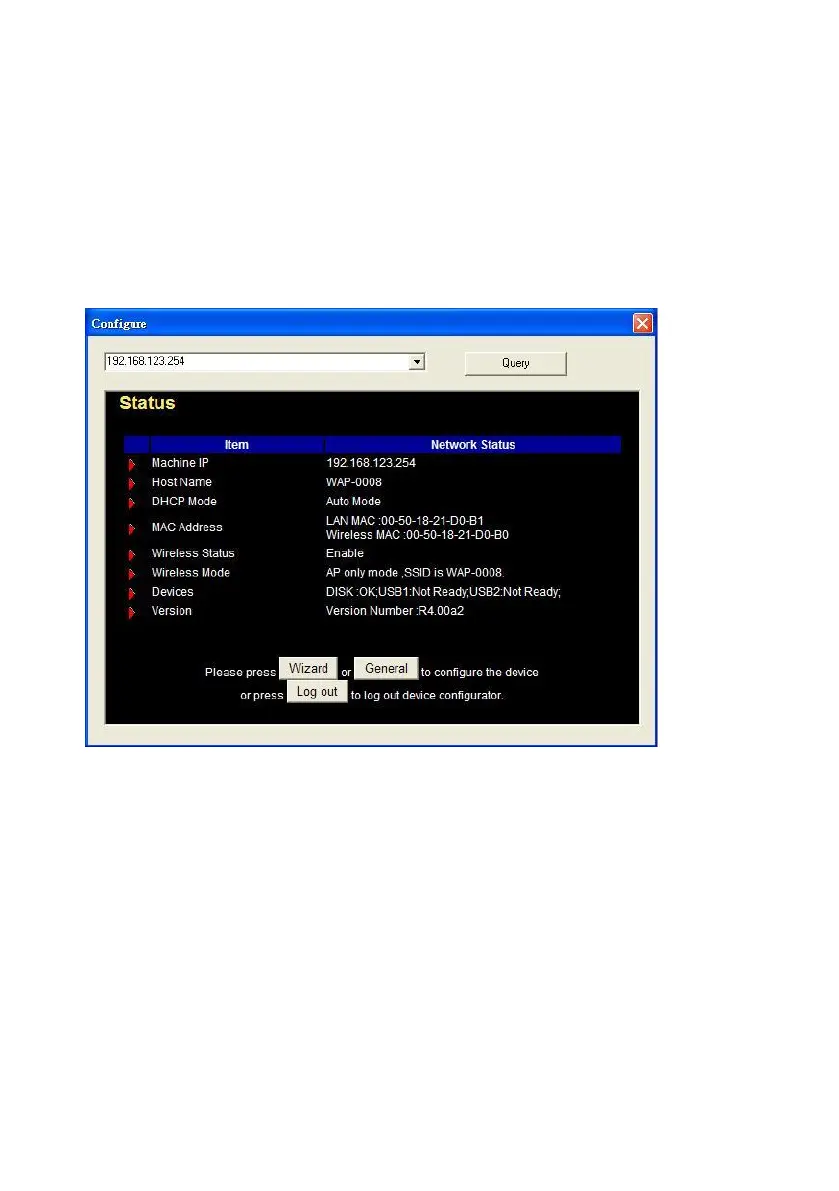
Method 1: Use Configuration Tool to Setup
Before you can do this, you need to install the configuration tool from
installation CD first. After that, please use the configuration tool to “Query”
and you will see the status page and input “admin” to login.
NOTE. The default login password is “admin”.
If there is any DHCP server in the network, Network Storage will be as the
client and get one IP address from existed DHCP server. You can also use
configuration utility to Query to find the IP address that Network Storage
gets.
About other operating systems, such as Linux X-window or Mac OS, please
use web browser to configure.















 To Next Page