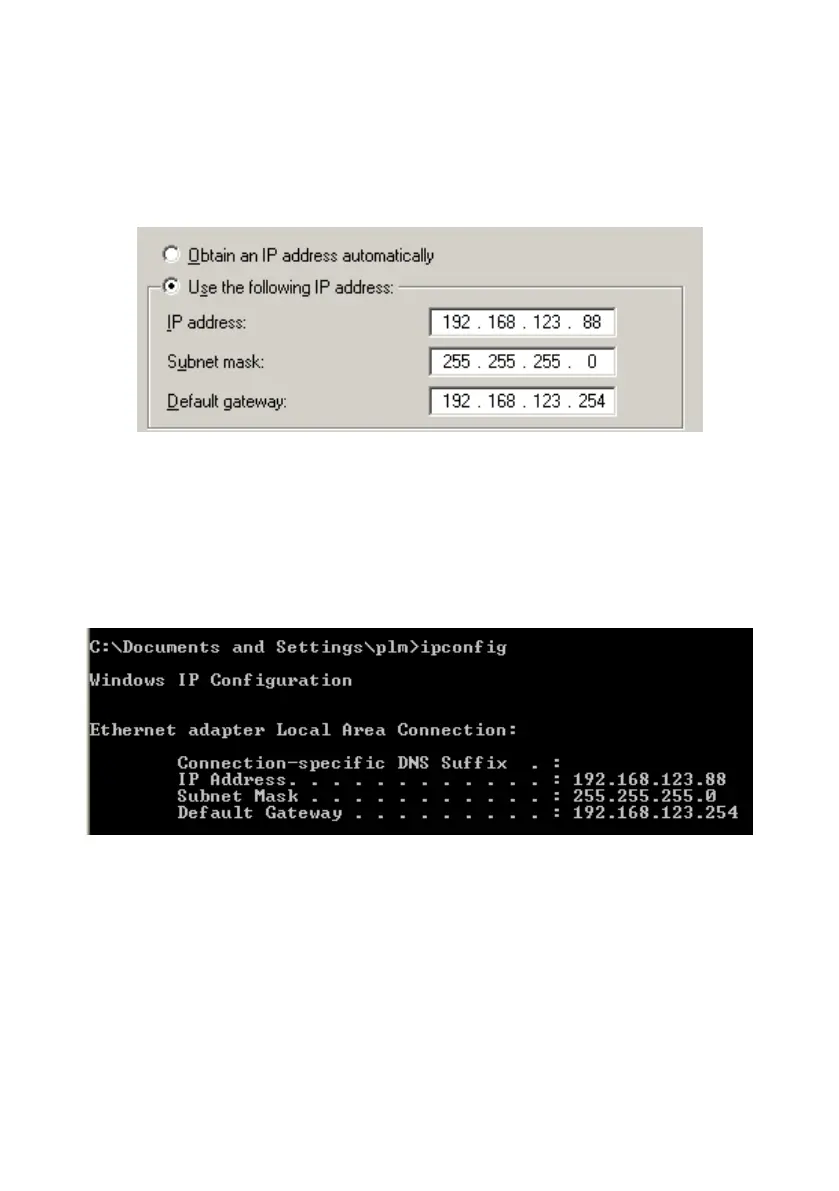
click “OK” button to complete TCP/IP setup.
NOTE. The IP address of default gateway must be same as IP address of
Network Storage.
Step 2: Then go to command prompt mode from Start Menu->Programs->
Accessories. Type “ipconfig” and press the “Enter”. Then the following
message should be found. Check the IP address, Subnet Mask, and Default
Gateway addresses are same as previous settings. If same, you are
successful to setup the network configuration.
There are three methods to configure Network Storage. Please refer to the
following instructions, and choose one which is most convenient to you.















 To Next Page