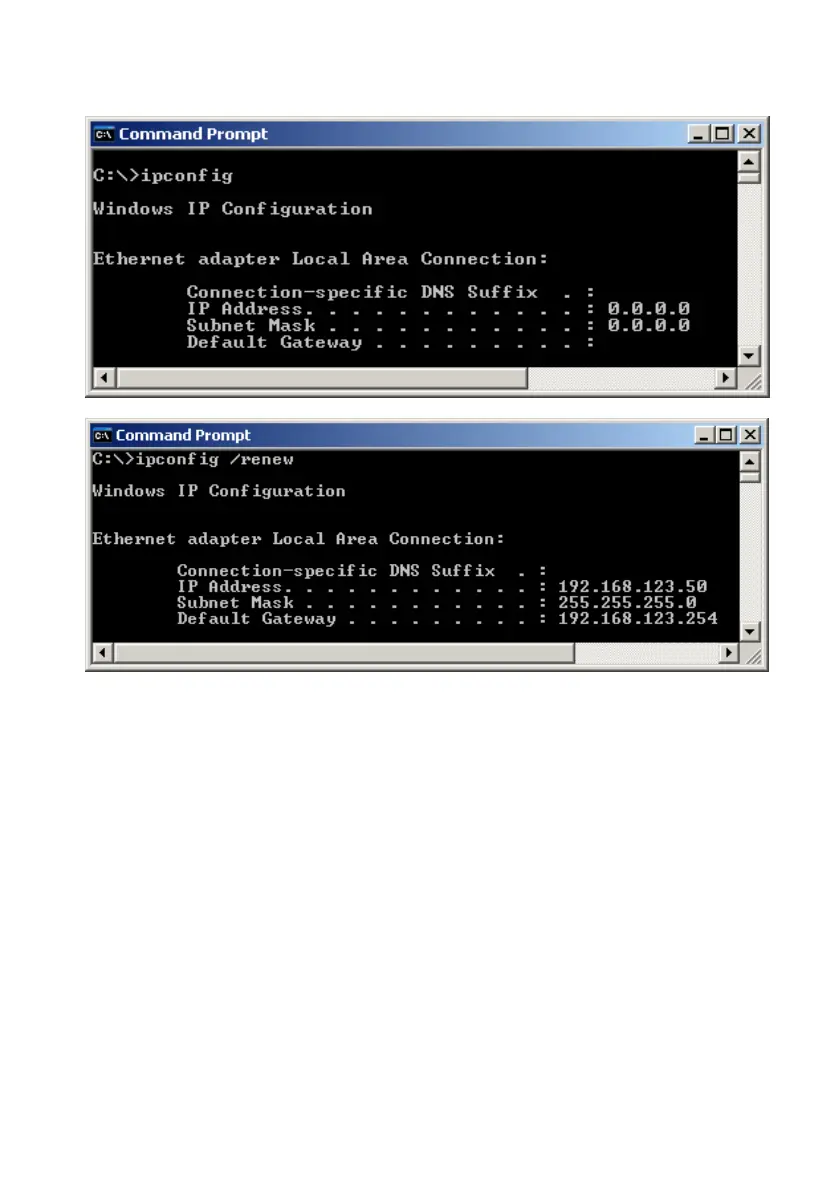
In addition, you can also allocate a static IP address on your computer as
below:
Step 1: Find the Internet Protocol (TCP/IP) Properties from My Network
Places and check the Properties of Local Area Network Connection.
Choose “Use the following IP address”, and assign one IP address which
can be from 192.168.123.1 to 192.168.123.253. Here we use the
192.168.123.88 as the IP address. The Subnet mask must be
255.255.255.0, and the Default gateway must be 192.168.123.254. Then















 To Next Page