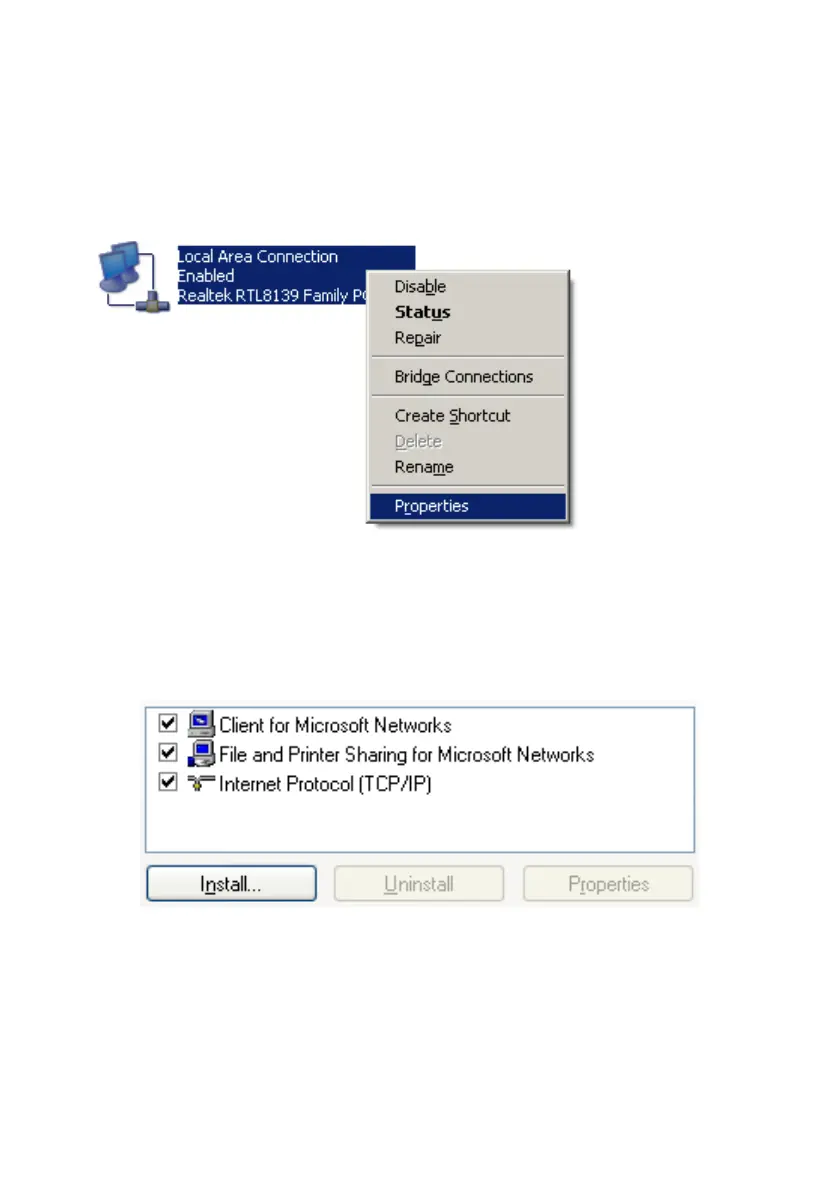
Step 2: You may see there are many connections in your computer. Just
select one which you will use it to connect to Network Storage. Then choose
the “Properties” of that connection.
Step 3: Check the “Client for Microsoft Networks”, “File and Printer
Sharing for Microsoft Networks”, and “Internet Protocol (TCP/IP)” are
installed or not. If not, please install those communication protocols.
If you use other operating system, such as Linux, X-window or Mac OS,
please refer to original manual of your OS to finish the configurations of
TCP/IP and other required communication protocols.















 To Next Page