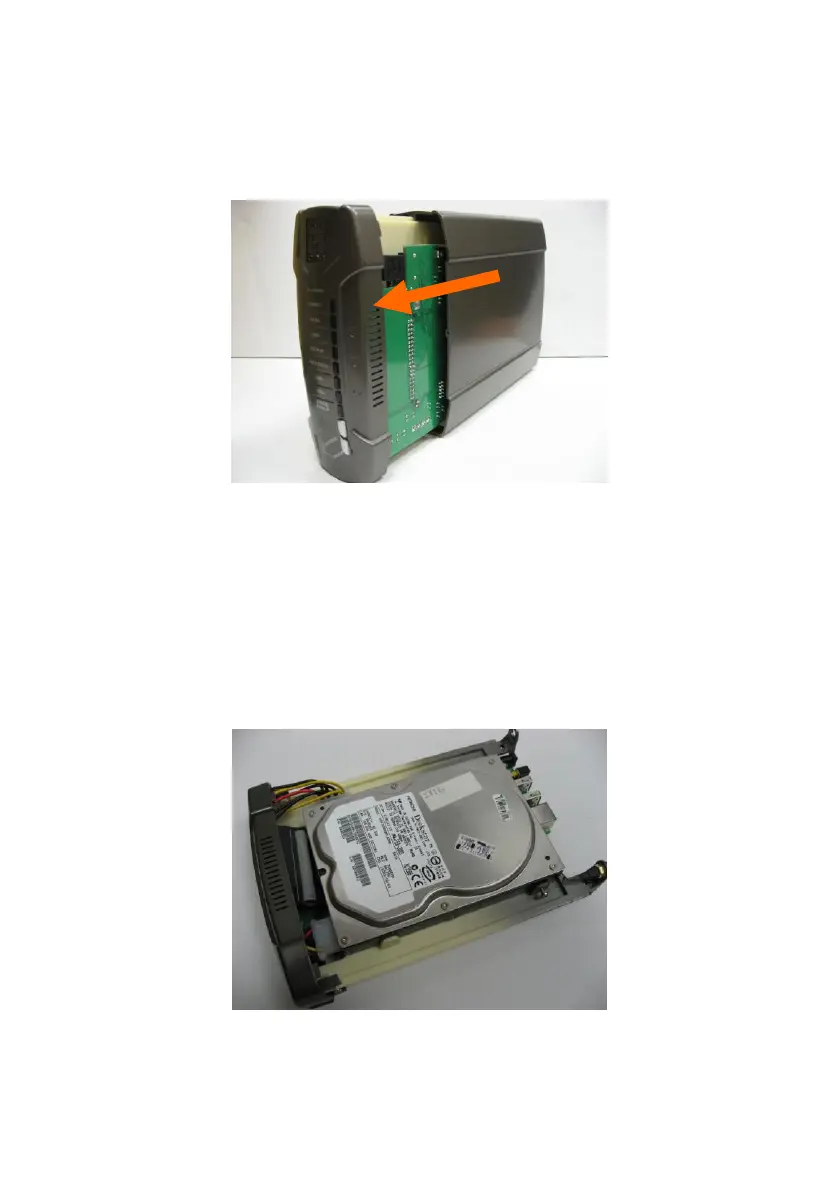
Step 2: Pull out the front panel.
Step 3: Put the 3.5” IDE or SATA hard disk into the slot, and connect proper
data (the red cable is used for SATA hard disk and the gray one is for IDE
hard disk) and power cable to the hard disk. Then fasten the screws that are
included in the package to fix hard disk.















 To Next Page