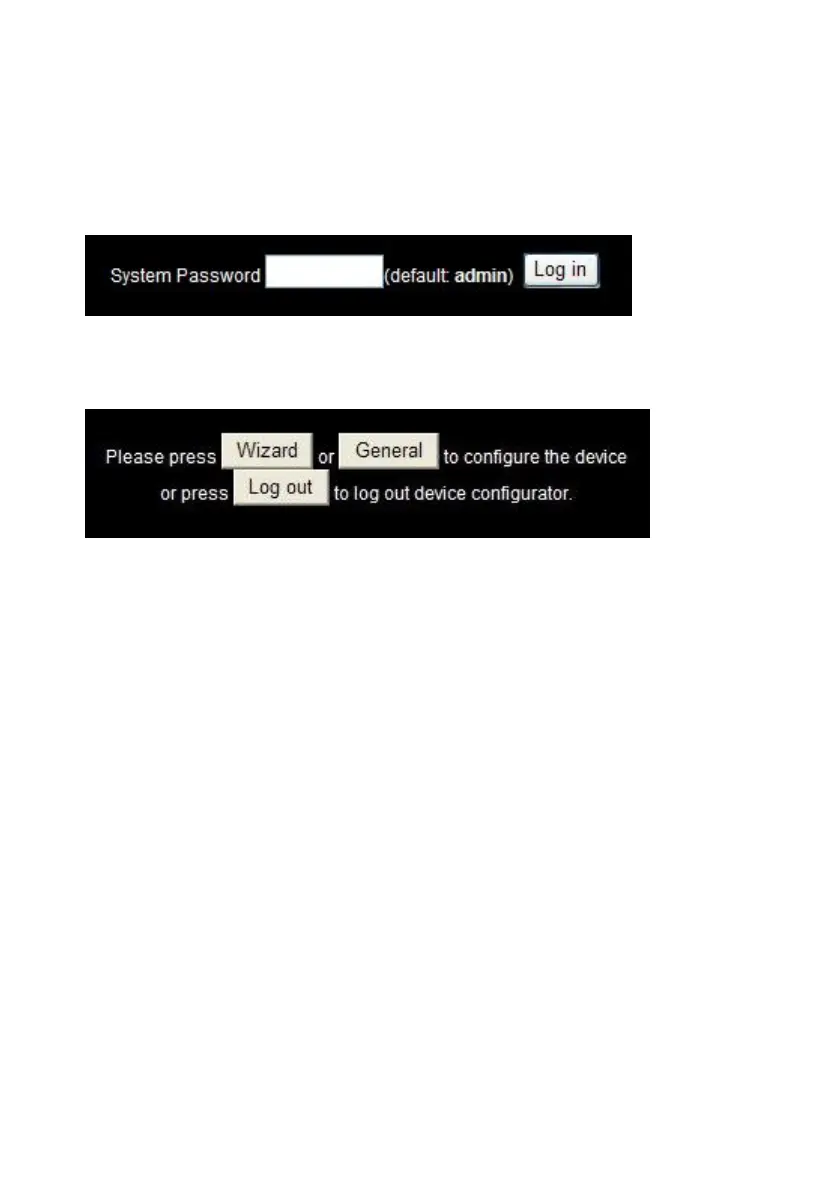
When you enter the configuration mode, you are requested to provide the
“System Password” to activate the configurations. The default login
password is “admin”.
After login, you could see these buttons:
Press “Wizard” button if you want to do basic settings with simpler way.
(Please check section 3.1)
Press “General” button if you want to make some advanced settings.
(Please check each item from section 3.2)
Press “Logout” button if you don’t want to do anything.















 To Next Page