12
WARNING Do not try to hinder the bicycle motion. In such case, the motor may suer
damage.
Changing information on the display
The change of information displayed is carried out by a short pushing of the button I.
This changes the maximum speed and average speed information only. The remaining
information is displayed constantly.
Deletion of temporary information (TRIP, MAX, AVG):
Temporary information can be reset by pushing the (+) and (-) buttons simultaneously.
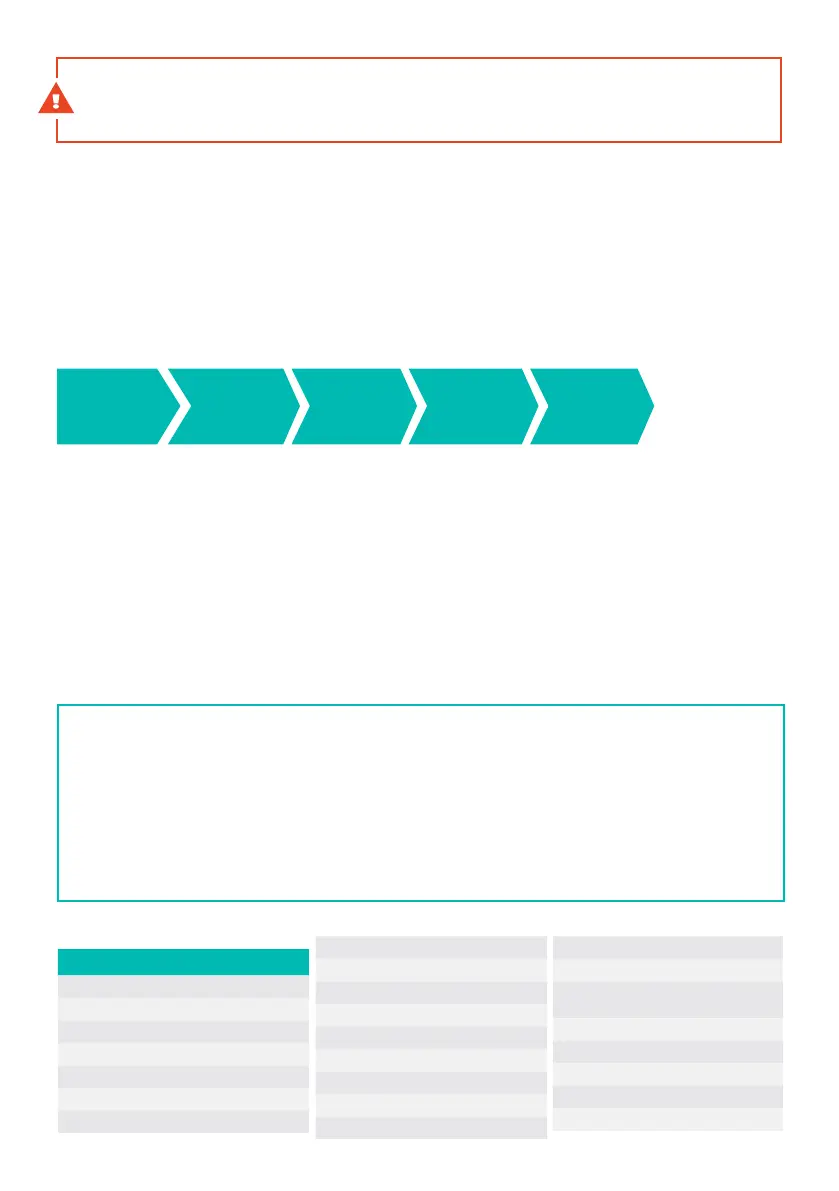
The display shows the following information:
Switching on the light:
It is possible to switch on the lights by pushing and holding the (+) button for a few seconds.
This will darken the display slightly. The display is also darkened automatically in low ambient
light, so that the rider is not blinded by the light of the display.
Seing:
The settings screen can be accessed by pushing the I and (-) buttons simultaneously.
Use the (+) (-) button to navigate through individual menu items and to change setting
of parameters. Push the I button to confirm your selection. Push the I and (-) buttons
simultaneously to exit the mode, or confirm the Exit item.
CADEDENCE
Pedalling
cadence
ODO
Total
distance
TRIP
Distance of
your trip
MAX
Maximum
speed
AVG
Average
speed
Wheel size – information on diameter of wheels set (in inches). (Cannot be set by users.)
Walk Speed – selection of the Walk Assistance’s maximum speed. (The following range can be set: 3-6km/h).
Speed Limitation – information on the maximum speed of the motor assistance (cannot be set by users).
LCD Brightness – Selection of display backlight level. (Can be set from Level 1 to Level 5)
Unit Type – Selection of unit of speed (km/h or mph can be selected)
Asistent Indicator – Seing of the assistance level display type.
(Verbal or numeric display can be selected).
GSGI – Gearsensor calibration
About – Soware information
Code
Cause of the problem
90 Zero torque error
11 Torque beyond the range
92 Torque sensor error
13 Gearsensor error
15 Speed sensor error
18 Cadence error
20 Control unit overheated – warning
A1 Control unit overheated – error
22 PCB sensor error
25 Motor overheated – warning
A6 Motor overheated – error
A7 System Error
80 communication lost
32 Remote communication lost
01 Incorrect communication data
40 Motor error
41 High peak current of the motor
C2 Motor phase failure
43 High direct current of the
motor
D0 High baery voltage
51 Low baery voltage
52 High baery current
E0 Incorrect baery version
E5 Incorrect display version
Error messages



 To Next Page