6
WARNING Do not try to hinder the bicycle motion. In such case, the motor may suer damage.
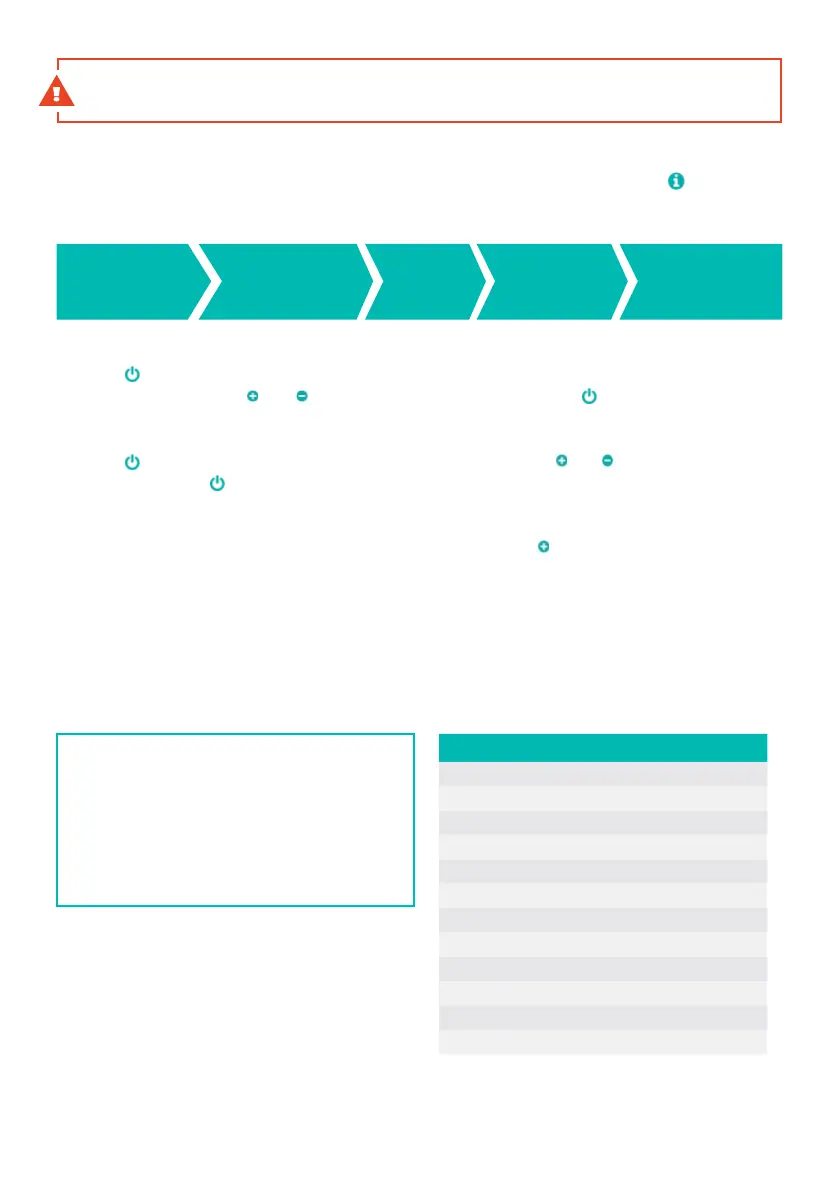
Changing the additional information display mode
change of information displayed is carried out by a short pushing of the buon.
Information is displayed in the following order:
Deletion of temporary data
Push the buon twice to delete temporary data (trip, time, avg, max). The display will show rES.
Select possibility Y using and buons and confirm by pushing the buon.
Setting of parameters
Push the buon twice to enter the parameters seing mode. Use and buons to change
a parameter. push the buon to save the set parameter.
Switching on lights (only if lights are installed)
Front and rear lights are switched on by pushing and holding the buon for 1 second.
USB connector
The display is equipped with a MicroUSB connector that can be used to recharge mobile
devices (5V/0.5W). Use an adapter or a MicroUSB-B connector cable to connect your device
to the charging connector.
Explanatory notes:
rES - deletion of daily distance
Un - unit seing (km / miles)
Ld - seing of wheel circumference in cm
(max. +/- 5% from the default circumference seing)
bL - display backlighting seing, range 1-3
Ls - speed limit; the value of 20 equals the max.
assisted speed of 25 km/h
SPS - signal of the speed sensor
Cr - the value of the current
If an error persists, or if a dierent error than the one mentioned here is displayed, contact your retailer.
TRIP
Distance of
your trip
ODO
Total
distance
TIME
Time*
MAX
Maximum
speed
AVG
Average
speed
Code Cause of the problem
0X0000 no error
0X0001 BMS or surge error
0X0002 control unit overheated
0X0004 motor feed
0X0008 Hall probe - motor
0X0010 motor overheated
0X020 protection against undervoltage
0X0100 speed too high
0X0200 communication error - baery
0X0400 PAS sensor
0X0800 speed sensor
0X1000 communication error - display
Error messages



 To Next Page