R
F
ID
8 OPERATING INSTRUCTIONS
13
3. To enable charging with RFID card(s)
• Charging can be enabled with your standard RFID cards
1. Enable charging.
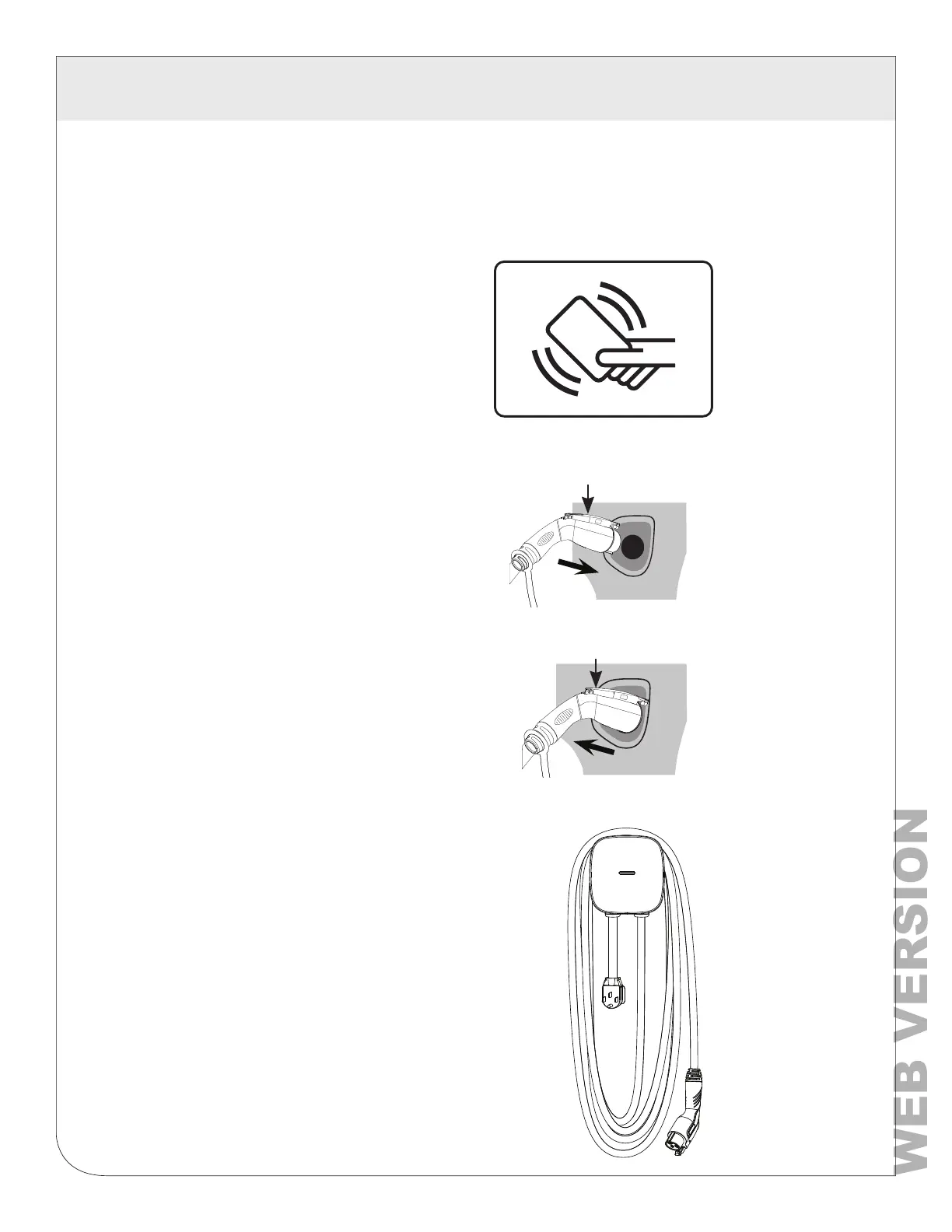
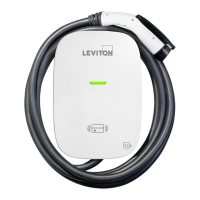
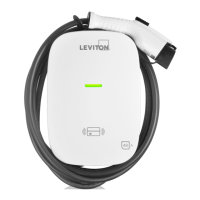
TAP your RFID card to the front of the
charger over the image of the RFID.
The POWER light will turn solid green
when the RFID card has enabled the
unit to charge.
2. Start charging.
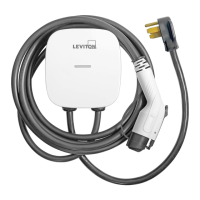
Press and hold the black button on the
top of the charge plug and insert it into
the inlet on your car. Charging starts
automatically. The CHARGE light will
ash green.
3. How to stop and restart.
To stop charging, press black button on top
of charge plug to remove plug. To restart
charging, tap your RFID card, press black
button and reinsert.
4. After charging is complete.
When charging is complete, loop charging
cable over station to prevent tripping hazard.
NOTE: If the charging station is not being
used for an extended period of time, it should
be turned OFF.
Button
Button


 To Next Page