13
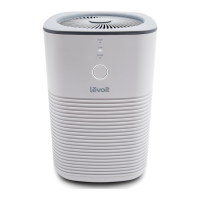
5. Turn on the air purifier by pressing once.
The LED indicator light should blink blue (1 blink per second),
indicating that your air purifier is in Configuration Mode.
A. If the LED indicator light is blinking, tap Next.
B. If the LED indicator light is not blinking, tap
My LED light is not blinking. Press and hold the
power button for 5 seconds, until the LED indicator
light blinks blue (1 blink per second). Then tap It
Started Blinking.
Note: Configuration Mode will turn o after 10 minutes.
A
B


 To Next Page