Notes:
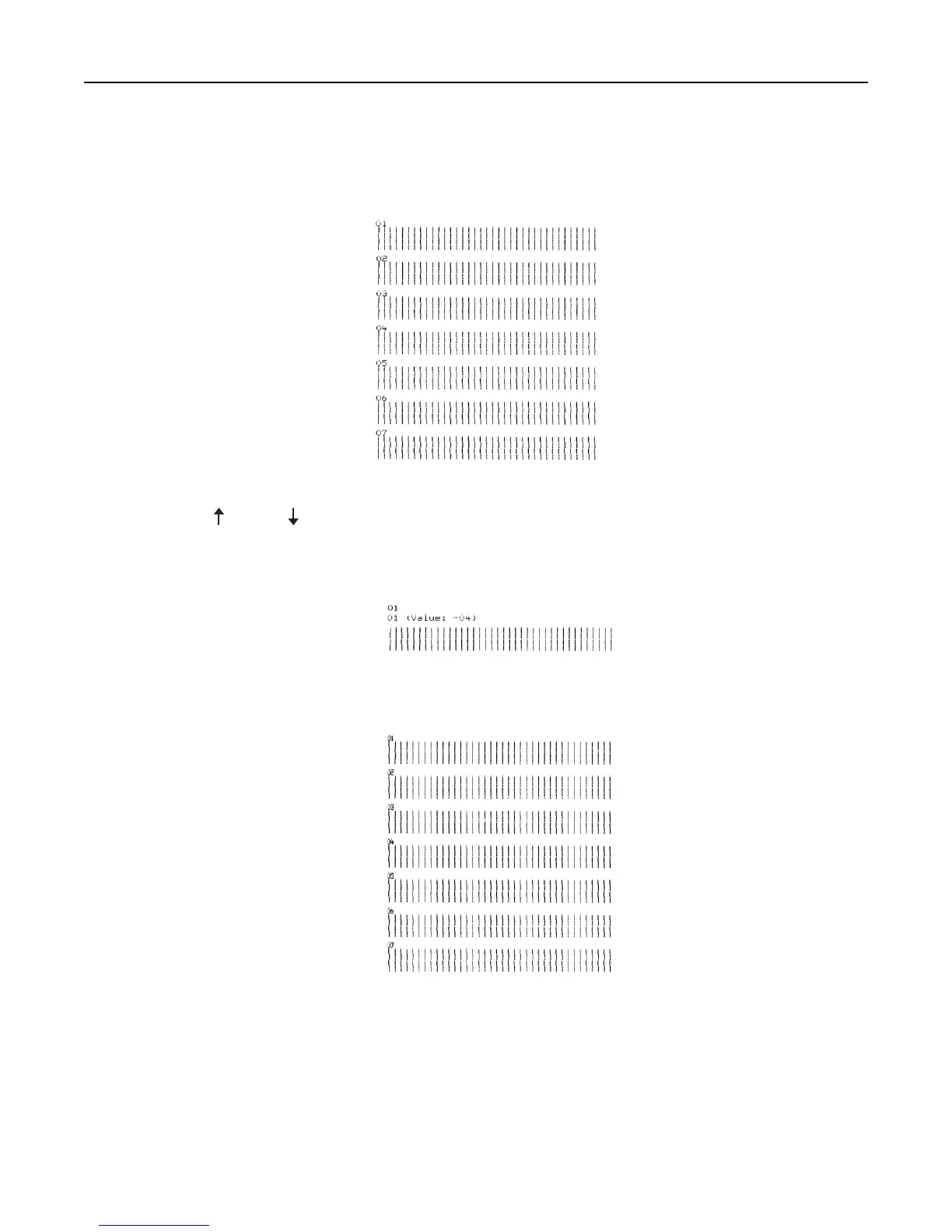
• The draft alignment bars print.
• The current value is the number printed below the bars.
4 To set Draft, select the best row of alignment bars from the 01–07 printout.
a Press Micro or Micro to select the best alignment by number, or keep the current value.
b Press Set TOF to save your selection.
Note: After you make your selection, the printer prints a single row showing the current alignment setting.
c The printer automatically starts printing the alignment bars for NLQ.
Note: The current value is the number printed below the bars.
Troubleshooting 65



 To Next Page