189
4-5. Using the driving support systems
4
Driving
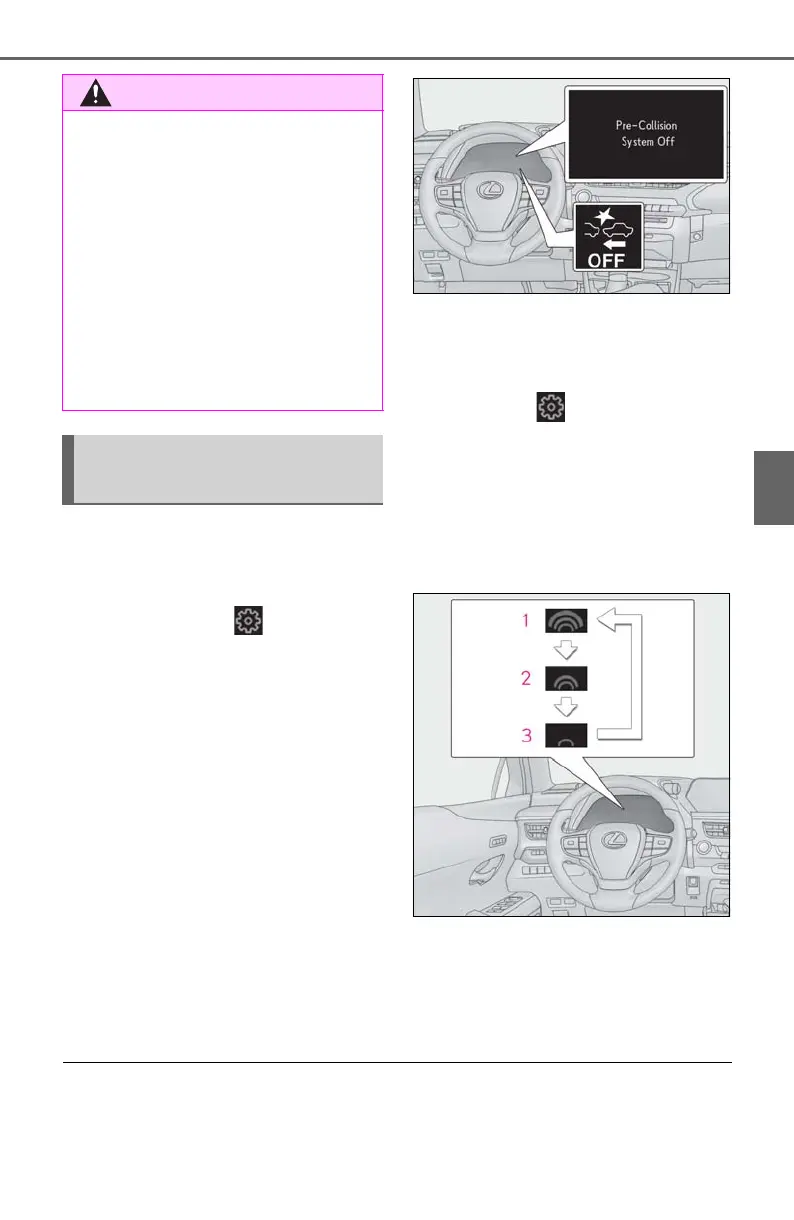
■ Enabling/disabling the pre-colli-
sion system
The pre-collision system can be
enabled/disabled on (P.79) of
the multi-information display.
The system is automatically enabled each
time the engine switch is turned to ON.
If the system is disabled, the PCS warn-
ing light will turn on and a message will
be displayed on the multi-information
display.
■ Changing the pre-collision warn-
ing timing
The pre-collision warning timing can
be changed on (P.79) of the
multi-information display.
The warning timing setting is retained
when the engine switch is turned off. How-
ever, if the pre-collision system is disabled
and re-enabled, the operation timing will
return to the default setting (middle).
1 Early
2 Middle
This is the default setting.
3 Late
■ Operational conditions
The pre-collision system is enabled and the system determines that the possibility of a fron-
tal collision with a detected object is high.
● When the tires are very worn
● When tires of a size other than speci-
fied are installed
● When tire chains are installed
● When a compact spare tire or an
emergency tire puncture repair kit is
used
● If equipment (snow plow, etc.) that
may obstruct the radar sensor or front
camera is temporarily installed to the
vehicle
Changing settings of the pre-
collision system



 To Next Page