338
6-3. Do-it-yourself maintenance
sary to register the ID code.
When registering the ID codes, per-
form the following procedure.
1 Park the vehicle in a safe place, wait
for approximately 20 minutes, and
then start the engine. (P.152)
2 Press or of the meter con-
trol switches and select .
3 Press or of the meter con-
trol switches and select “Vehicle
Settings”, then press “OK”.
4 Press or of the meter con-
trol switches and select “TPWS”,
then press “OK”.
5 Press or of the meter con-
trol switches and select “Change
Wheel Set”. Then press and hold
“OK” until the tire pressure warn-
ing light starts slowly blinking 3
times.
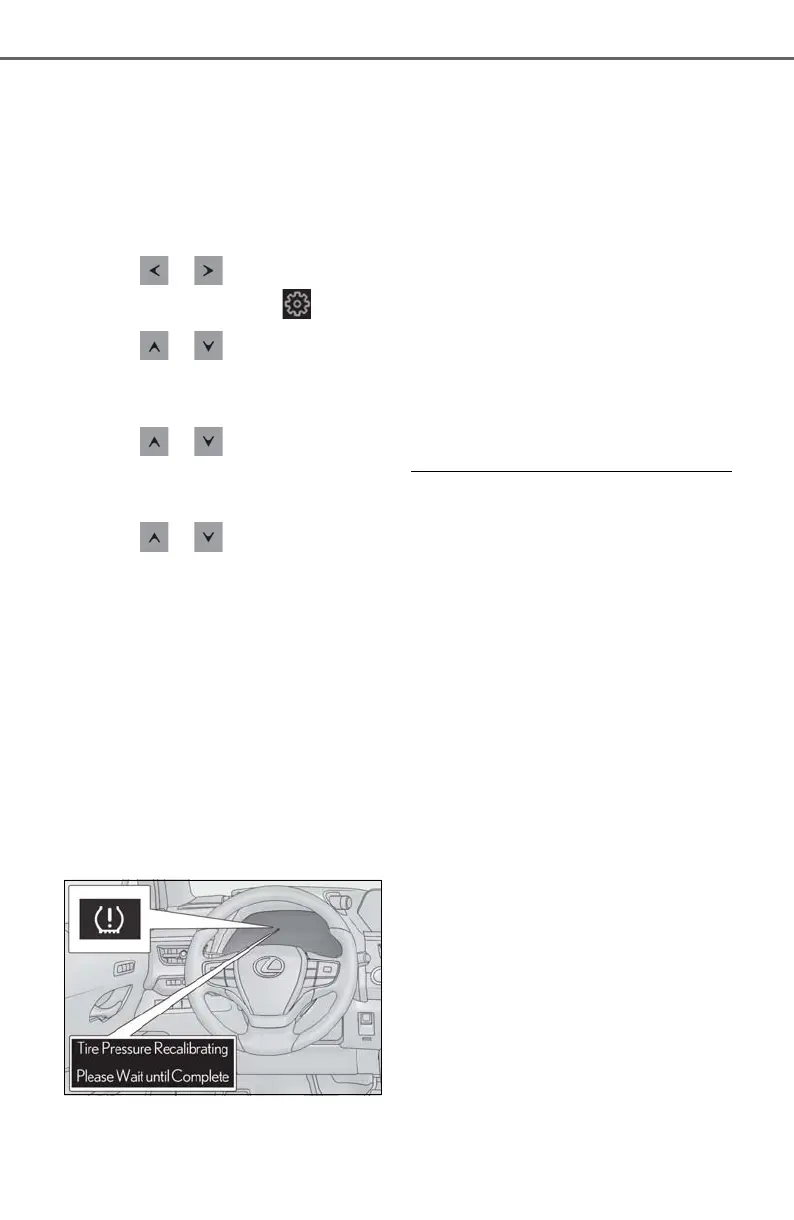
Then a message will be displayed on the
multi-information display.
When registration is being performed, the
tire pressure warning light will blink for
approximately 1 minute then illuminate and
“- -” will be displayed for the inflation pres-
sure of each tire on the multi-information
display.
6 Drive at 25 mph (40 km/h) or
more for approximately 10 to 30
minutes.
Registration is complete when the tire
pressure warning light turns off and the
inflation pressure of each tire is displayed
on the multi-information display.
Even if the vehicle is not driven at approxi-
mately 25 mph (40 km/h) or more, regis-
tration can be completed by driving for a
long time. However, if registration does
not complete after driving for 1 hour or
more, perform the procedure again from
the beginning.
7 Initialize the tire pressure warning
system. (P.336)
■ When registering ID codes
● ID code registration is performed while
driving at a vehicle speed of approxi-
mately 25 mph (40 km/h) or more.
● Before performing ID code registration,
make sure that no wheels with tire pres-
sure warning valve and transmitters
installed are near the vehicle.
● Make sure to initialize the tire pressure
warning system after registering the ID
codes. If the system is initialized before
registering the ID codes, the initialized
values will be invalid.
● ID codes can be registered by yourself,
but depending on the driving conditions
and driving environment, registration
may take some time to complete.
■ Canceling ID code registration
● To cancel ID code registration after it has
been started, turn the engine switch off
before driving the vehicle.
If the vehicle is driven after ID code regis-
tration is started, to cancel registration,
perform the ID code registration start
procedure again and turn the engine
switch off before driving.
● If ID code registration has been can-
celed, the tire pressure warning light will
blink for approximately 1 minute when the
engine switch is turned to ON and then
illuminate. The tire pressure warning sys-



 To Next Page