79
2-1. Instrument cluster
2
Vehicle status information and indicators
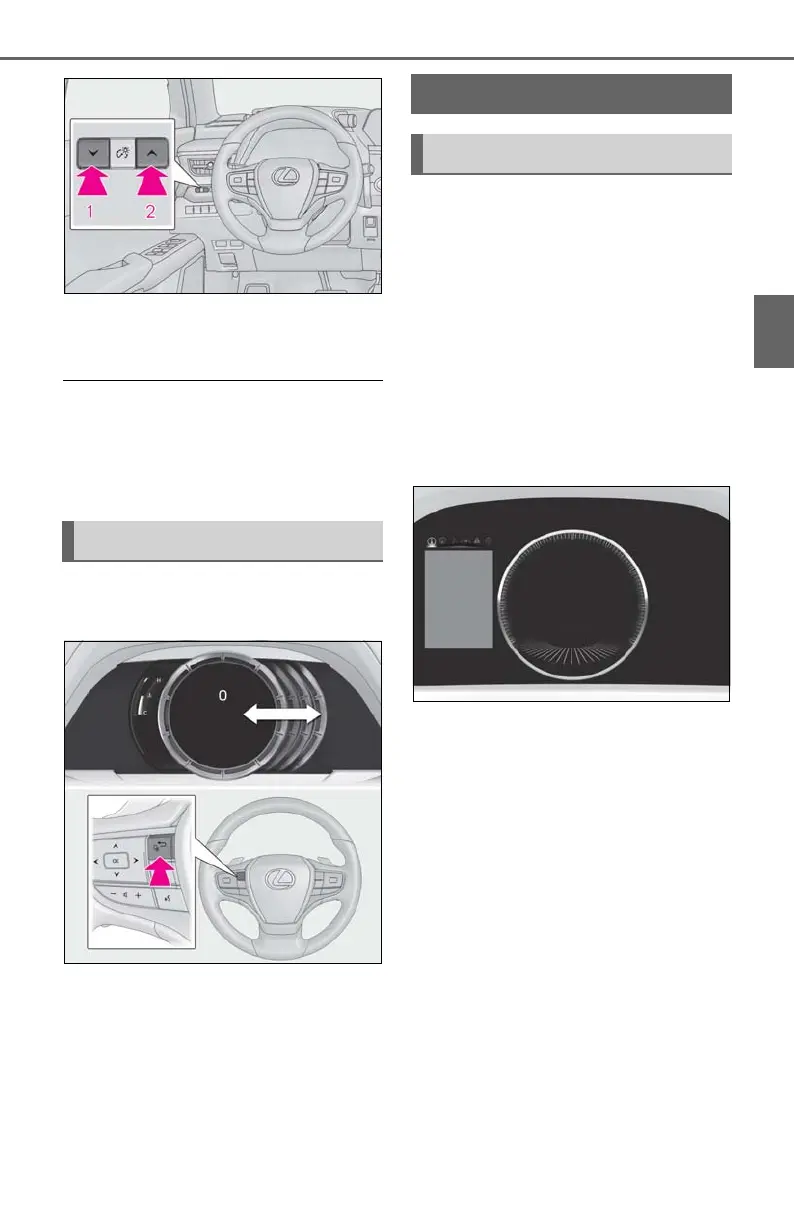
1 Darker
2 Brighter
■ Instrument panel brightness adjustment
The instrument panel brightness levels
when the surroundings are bright (daytime
etc.) and dark (nighttime etc.) can be
adjusted individually.
The display can be switched between
the center and side positions.
■ Display (except F SPORT models)
By selecting menu icons on the multi-
information display, a variety of driv-
ing-related information can be dis-
played. The multi-information display
can also be used to change display set-
tings and other vehicle settings.
Warning or suggestion/advice pop-up
displays are also displayed in certain
situations.
■ Display (F SPORT models)
When the main meter is in the cen-
ter position
The multi-information display presents
the driver with a variety of driving-
related information.
Warning or suggestion/advice pop-up
displays are also displayed in certain
situations.
Changing the display
Multi-information display
Display and menu icons



 To Next Page