20
ENG
ENGLISH
CUSTOMIZING SETTINGS
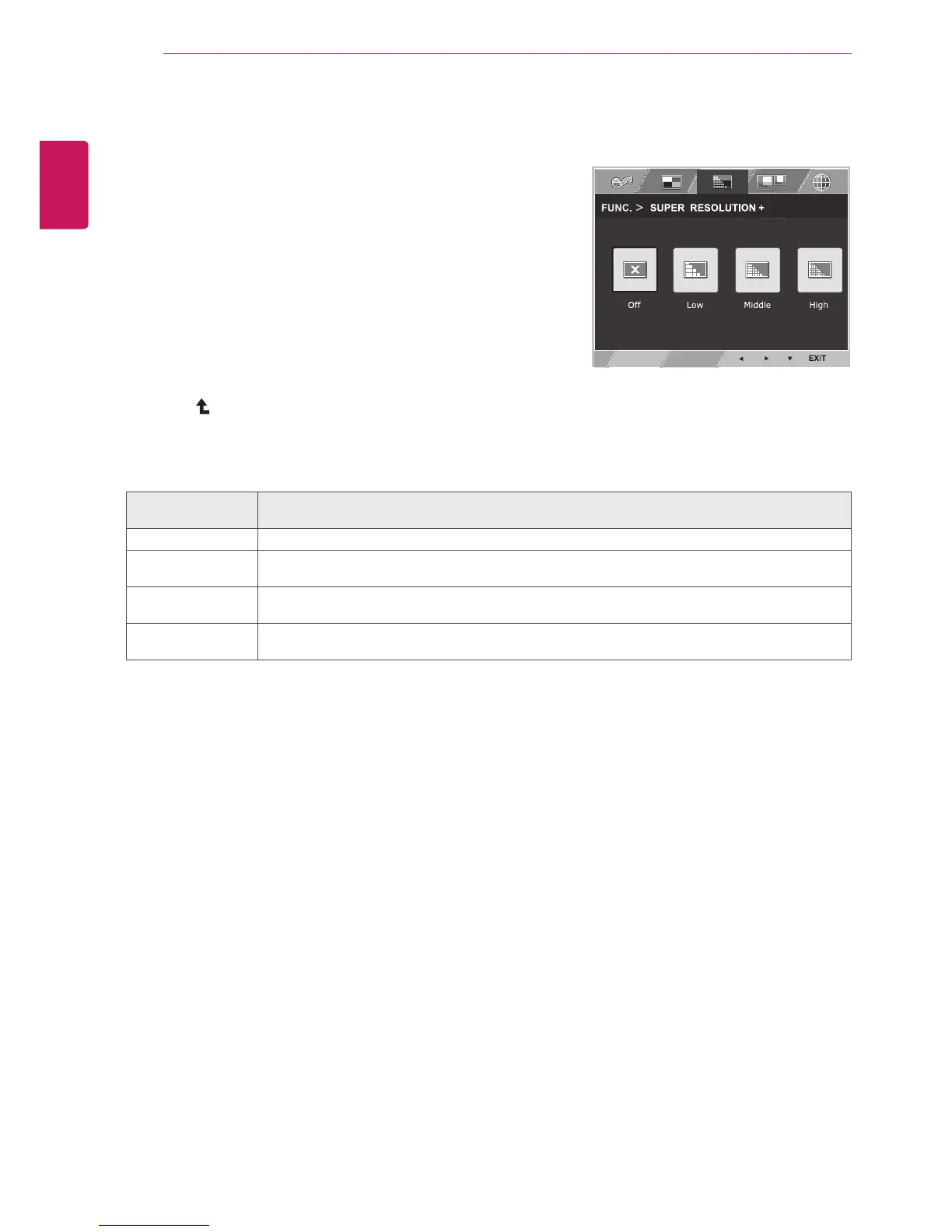
SUPERRESOLUTION+
1
Press
FUNC.
buttonontherearoftheMonitorsetto
displaythe
FUNC.
OSD.
2
Select
SUPERRESOLUTION+
bypressingthe►
button.
3
Enterto
SUPERRESOLUTION+
bypressingthe▼
button.
4
Settheoptionsbypressingthe◄or►buttons.
5
Select
EXIT
toleavetheOSDmenu.Toreturntothe
uppermenuorsetothermenuitems,usetheup
arrow( )button.
FUNC.>SUPER
RESOLUTION+
Description
Off Selectthisoptionforeverydayviewing.SUPERRESOLUTION+isturnedoffinthismode.
Low Theoptimizedpicturequalityisdisplayedwhenauserwantssmoothandnaturalimages.It
iseffectiveforslow-movingpicturesorstillimages.
Middle Theoptimizedpicturequalityisdisplayedwhenauserwantsimagesbetweenlowand
highmodesforcomfortableviewing.ItiseffectiveforUCCorSDvideo.
High Optimizedpicturequalityisdisplayedwhenauserwantscrystalclearimages.Itiseffective
forhighqualityvideoorgame.
Eachoptionisexplainedbelow.


 To Next Page
 Loading...