28
ENG
ENGLISH
CUSTOMIZING SETTINGS
Eachoptionisdescribedbelow.
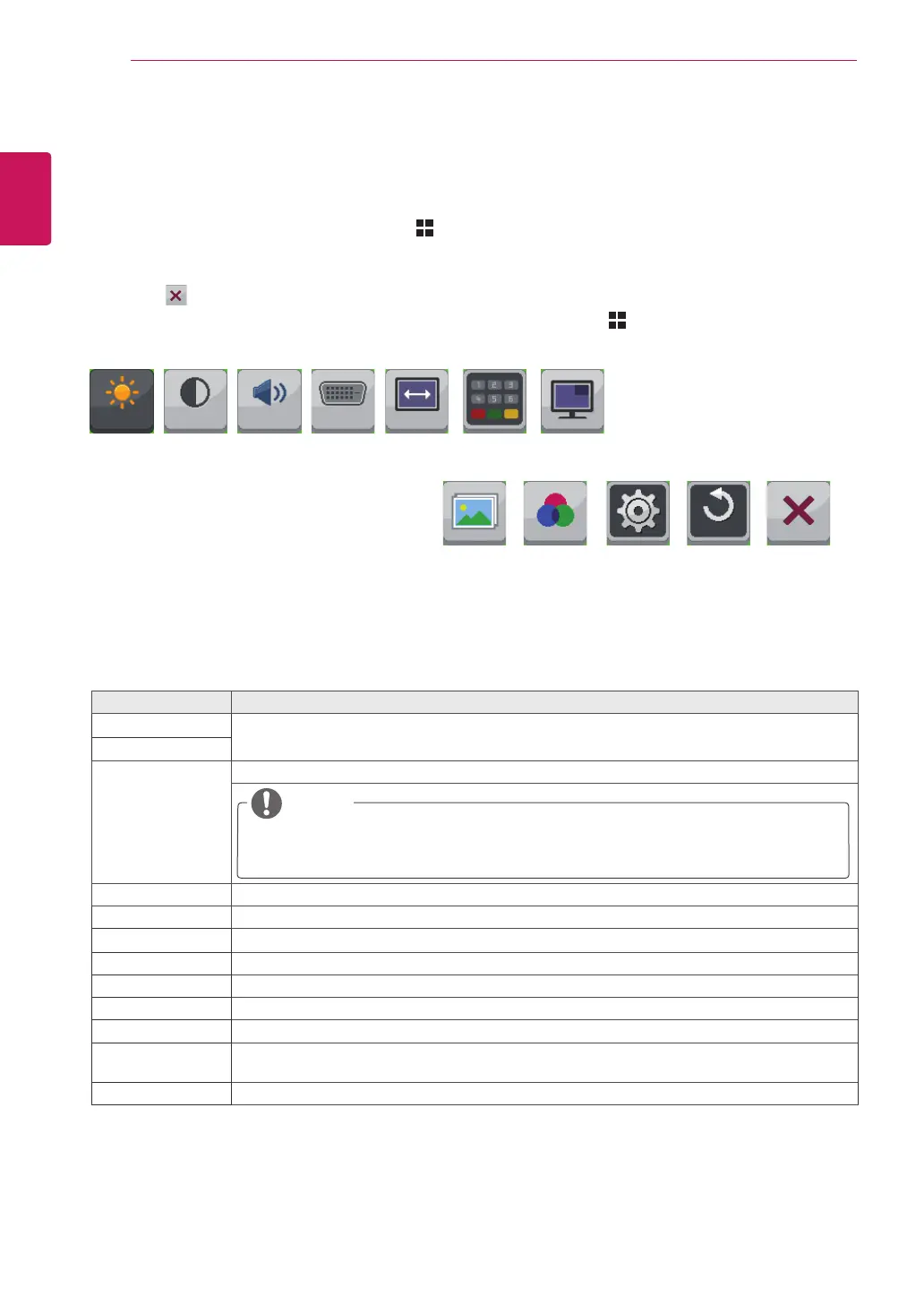
Brightness
Contrast Volume Input Ratio Func. PIP
Menu Description
Brightness
Adjuststhebrightnessandcontrastofthescreen.
Contrast
Volume Adjuststhevolume.
NOTE
SelectingtheOKbuttonintheVolumemenuwillenable/disabletheMute
function.
Input Selectsthecurrentinputmode.
Ratio Adjuststhescreenratio.
Func.
AdjustsECO,calibration,andpicturemode.
PIP Displaysthescreensoftwoinputmodesononemonitor.
Picture Adjuststhesharpness,blacklevel,andresponsetimeofthescreen.
Color Adjuststhegamma,colortemperatureandcolorbalanceofthescreen.
Settings SetstheLanguage,PC/AVmode,MainAudio,ButtonSound,PowerLED,DP1.2andOSDLock.
Reset Resetstothedefaultsettingsasofthedayofpurchase.Pressthe<,>buttonstoresetimmedi-
ately.
Exit ExitstheOSDmenu.
Customizing settings
Menu Settings
1
ToviewtheMenuOSD,presstheMenu( )buttonatthebottomofthemonitor.
2
Usethe<or>buttonstosettheoptions.
3
Select toexittheOSDmenu.
Toreturntotheuppermenuorsetothermenuitems,usetheMenu( )button.
Picture Color Settings Reset Exit
100 70 30 DVI Wide
All



 To Next Page