30
EXTERNAL EQUIPMENT SETUP
EXTERNAL EQUIPMENT SETUP
This function operates in current mode.
To initialise the adjusted value
It is not possible to use ISM Method and Low power in
LCD TV models.
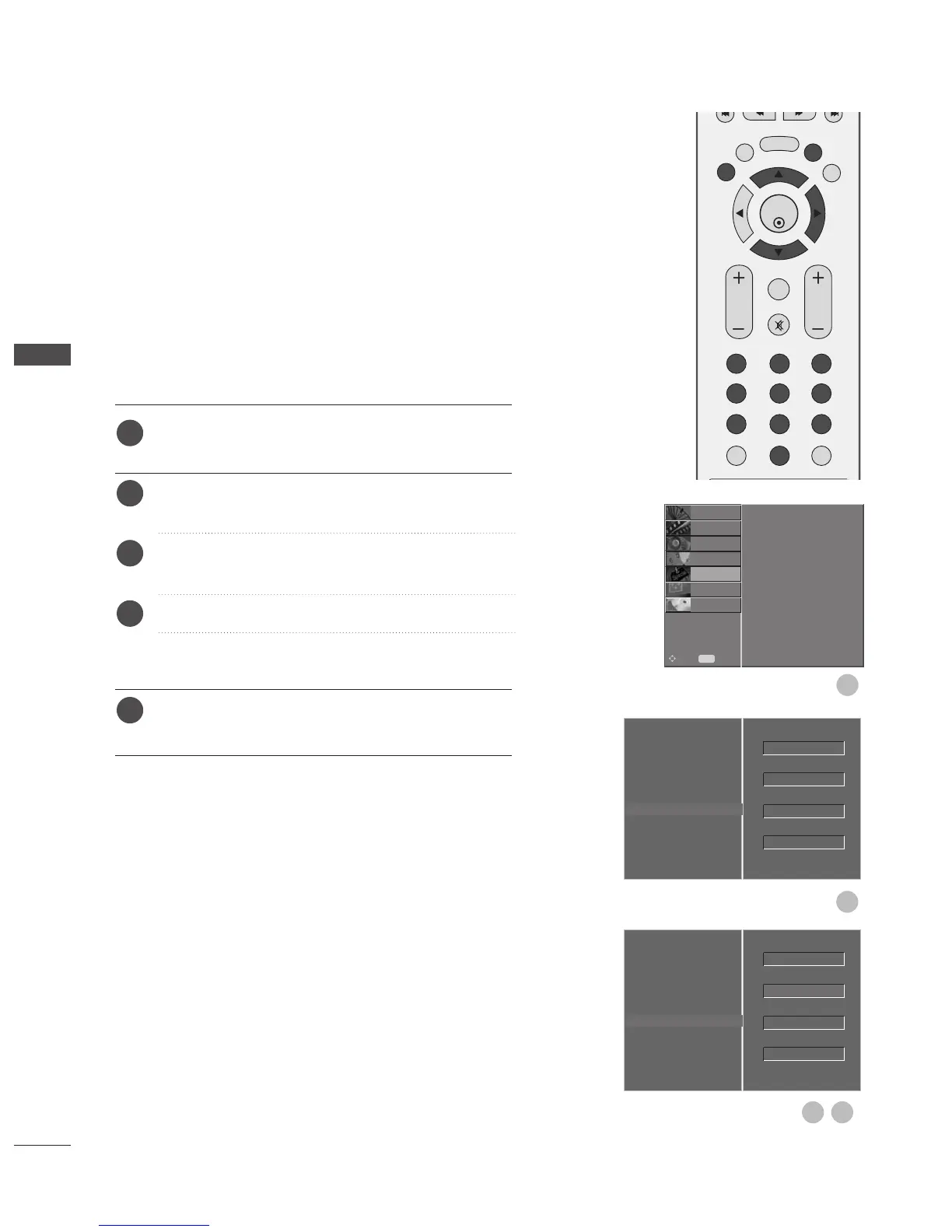
Press the MENU button and then
D
or
E
button to
select the OPTION menu.
Press the
G
button and then
D
or
E
button to select
Factory Mode.
Press the
G
button and then
D
or
E
button to select
Factory Reset.
Press the
G
button.
The message “If you enter a password, all user
setting will be reset” will appear.
Use NUMBER buttons to input a 4-digit password.
The TV is set up with the initial password “0-0-0-0”.
Initialising
(Reset to original factory settings)



 To Next Page