92
SOUND & LANGUAGE CONTROL
ON-SCREEN MENU LANGUAGE /
COUNTRY SELECTION
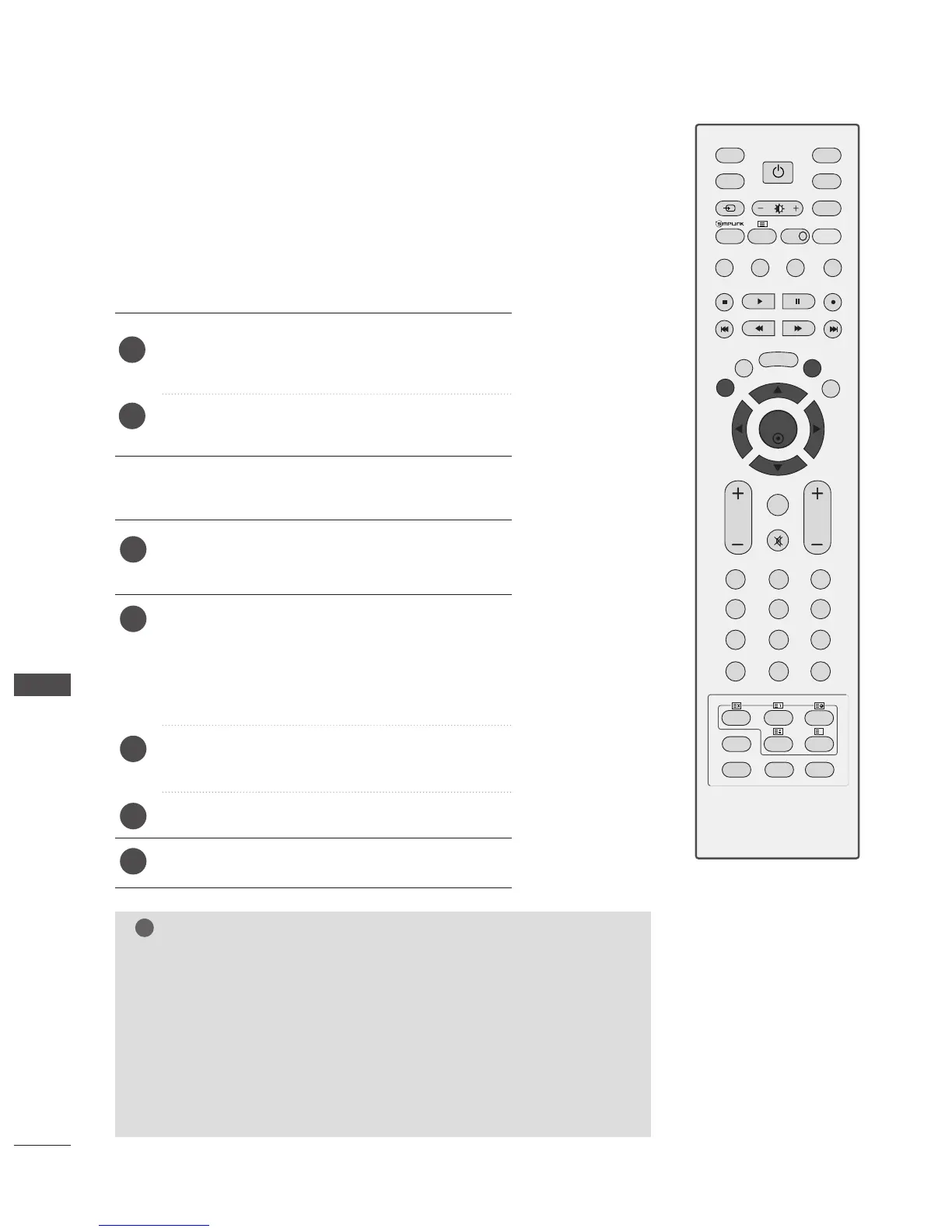
Press the
MMEENNUU
button and then use
DD
or
EE
button
to select the OPTION menu.
Press the G button and then use
DD
or
EE
button to
select
Language. The menus can be shown on the
screen in the selected language.
Or, Press the
G button and then use
DD
or
EE
button
to select
Country.
Press the
G button and then use
FF
or
GG
button to
select your desired language or country.
Press the
OO KK
button.
Press the
EEXXIITT
button to return to normal TV viewing.
1
2
3
4
5
The installation guide menu appears on the TV screen when it
is switched on for the first time.
Press the
DD
or
EE
or F or G button and then,
OO KK
button to select your desired language.
Press the
DD
or
EE
button and then,
OOKK
button to
select your country.
1
2
** IIff yyoouu wwaanntt ttoo cchhaannggee LLaanngguuaaggee// CCoouunnttrryy sseelleeccttiioonn
NOTE
GG
If you do not finish the set-up
IInnssttaallllaattiioonn GGuuiiddee
by pressing
EEXXIITT
or if you time out on the OSD (On Screen Display) the installation
menu will continuously appear until the set up is completed whenever
the TV is switched on.
GG
If you select the wrong local country, teletext may not appear correctly
on the screen and some problems may occur during teletext operation.
GG
The CI (Common Interface) function may not be applied based on
country broadcasting circumstances.
GG
DTV mode control buttons may not function based on country broadcasting
circumstances.



 To Next Page