88
SOUND & LANGUAGE CONTROL
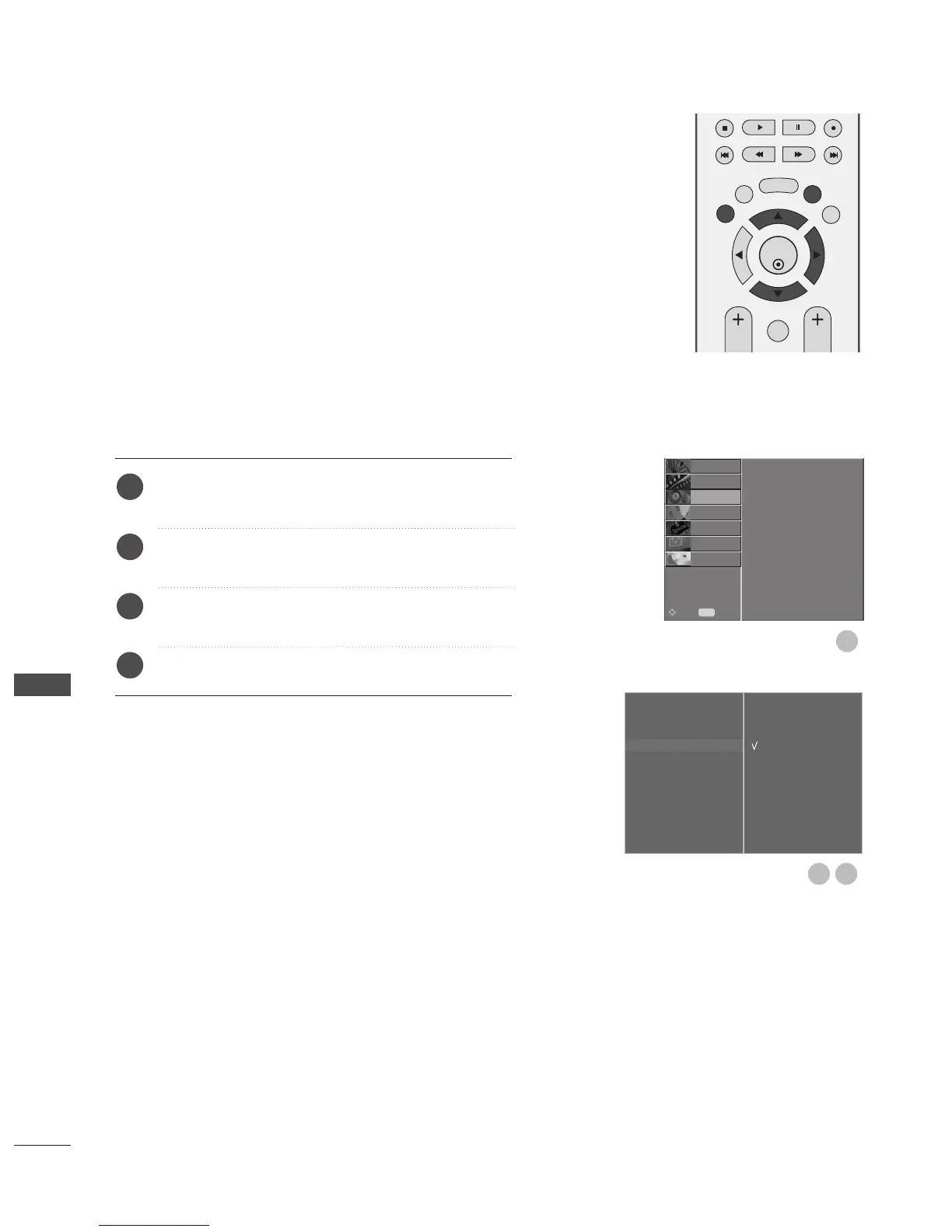
Press the MENU button and then
D
or
E
button to
select the AUDIO menu.
Press the
G
button and then
D
or
E
button to select
TV Speaker
.
Press the
G
button and then
D
or
E
button to select
Off or On.
Press the EXIT button to return to normal TV viewing.
You can adjust the internal speaker status.
In
AAVV11,, AAVV22,, AAVV33,, CCOOMMPPOONNEENNTT,, RRGGBB
and
HHDDMMII
with
HHDDMMII
to
DD VVII
cable, the TV speaker can be operational
even when there is no video signal.
If you wish to use an external hi-fi system, turn off the TV
internal speakers.
TV SPEAKERS ON/ OFF SETUP
Sound Mode
Auto Volume
Balance 0
TV Speaker
G
Digital Audio Out
Off
On



 To Next Page