59
DVR (DIGITAL VIDEO RECORDER)
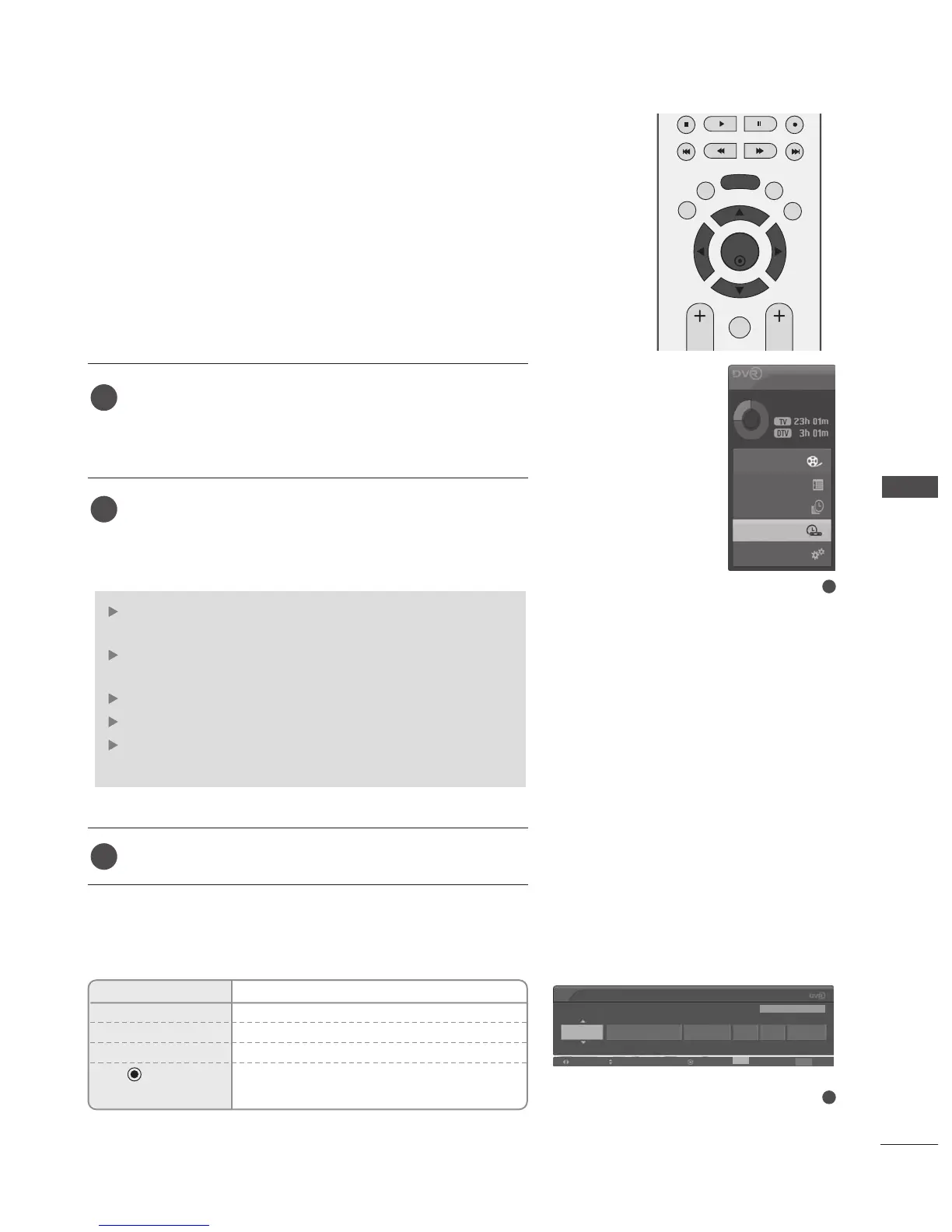
MANUAL RECORDING
This function is used to perform reserved recording.
This function is available in the DVR menu.
When Manual Recording,the default sound of the TV is stored.
Press the
DD VVRR
button to display
HHoommee
menu. Use the
DD
or
EE
button to select the
MMaannuuaall RReeccoorrdd
and then
use the
OO KK
or
GG
button.
The
MMaannuuaall RReeccoorrdd
screen is displayed as shown below.
Use the
DD
or
EE
or
FF
or
GG
button to set the
IInnppuutt
,
PPrrooggrraammmmee
,
DDaattee
,
SSttaarrtt//EEnndd
,
RReeppeeaatt
.
After setting the
MMaannuuaall RReeccoorrdd
, press the
OO KK
button.
IInnpp uutt
: Select the input source from the DTV, RADIO,
TV, AV1, AV2, AV3.
PPrrooggrraammmmee
: Select either the current programme or a
scanned programme.
DDaattee
: You can select a date up to one month in advance.
SSttaarrtt//EEnndd
: Ensure you have set these correctly.
RReeppeeaatt
: Choose either Once, Daily, Weekly, Weekend,
Weekday.
2
3
1
2
1
Home
Free Space
Programme Guide
Recorded TV
Schedule List
Manual Record
TV Menu
Button Function in Manual Record Mode
Remote Control Buttons
Function
D
or
E
Select required items with Up/down button.
F
or
G
Selects the required fields.
EXIT OSD disappears.
Displays the reservation list after the
recording has been registered.
Manual Record
Input
Programme Date Start End Repeat
DTV 1 BBC ONE
Navigation Modify Enter Cancel
Exit
Exit
Fri Mar 30 10:26 10:56 Once
Fri Mar 30 10:24



 To Next Page