29
To view a normal picture, match the resolution of RGB
mode and selection of XGA mode
This function works in the following mode: RGB[PC] mode
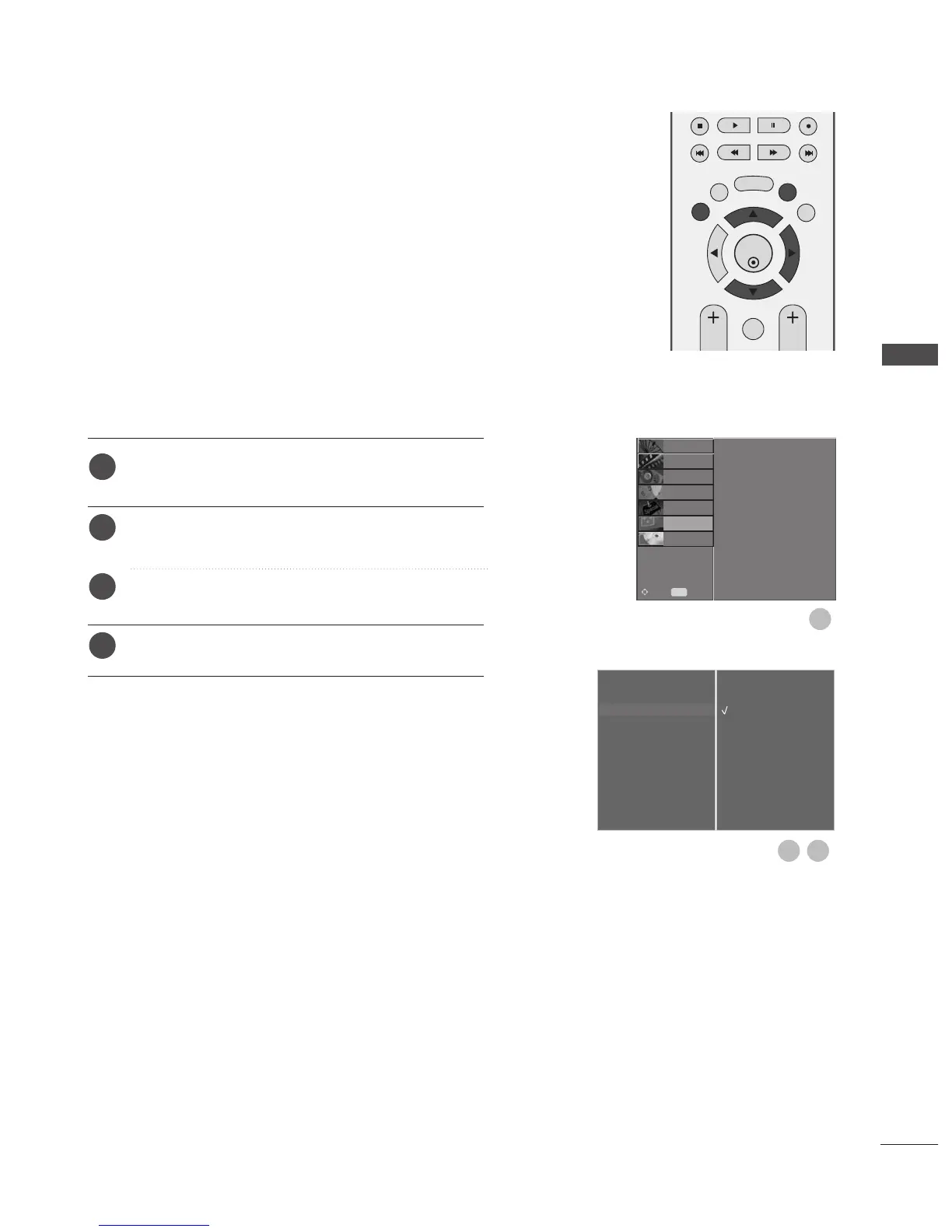
Press the MENU button and then use
D
or
E
button
to select the SCREEN menu.
Press the
G
button and then use
D
or
E
button to
select XGA Mode.
Press the
G
button and then use
D
or
E
button to
select the desired XGA resolution.
Press the EXIT button to return to normal TV viewing.
Selecting Wide XGA mode
Auto Config.
Manual Config.
XGA Mode
G
Aspect Ratio
Reset
1024 X 768
1280 X 768
1360 X 768
1366 X 768



 To Next Page