93
SOUND & LANGUAGE CONTROL
Press the
MMEENNUU
button and then use
D
or
E
button to select
the OPTION menu.
Press the G button and then use
D
or
E
button to select
LLaanngguuaaggee
.
Press the
G button and then use
D
or
E
button to select
AAuuddiioo
,
SSuubbttiittllee
or
SSuubbttiittllee HHaarrdd ooff hheeaarriinngg
.
Press the
G button and then use
F
or
G
button to select
your desired language.
Press the
EEXXIITT
button to return to normal TV viewing.
The
AAuuddiioo
function allows selection of a preferred language.
If audio
data in a selected language is not broadcast, the default language
audio will be played.
Use the
SSuubbttiittllee
function when two or more subtitle languages are
broadcast. If subtitle data in a selected language is not broadcast, the
default language subtitle will be displayed.
LANGUAGE SELECTION
(IN DIGITAL MODE ONLY)
1
2
3
4
5
OK
EXIT
TIME
SHIFT
TIME
SHIFT
VOL PR
GUIDE
BACK MENU
DVR
123
456
MUTE
MARK
FAV
INDEX
SLEEP
HOLD
REVEAL
?
SUBTITLE
RATIO
UPDATE
TIME
I/II
< Audio Language Selection >
GG
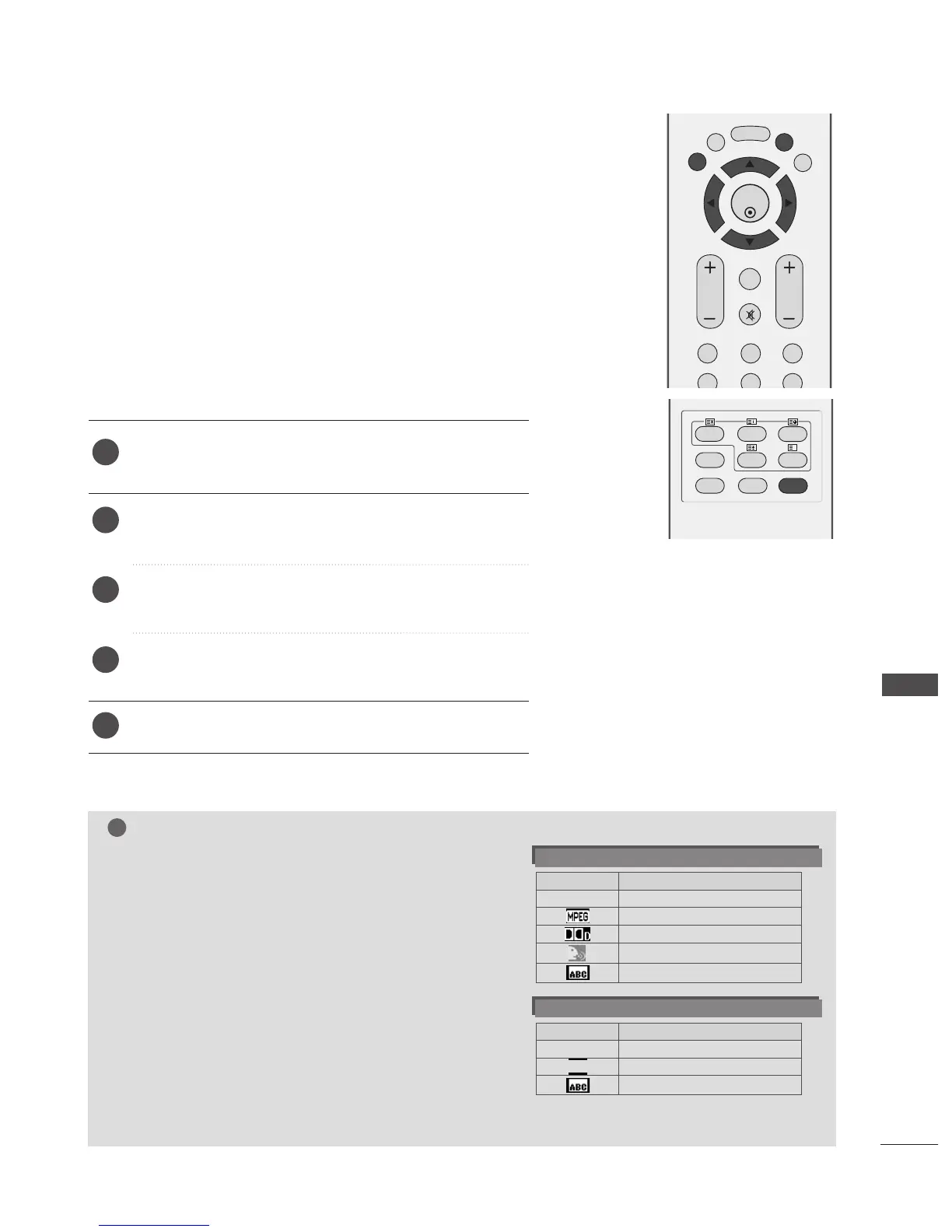
When two or more audio languages are broadcast, you can
select the audio language with the I/II button on the
remote control.
GG
Press the
D
or
E
button to select an audio language.
GG
Press the
F
or
G
button to select L+R, L+L or R+R.
- The audio/subtitles can be displayed in a simpler form with 1 to 3 characters broadcast by the service provider.
-When you select supplementary Audio (Audio for “Visual/Hearing Impaired”) the TV may output a part of the Main audio.
Audio Language OSD Information
Status
Not Available
MPEG Audio
Dolby Digital Audio
Audio for “Visual Impaired”
Audio for “Hearing Impaired”
Display
N.A
< Subtitle Language Selection >
GG
When two or more subtitle languages are broadcast, you
can select the subtitle language with the SUBTITLE button
on the remote control.
GG
Press the
D
or
E
button to select a subtitle language.
Subtitle Language OSD Information
Status
Not Available
Teletext Subtitle
Subtitle for “Hard of Hearing”
Display
N.A



 To Next Page