33
Firstly, connect the power cord correctly.
At this stage, the TV switches to standby mode.
In standby mode to turn TV on, press the
rr
/ I, INPUT or
PR
D
or
E
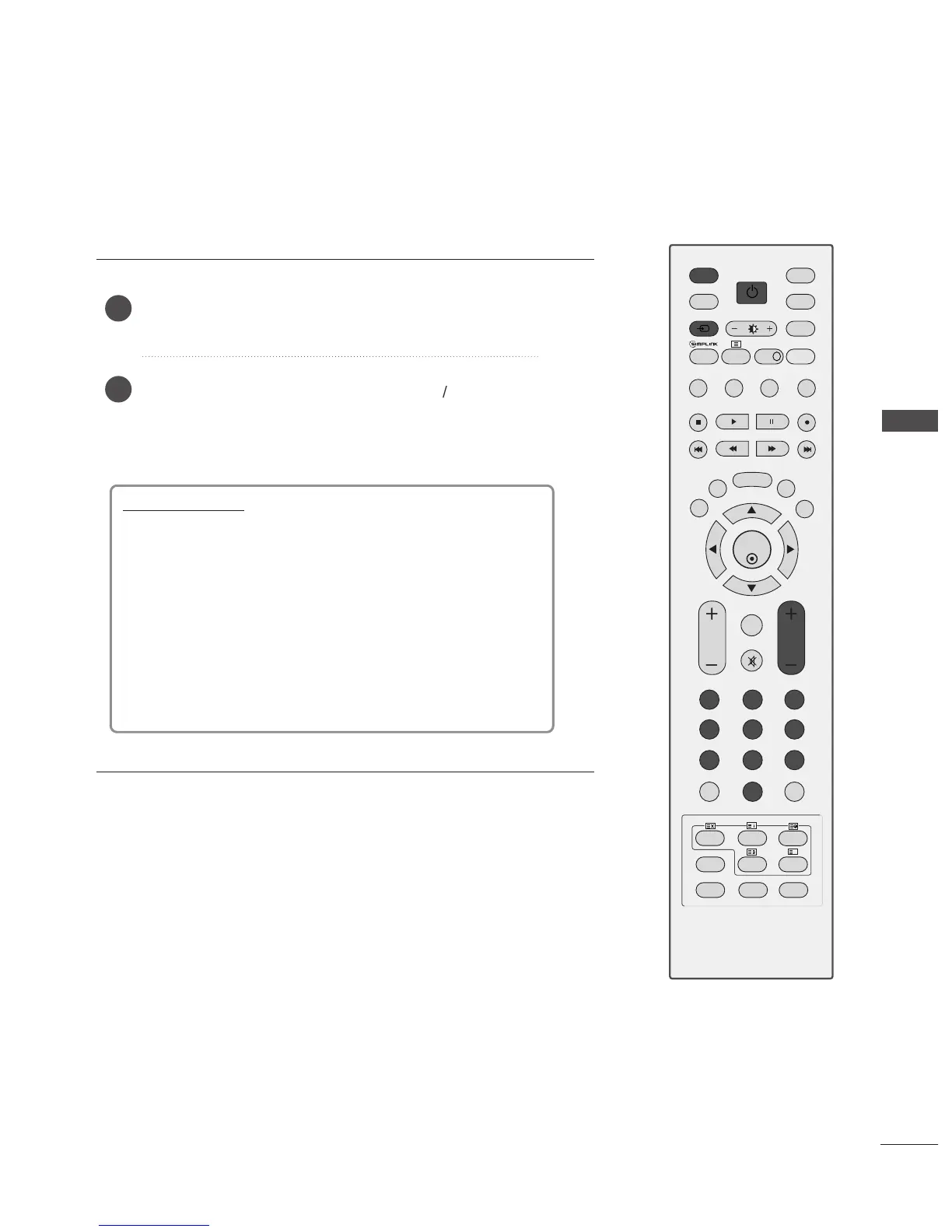
button on the TV or press the POWER,
INPUT, D/A, PR + or - or NUMBER button on the remote
control and the TV will switch on.
2
1
TURNING ON THE TV
Initialising setup
Note:
a. It will automatically disappear after approx. 40 seconds
unless a button is pressed.
b. Press the BACK button to change the current OSD to
the previous OSD.
If the OSD (On Screen Display) is displayed on the screen
after turning on the TV, you can adjust the Language,
Country, Time Zone, Auto programme tuning.
- When your TV is turned on, you will be able to use its features.
WATCHING TV / PROGRAMME CONTROL



 To Next Page