50
WATCHING TV /PROGRAMME CONTROL
WATCHING TV / PROGRAMME CONTROL
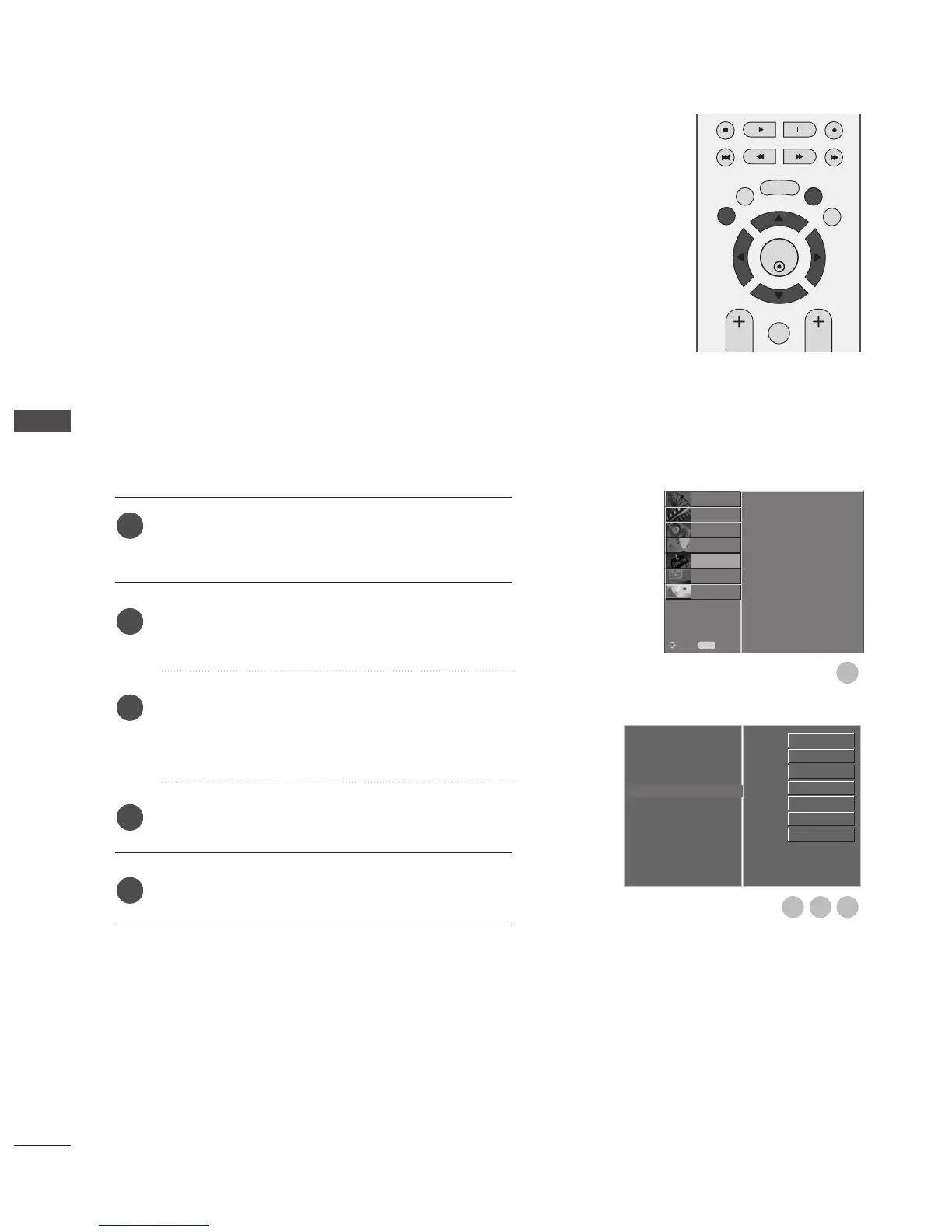
Selects a label for each input source which is not in use.
Press the
MMEENNUU
button and then use
D
or
E
button
to select the OPTION menu.
Press the
G
button and then use
D
or
E
button to
select Input Label.
Press the
G
button and then use
D
or
E
button to
select the source: AV1, AV2, AV3, Comp., RGB,
HDMI1 or HDMI2.
Press the
F
or
G
button to select the label.
Press EXIT button to return to normal TV viewing.
INPUT SOURCE SELECTION
Language
Country
Lock System
Parental Control
Input Label
G
SIMPLINK
Factory Mode
AV1
AV2
AV3
Comp.
RGB
HDMI1
HDMI2



 To Next Page