48
WATCHING TV /PROGRAMME CONTROL
WATCHING TV / PROGRAMME CONTROL
A Moving a programme
Select a programme to be moved with
D
or
E
or
F
or
G
button.
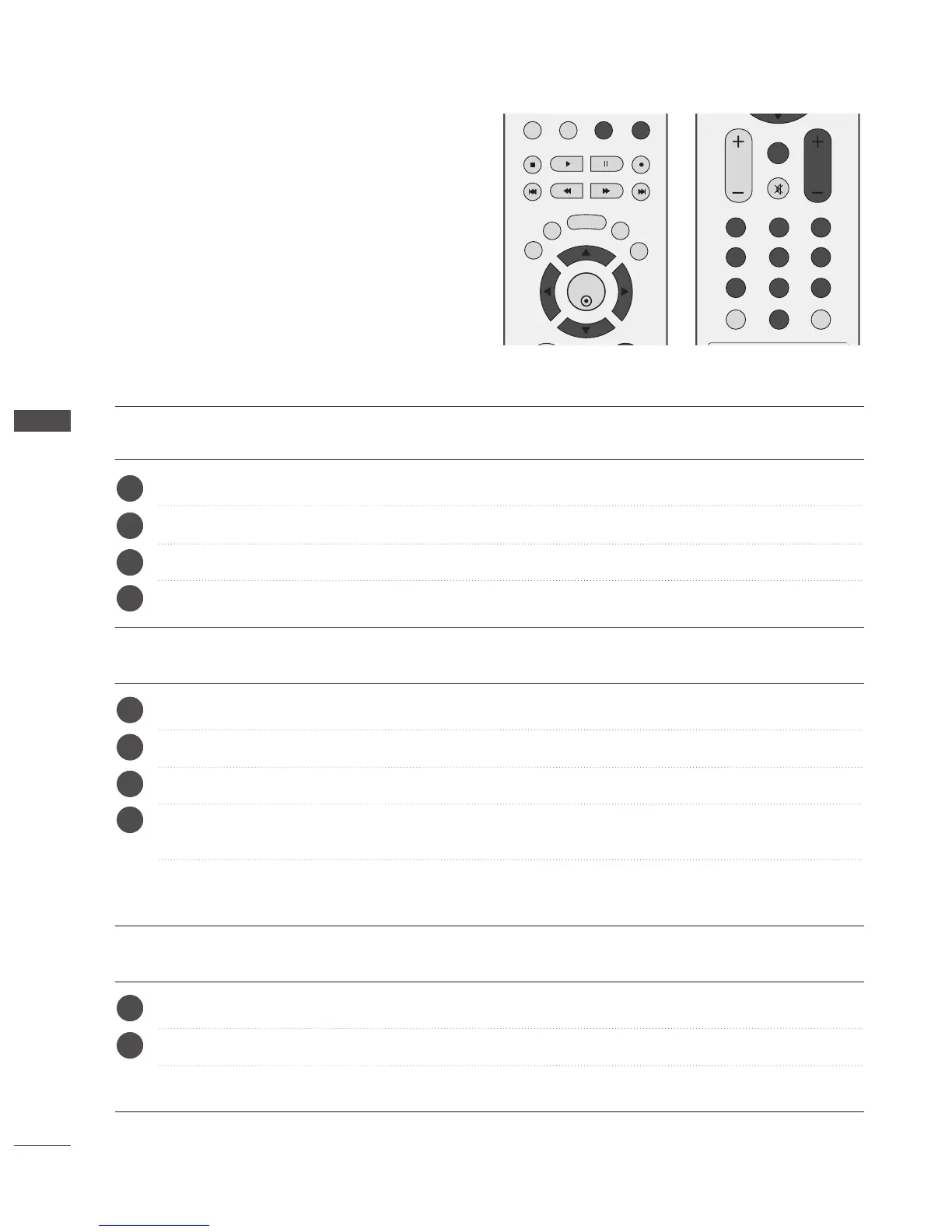
Press the YELLOW button.
Move the programme to the desired programme number with the
D
or
E
or
F
or
G
button.
Press the YELLOW button again to release this function.
A Skipping a programme number
Select a programme number to be skipped with
D
or
E
or
F
or
G
button.
Press the BLUE button. The skipped programme number turns to blue.
Press the BLUE button to release the skipped programme.
When a programme number is skipped it means that you will be unable to select it using the PR + or -
button during normal TV viewing.
If you wish to select the skipped programme, directly enter the programme number with the NUMBER
buttons or select it in the programme edit or table menu.
A Selecting a Favourite Programme
Select your favourite programme number with
D
or
E
or
F
or
G
button.
Press the FAV button.
The selected programme will be added to the favourite programme list.
a
b
c
d
a
b
a
b
c
d



 To Next Page