PIP/DW operation
PIP (Picture in Picture) displays a picture within a picture.
Main Picture Source Selection
Inputs can be set for TV, AV1, AV2, AV3, S-Video, RGB or DVI
mode. AV mode is used when a video cassette recorder (VCR), or
other equipment is connected to the set.
Note : When a VCR is connected via the aerial socket the set is
used in TV mode. See the ‘Connection of external equipment’ sec-
tion.
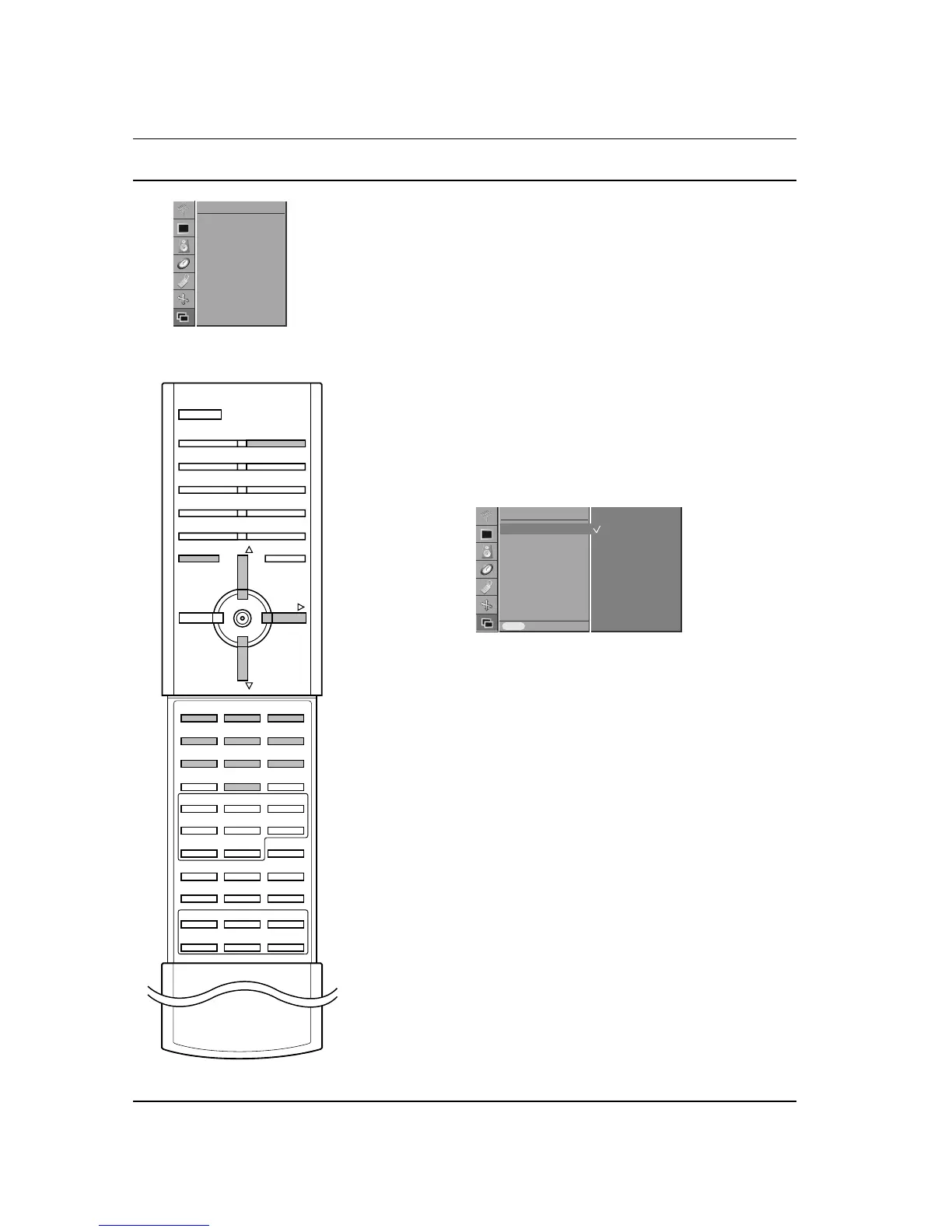
1. Press the MENU button and then
D
/
E
button to select the
PIP/DW menu.
2. Press the G button and then
D
/
E
button to select Input.
3. Press the G button and then
D
/
E
button to select TV, AV 1 ,
AV 2 , AV 3 , S-Video, RGB
or DVI.
AV1 : VCR connected to the Euro scart socket 1 on the set
AV2 : VCR connected to the Euro scart socket 2 on the set
AV3 : VCR connected to the Euro scart socket 3 on the set
S-Video : S-VIDEO VCR connected to the S-VIDEO sockets on
the set
RGB : PC connected to the RGB socket on the set
DVI : Digital PC connected to the DVI socket on the set
4. Press the MENU button to save.
You can select the TV, AV1, AV2, AV3, S-Video, RGB or DVI mode
by pressing the INPUT SELECT button.
In AV1, AV2, AV3, S-Video, RGB or DVI mode, press the
D
/
E
or
NUMBER buttons to return to TV mode.
Auto AV switching
If your VCR outputs an AV switching signal via the Scart lead the
set will auto switch to AV 1 , AV 2 , AV 3 mode on start of playback,
but if you want to keep on watching in TV mode, press the
D
/
E
or
NUMBER buttons. Press the INPUT SELECT button to return to AV
modes.
26



 To Next Page