Command Reference List
Transmission / Receiving Protocol
T
ransmission
*
[Command 1] : First command to control set.
(j or k)
*
[Command 2] : Second command to control set.
*
[Set ID] : You can adjust the set ID to choose
desired monitor ID number in spe-
cial menu. See previous page.
Adjustment range is 1 ~ 99.
When selecting Set ID ‘0’, every
connected set is controlled.
Set ID is indicated as decimal
(1~99) on menu and as Hexa
decimal (0x0~0x63) on transmis-
sion/receiving protocol.
*
[DATA] : To transmit command data.
Transmit ‘FF’ data to read status
of command.
*
[Cr] : Carriage Return ASCII code
‘0x0D’
*
[ ] : ASCII code ‘space (0x20)’
OK
Acknowledgement
* The Monitor transmits ACK (acknowledgement)
based on this format when receiving normal data.
At this time, if the data is data read mode, it indi-
cates present status data. If the data is data write
mode, it returns the data of the PC computer.
Error
Acknowledgement
* The Monitor transmits ACK (acknowledgement)
based on this format when receiving abnormal
data from non-viable functions or communication
errors.
Data 1 : illegal code
2 : not support function
3 : wait more time
External Control Device Setup
38
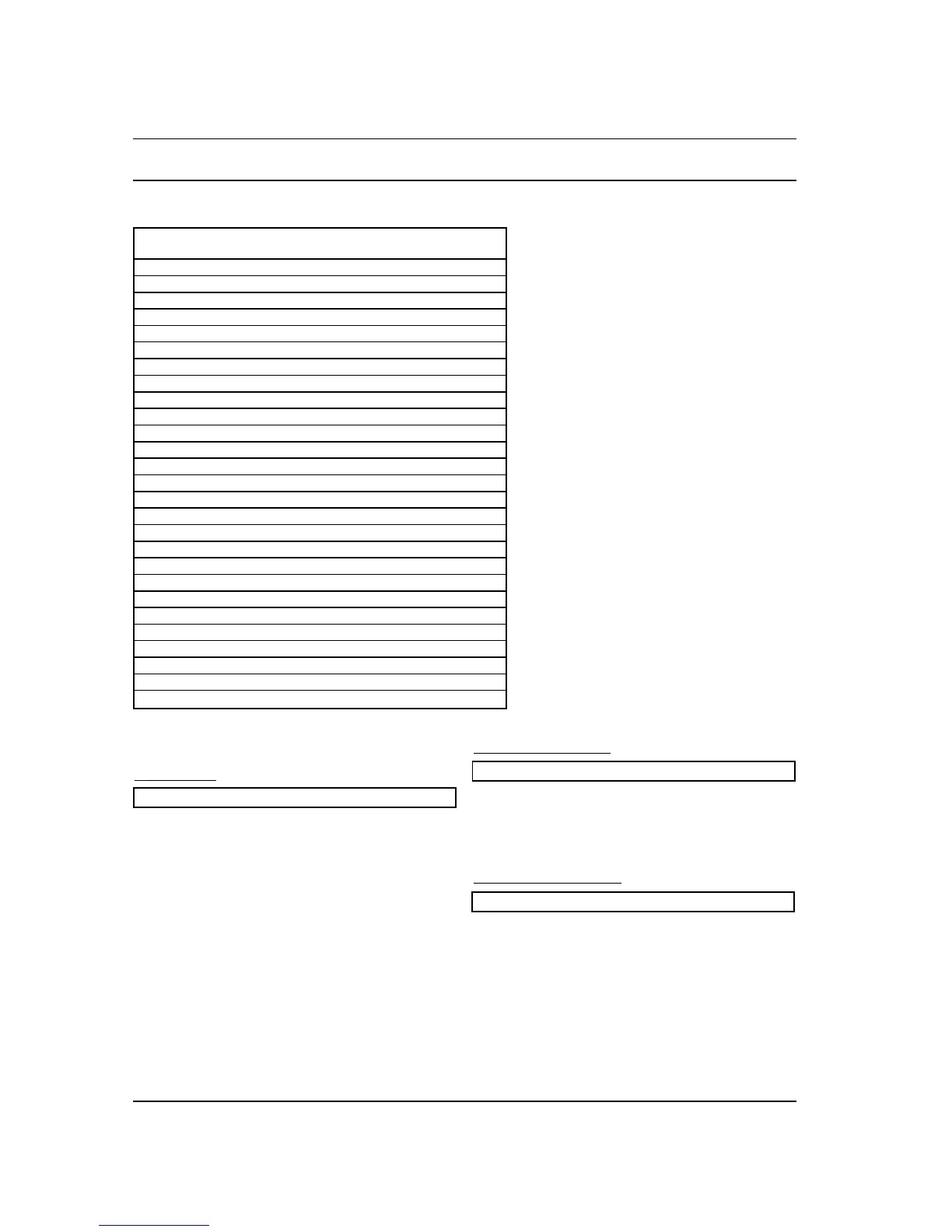
01. Power k a 0 ~ 1
02. Input Select k b 0 ~ 6
03. Aspect Ratio k c 0 ~ 2
04. Screen Mute k d 0 ~ 1
05. Volume Mute k e 0 ~ 1
06. Volume Control k f 0 ~ 64
07. Contrast k g 0 ~ 64
08. Brightness k h 0 ~ 64
09. Colour k i 0 ~ 64
10. Tint k j 0 ~ 64
11. Sharpness k k 0 ~ 64
12. OSD Select k l 0 ~ 1
13. External Control Mode k m 0 ~ 1
14. PIP/Twin Picture (DW) k n 0 ~ 3
15. PIP Aspect Ratio k o 0 ~ 1
16. Split Zoom k p
17. PIP Position k q 0 ~ 3
18. Treble k r 0 ~ 64
19. Bass k s 0 ~ 64
20. Balance k t 0 ~ 64
21.
Colour Temperature (CSM)
k u 0 ~ 2
22. Red Adjustment k v 0 ~ 64
23. Green Adjustment k w 0 ~ 64
24. Blue Adjustment k $ 0 ~ 64
25. PIP input Source k y 0 ~ 6
26. SSM Mode k x 0 ~ 4
27. Orbiter j p 0 ~ 1
COMMAND 1 COMMAND 2 DATA
(Hexadecimal)
[Command1][Command2][ ][Set ID][ ][Data][Cr]
[Command2][ ][Set ID][ ][OK][Data][x]
[Command2][ ][Set ID][ ][NG][Data][x]



 To Next Page