Basic Operation
8
On and off
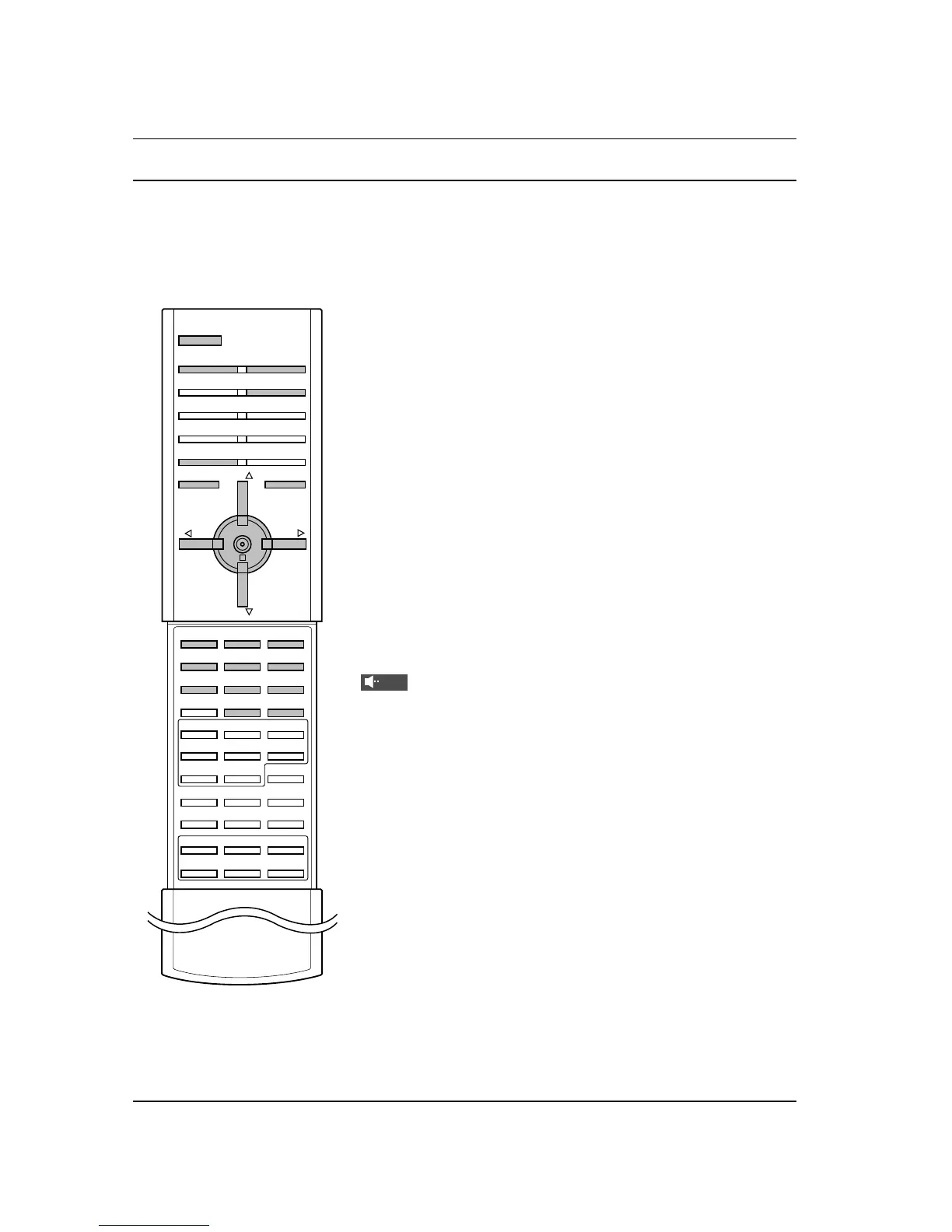
1. Press the main power button to switch the set on.
2. If the set is in standby mode, press the POWER, D / E, MUL-
TIMEDIA, INPUT SELECT or NUMBER buttons on the remote
control handset to switch it on fully.
3. Press the POWER button on the remote control handset.
The set reverts to standby mode.
4. Press the main power button again to switch the set off.
Note : If, while the set is switched on, the mains plug is discon-
nected the set will switch to standby or power on when the mains
plug is replaced in the mains power socket.
Programme selection
You can select a programme number with the D / E or NUMBER
buttons.
Volume adjustment
Press the F / G button to adjust the volume.
Quick view
Press the SWAP button to view the last programme you were
watching.
Mute function
Press the MUTE button. The sound is switched off and the display
appears.
You can cancel it by pressing the MUTE, F / G, I/II or SSM button.
On screen language selection (option)
The menu can be displayed on the screen in your desired lan-
guage. First select your language.
1. Press the MENU button and then
D
/
E
button to select the
SPECIAL menu.
2. Press the G button and then
D
/
E
button to select
Language.
3. Press the G button and then the
D
/
E
button to select your
desired language.
All the on screen displays will appear in the selected language.
4. Press the MENU button to save.



 To Next Page