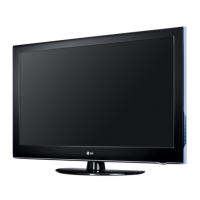
Location and function of controls
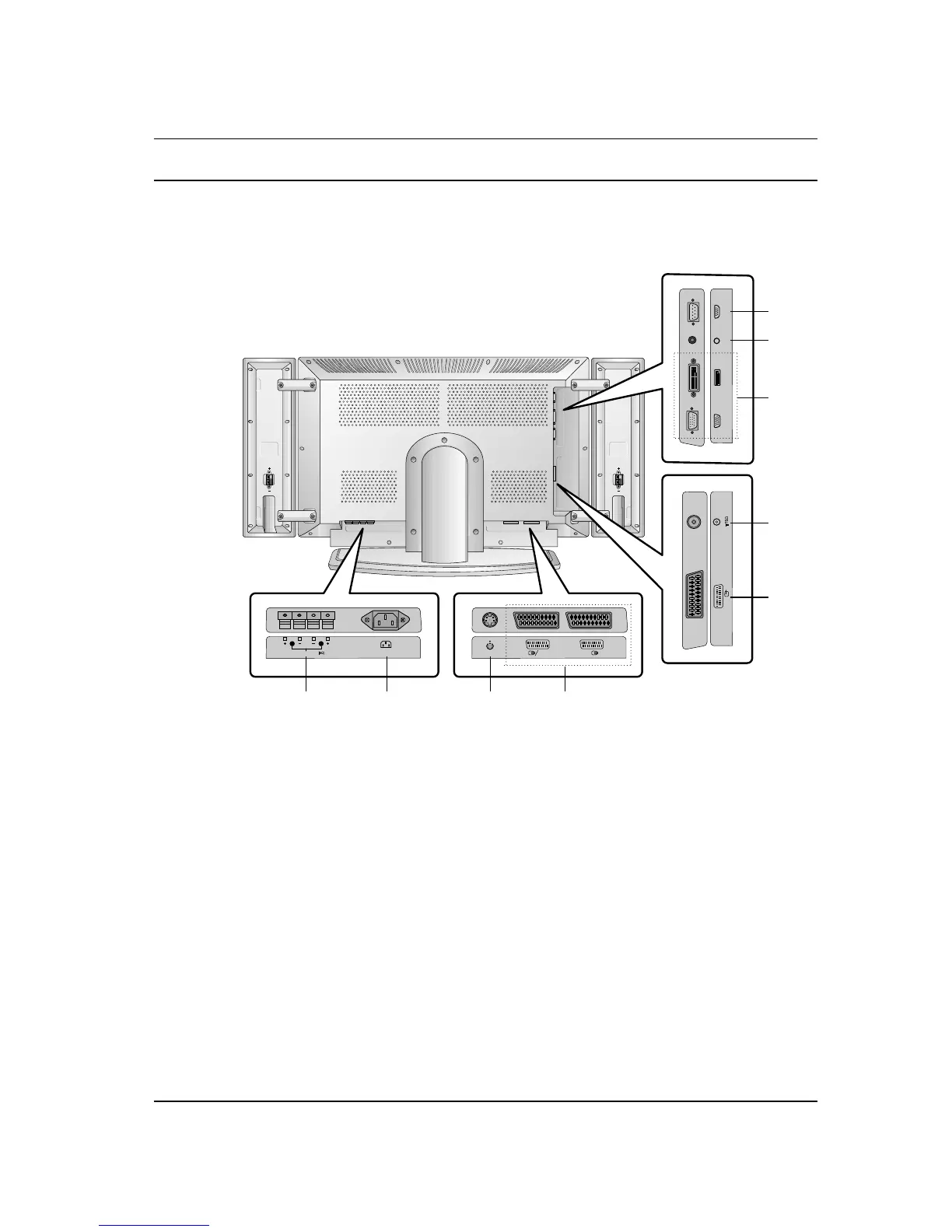
1. EXTERNAL SPEAKER (6 ohm output)
connect to optional external speaker(s).
2. POWER CORD SOCKET
3. S-VIDEO INPUT
connect video out from an S-VIDEO VCR to
the S-VIDEO input.
4. EURO SCART SOCKET
connect the euro scart socket of the VCR to
these sockets.
5. AERIAL SOCKET
connect the RF socket of the VCR to the aer-
ial socket.
6. RGB INPUT / DVI (Digital Visual Interface)
INPUT
connect the set output socket of the PER-
SONAL COMPUTER to this socket.
Note : This set is only provided the DVI-D
function although DVI jack drawing is DVI-I
jack for connection convenience.
7. AUDIO INPUT
connect audio out from external equipment to
these jack.
8. RS-232C INPUT (CONTROL/SERVICE)
PORT
connect to the RS-232C port on a PC.



 To Next Page