4
Unpacking
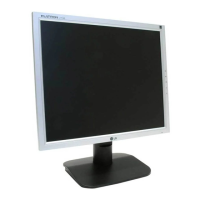
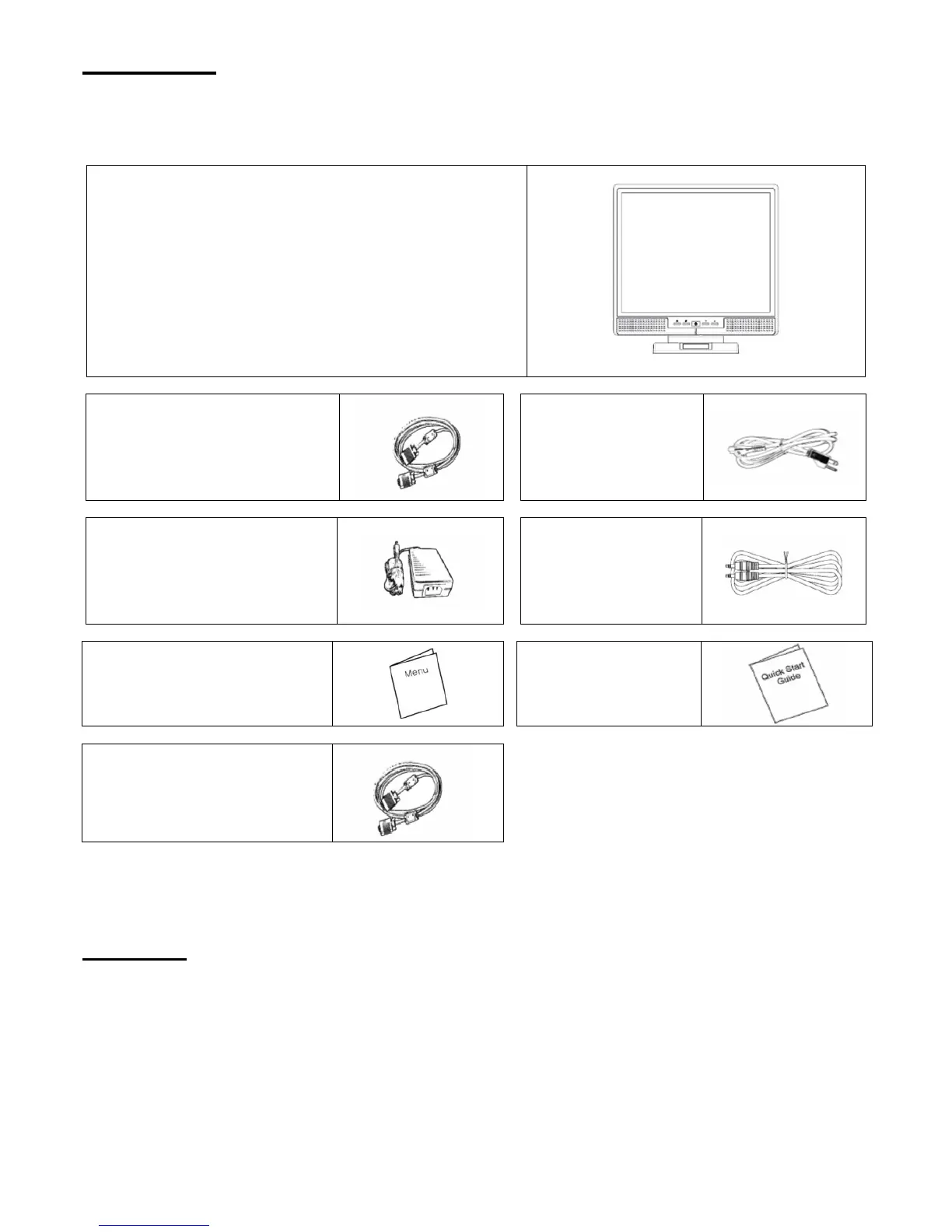
Our 17” LCD monitor shall be content with these following items. Make sure you get all these set ready, otherwise
contact to your dealer or store which you purchased it. At last, feel free to contact us.
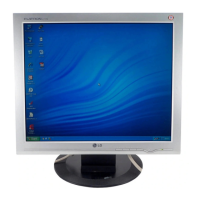
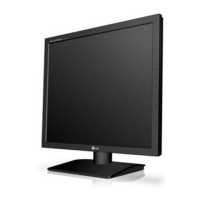
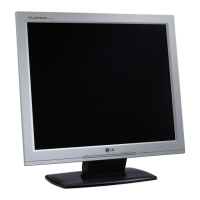
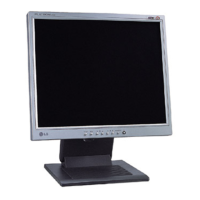
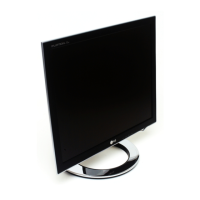
17” TFT LCD Monitor
External Univ15 pin D-sub
(RGB Analog) input signal cable
Power Cord
External Universal AC Adaptor
(100-240V, 50/60Hz)
Audio connector :
stereo Phone Jack
User’s manual
Quick Start Guide
* DVI Cord
* DVI function is optional.
Warning
1. Make sure that the system power is turned off.
2. Plug the signal cable to the signal connector at the rear of PC.
3. Plug adapter output cable to the jack at the rear of LCD monitor and the power cord to the adapter.
4. Connect the power cord to power source.
5. Turn on the computer and the monitor.
6. For the best quality of the performance, we suggest you to set resolution as “Display Mode”.



 To Next Page
 Loading...