11
Your Phone
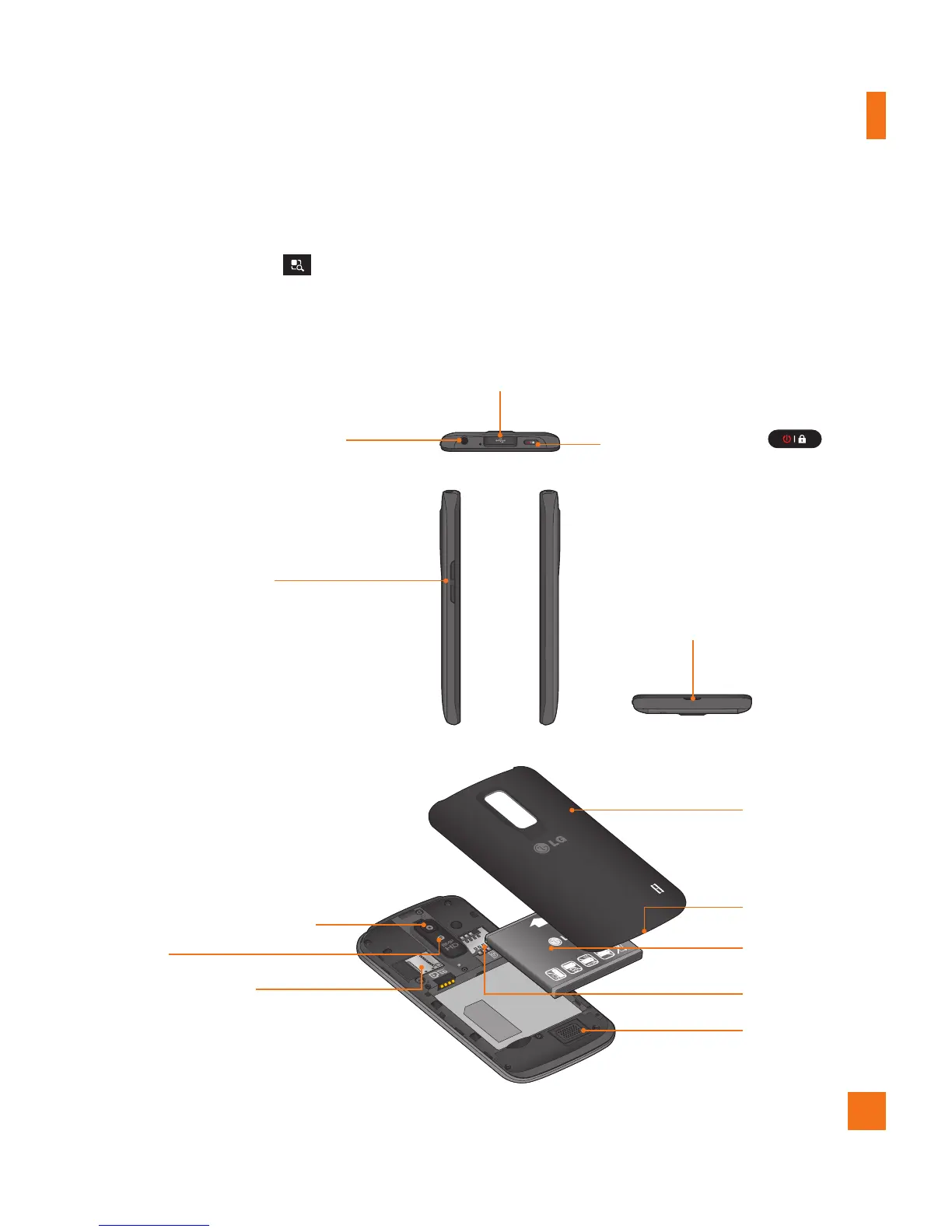
Rear view
Side view
3.5mm Headset Jack
Power/Lock Key
Volume Keys
- Allows you to adjust the ringer
and media volumes, or to adjust
the in-call volume during a call.
- Press and hold the volume down
key to switch to the silent mode.
Charger/Accessory Port
n
TIPS
- Tap the Menu Key
whenever you open an application to check what options are available.
- If your phone has errors when you use it or you cannot turn it on, remove the battery, install it
again and turn it on after 5 seconds.
Microphone
SIM Card Slot
8MP HD Camera Lens
Flash
microSD Card Slot
- Accommodates the pre-installed 8GB
microSD™ card (expandable up to 32GB).
Battery
Speaker
Back Cover
Fingertip cutout



 To Next Page