Google Applications
Gmail™
Gmail™ can be configured when you first
set up your phone. Depending on your
synchronization settings, Gmail™ on your
phone is automatically synchronized with
your Gmail™ account on the web.The inbox
conversations list is your default Gmail™ view.
Tap the
Menu Key ,
then tap
Refresh
to
send or receive new email and to synchronize
your email with your Gmail™ account on
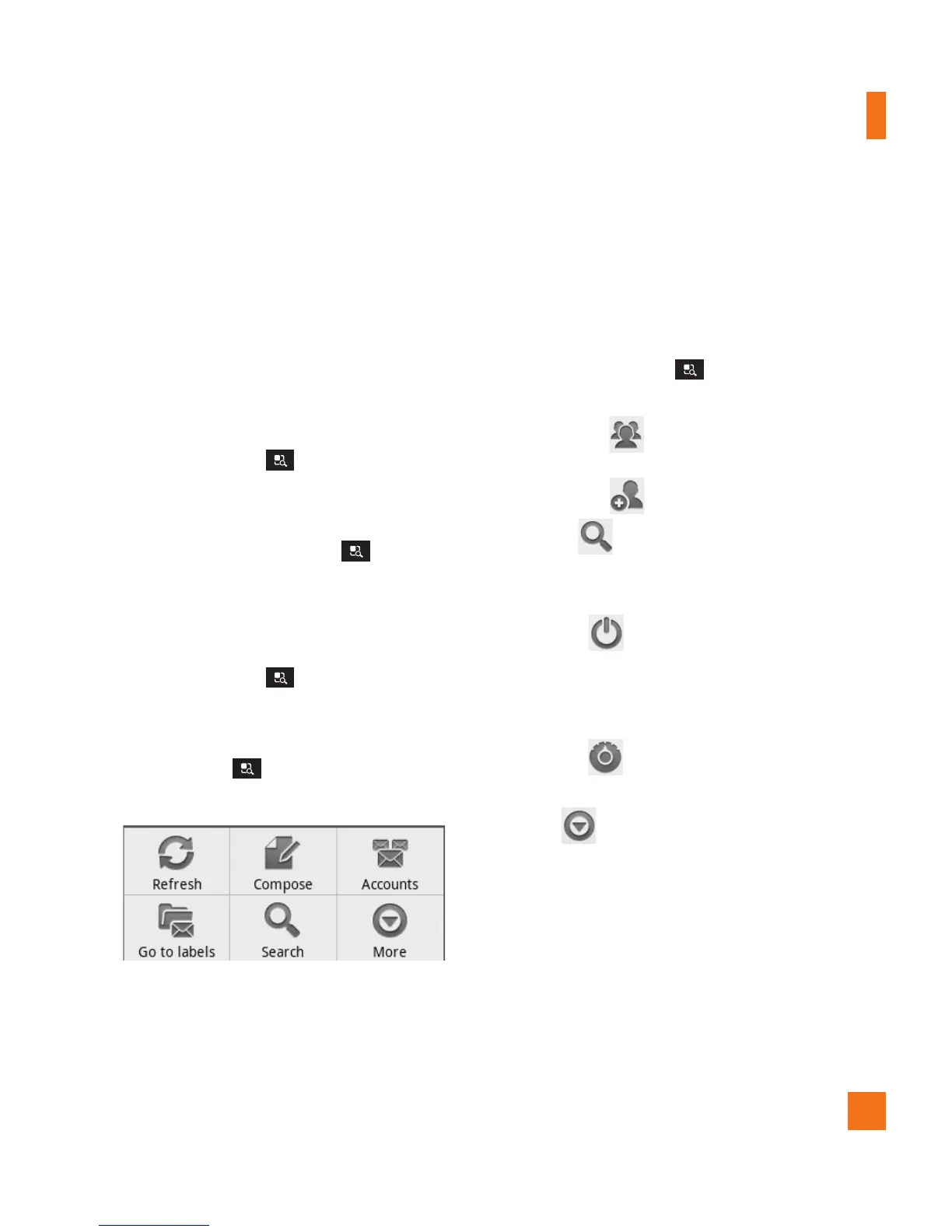
the web. Tap the
Menu Key
for the
following additional options:
Compose,
Accounts,
Go to labels
,
Search
and
More
.
Tap the
Menu Key
and tap
Accounts
>
Add account
to add another Gmail account.
You can also change the settings by tapping
the
Menu Key
>
More
>
Settings
from any screen within an account.
Google Talk™
Google Talk™ is Google’s instant messaging
program. It lets you communicate with other
people who also use Google Talk™.
Tap the
Menu Key
for the following
available options.
All friends
– Displays all friends you can
communicate with.
Add friend
– Send invitations to chat.
Search
– It searches for contacts to
chat with or any chat records that contain the
word(s) you entered.
Sign out
– Sign out from chat. When you
tap the Talk icon from the Home screen, you
will be signed in automatically if you activate
Automatically sign in
.
Settings
– Allows you to adjust various
settings.
More
– Choose from
End all chats
to close all the current chats,
Invites
to see
a list of friends you have invited to chat, or
Blocked
to view a list of friends you have
blocked.



 To Next Page