Getting Started 5
Getting Started
1
Unique Features
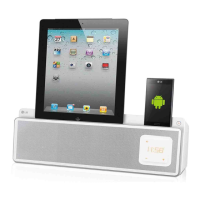
Portable In
Listens to music from your portable device.
Alarm timer
Sets alarm which go o at desired time.
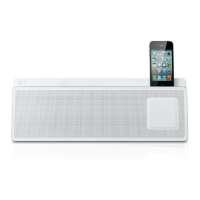
Made for iPod/ iPhone
Enjoys music from iPod/ iPhone with simple
connection.
USB playback
Enjoys music from USB with simple connection.
Radio
Listens to the radio.
Introduction
Symbol Used in this Manual
,
Note
Indicates special notes and operating features.
>
Caution
Indicates cautions for preventing possible damages
from abuse.
Playable file
Requirement
Compatible USB Devices
• MP3 Player : Flash type MP3 player.
• USB Flash Drive : Devices that support USB2.0 or
USB1.1.
•
The USB function of this unit does not support
all USB devices.
USB device requirement
•
Devices which require additional program
installation connected to a computer, are not
supported.
• DonotextracttheUSBdevicewhilein
operation.
• ForalargecapacityUSB,itmaytakelongerthan
a few minute to be searched.
• Topreventdataloss,backupalldata.
• IfyouuseaUSBextensioncableorUSBhub,the
USB device is not recognized.
• UsingNTFSlesystemisnotsupported.(Only
FAT(16/ 32) le system is supported.)
• Thisunitisnotsupportedwhenthetotal
number of les is 1 000 or more.
• ExternalHDD,Cardreaders,Lockeddevices,or
hard type usb devices are not supported.
• USBportoftheunitcannotbeconnectedtoPC.
The unit can not be used as a storage device.
PD36D-FP-AAUSLL-ENG.indd 5 11. 08. 26 �� 5:45



 To Next Page