36
USINGTHEPROJECTOR
UsingtheKeystoneFunction
To prevent the screen image from becoming trapezoidal, Keystone
adjusts the top and bottom width of the image if the projector is not set up
at a right angle to the screen.
Because the Keystone function may cause inferior screen image quality,
use this function only when it is not possible to set up the projector at an
optimal angle.
• Keystone 0
◀
L R
▶
Close
1 Press the SETTINGS button.
2 Use the , , , or buttons to select OPTION2 and press the
OK button.
3 Use
the or buttons to select Keystone and press the OK button.
4 Use the or buttons to adjust Keystone.
5 Keystone can be adjusted from -40 to 40.
6 Press the OK button when nished.
Changinginputdevice
Toselectanexternalinput
You can select inputs connected to the projector.
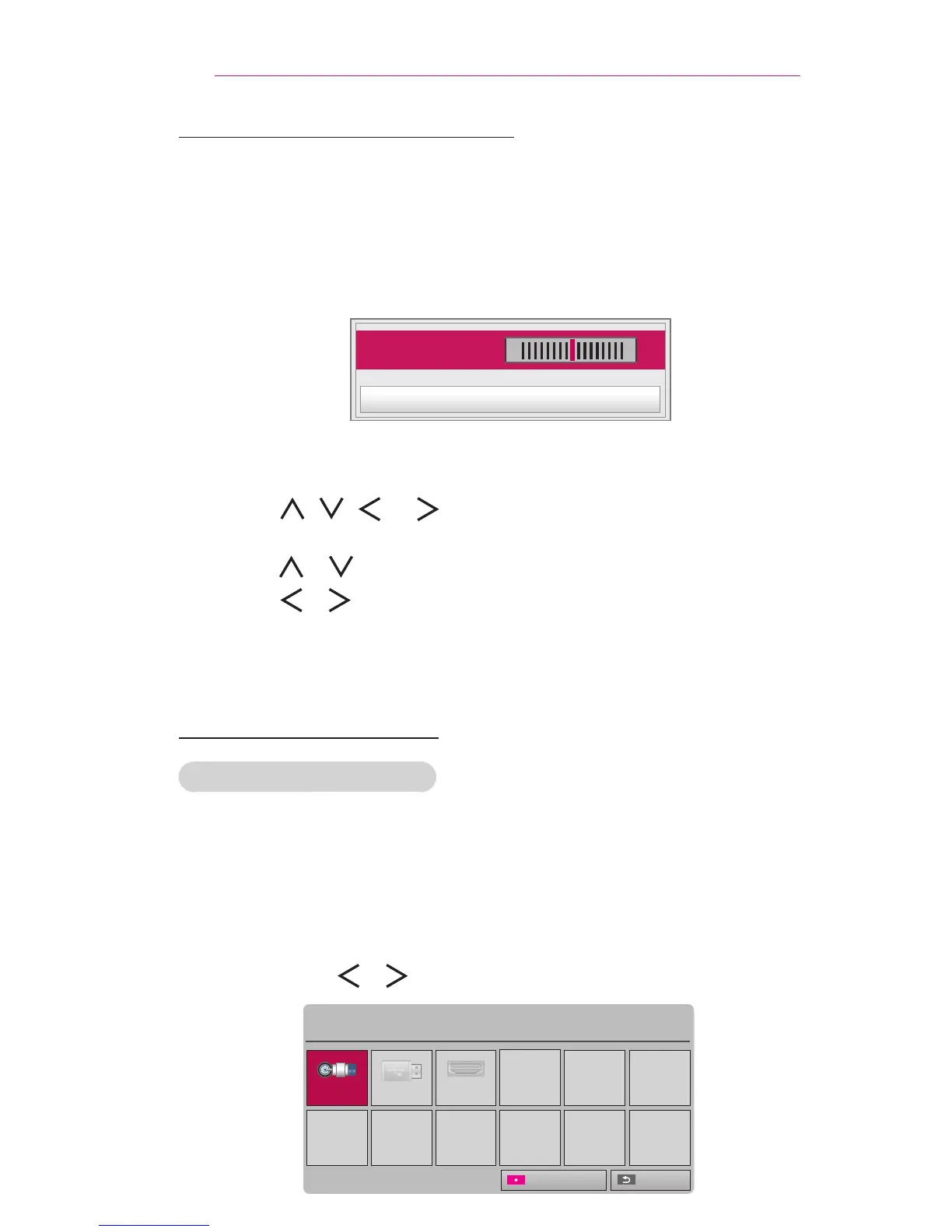
• Press the INPUT button on the remote control to display the input
selection screen.
- Connected inputs are displayed rst.
• Select an input signal using the remote control's INPUT button to
connect the projector to the desired input.
You can use the or button to switch between all the input modes.
Input List
TV USB HDMI
ꔂ Move ꔉ OK
Exit
Input Label



 To Next Page