74
CUSTOMIZINGSETTINGS
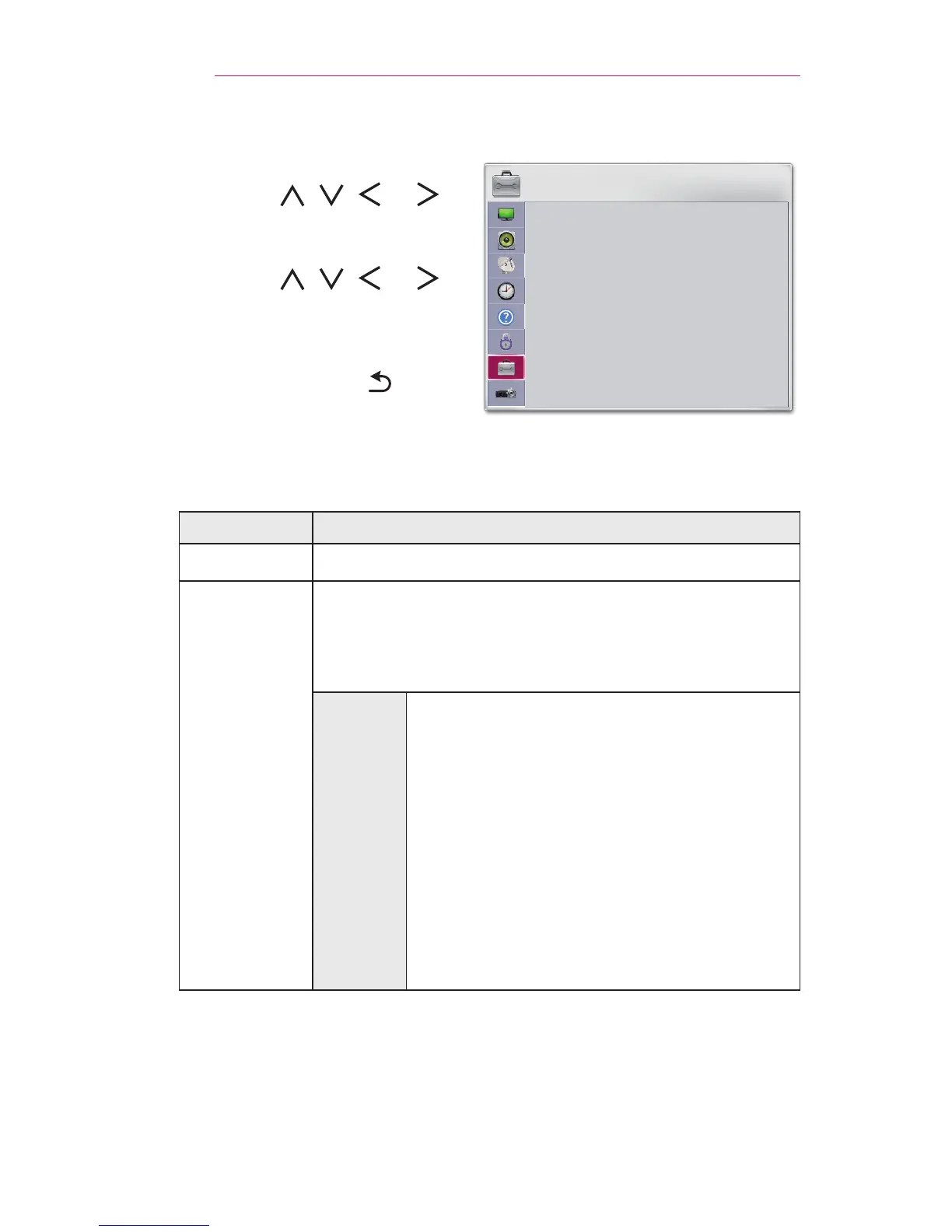
OPTION1Settings
1 Press the SETTINGS button.
2 Use the , , , or
button to select OPTION1 and
press the OK button.
3 Use the , , , or
button to set up the desired item
and press the OK button.
- To return to the previous
menu, press the button.
OPTION 1
• Language
• Caption : Off
• DivX(R) VOD
• Initial Setting
ꔂ Move ꔉ OK
The available option 1 settings are described as follows.
Menu Description
Language Selects a desired Menu Language.
Caption
View subtitles when the TV station provides subtitled
programing. Program subtitles work only on digital/
analog broadcasts.
Change Caption to On and select caption setting.
Mode
CC1-4 (Closed Captioning) / Text1-4
Displays the audio portion of a TV program
as text on the TV screen. CC1 is the most
common mode in use.
Field 1 data channels: two Captions (CC1,
CC2), two Text (Text1, Text2).
Field 2 data channels: two Captions (CC3,
CC4), two Text (Text3, Text4).
Service1-6
This is only available for the digital
broadcasting system.



 To Next Page