43
MYMEDIA
WatchingtheVideos
In the MovieList, you can watch movies stored on the connected USB
device.
Controls playback and sets options while viewing videos.
TipsforPlayingVideoFiles
• Some subtitles created by users may not work properly.
• The video and subtitle files should be placed in the same folder. For
subtitles to display correctly, the video and subtitle files must have the
same name.
• We do not support any stream that contains GMC (Global Motion
Compensation) or Qpel (Quarterpel Motion Estimation).
• Only H.264 / AVC profile level 4.1 and lower is supported.
• Video files that exceed 50 GB (gigabyte) are not supported for playback.
The file size limit is dependent on the encoding environment.
• DTS audio codec is not supported.
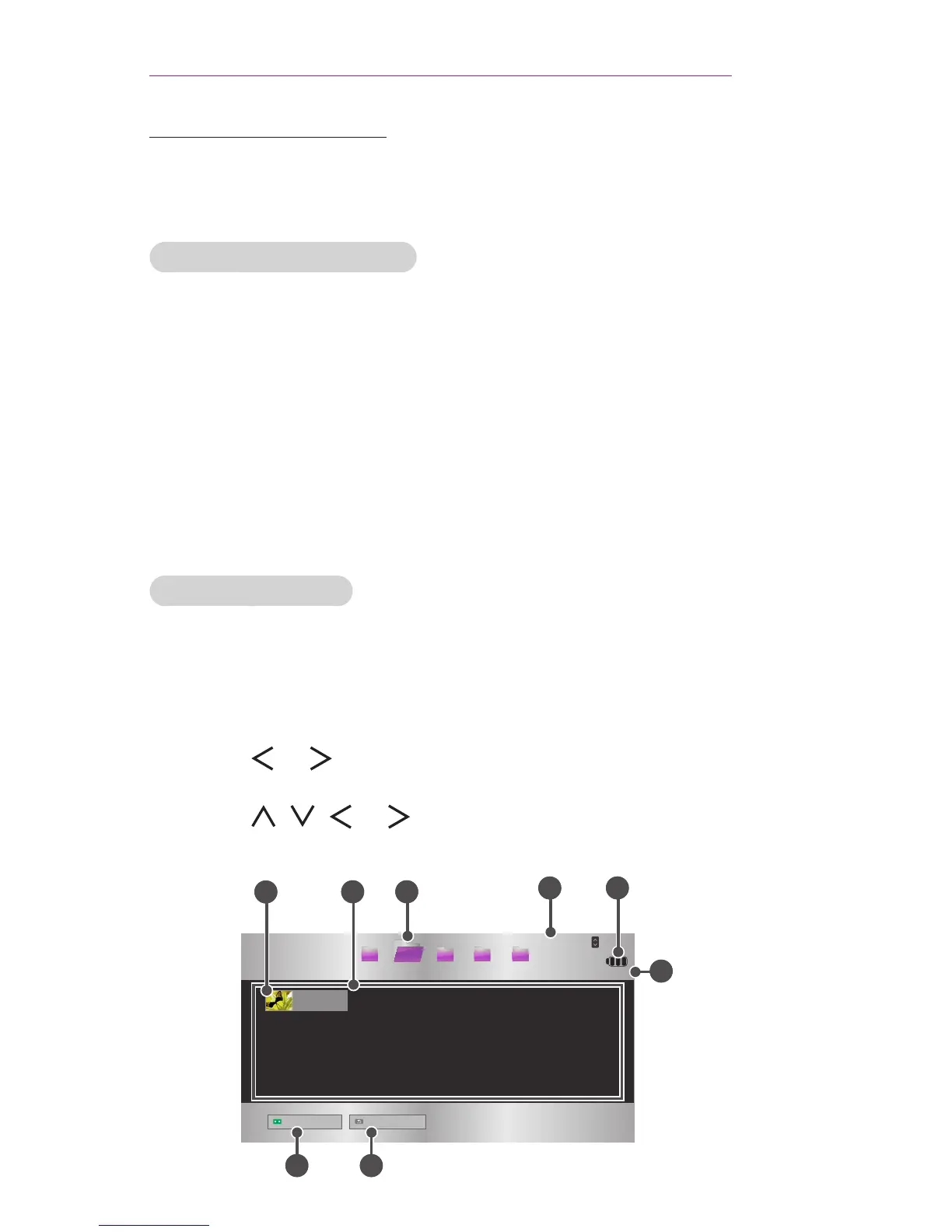
BrowsingMovieList
Play a video le stored from a connected device.
1 Connect a USB device.
2 Press the SETTINGS button.
3 Move to MYMEDIA.
4 Use the , or button to select MovieList and press the OK
button.
5 Use the , , , or button to select the le you want and press
the OK button.
USB STORAGE DEVICE



 To Next Page