44
MYMEDIA
No. Description
1
Thumbnails
Abnormal le
File not supported
2
File List
3
Moves to the upper level folder.
4
Current page/Total no. of folder pages
5
Displays the remaining battery life.
6
Current page/Total no. of le pages
7
Moves to the top level folder.
8
Moves to the upper level folder.
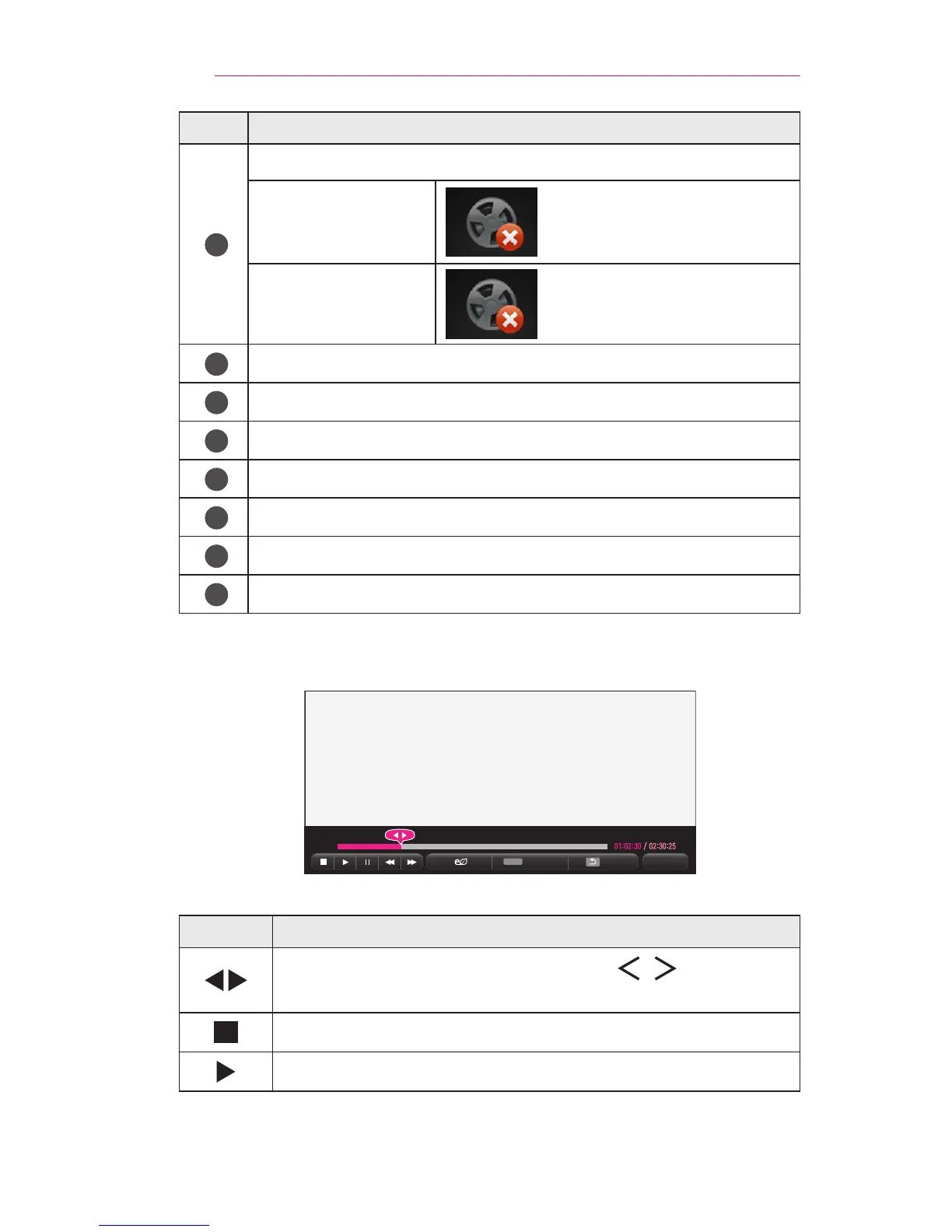
6 Control playback by using the following buttons.
나가기
Q.MENU
Option
Hide
Exit
Item Description
Shows the current playing position. Use , buttons to
move forward or backward.
Stops playing and returns to Movie List.
Returns to normal playback.



 To Next Page