70
CUSTOMIZINGSETTINGS
LOCKSettings
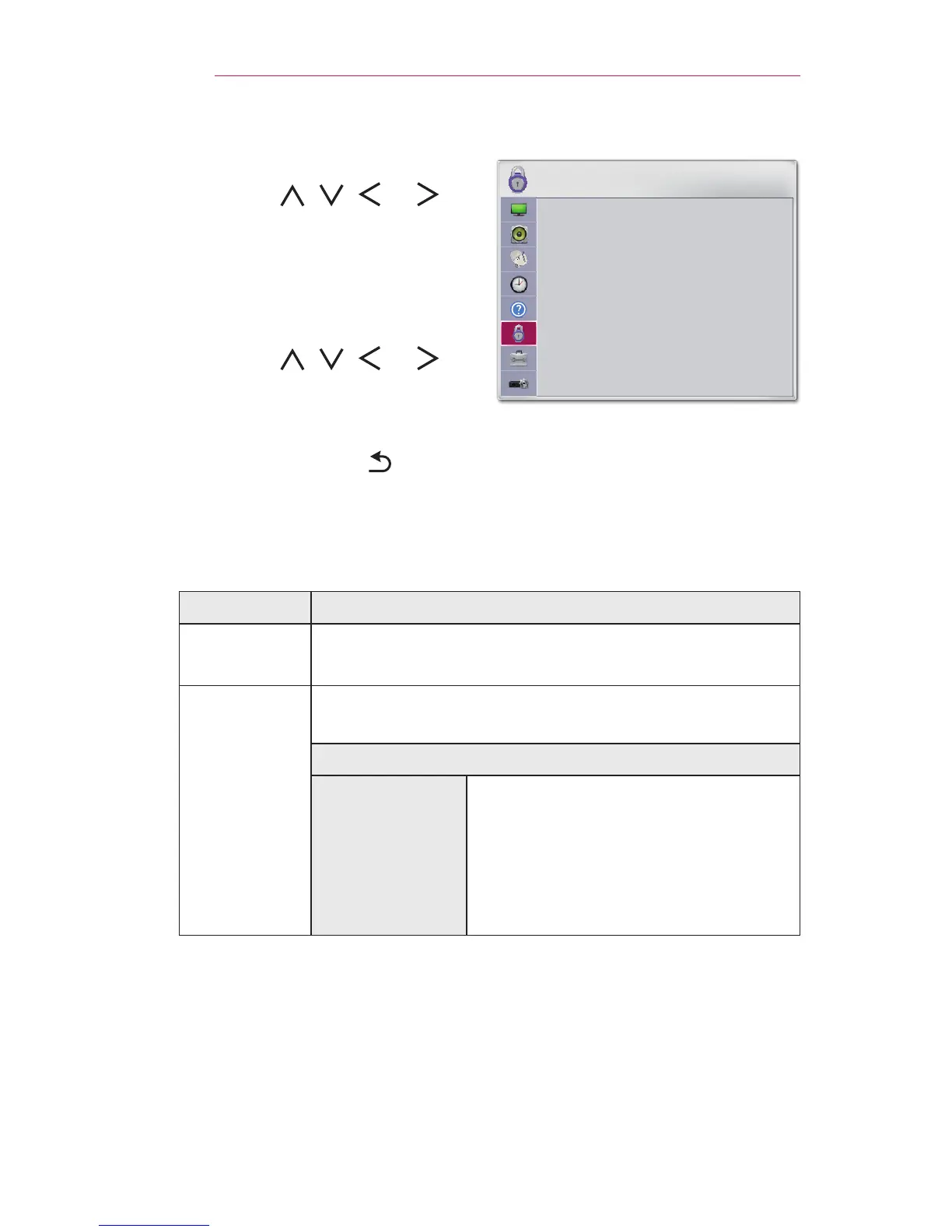
1 Press the SETTINGS button.
2 Use the , , , or
button to select LOCK and
press the OK button.
- Enter the preset password to
enter the LOCK settings. The
initial password is0000.
3 Use the , , , or
button to set up the desired item
and press the OK button.
- To return to the previous
menu, press the button.
LOCK
• Set Password
• Lock System: Off
• Block Channel
• Movie Rating
• TV Rating-Children
• TV Rating-General
• Downloadable Rating
ꔂ Move ꔉ OK
The available lock settings are described below.
Menu Description
Set
Password
Sets or changes projector password.
• The initial password is set as 0000.
Lock
System
Locks the selected channel or external input. First, set
LockSystem to On.
Item
BlockChannel
Blocks the programs that contain
inappropriate contents for children.
The programs can be selected but
the screen is blank and the audio is
muted. To watch a locked program,
enter the password.



 To Next Page