75
CUSTOMIZINGSETTINGS
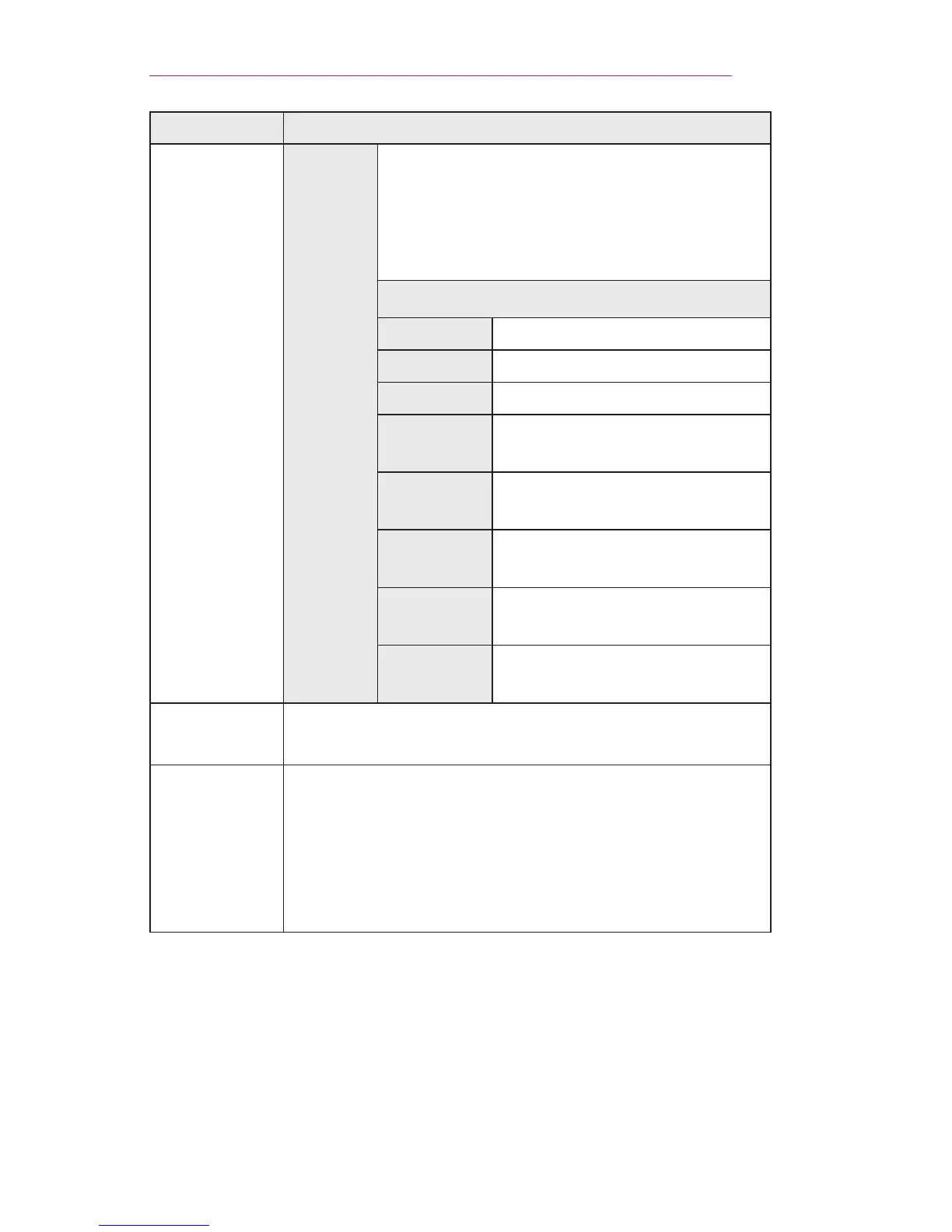
Menu Description
Caption
Digital
Option
Set up the size and color of the subtitles
on DigitalOption. Please select Setby
Program or Custom.
Select Custom to adjust minute options
such as the subtitles’ size and color.
Item
Size Selects the wordsize.
Font Selects a typeface for the text.
TextColor Selects a color for the text.
Text
Opacity
Adjusts the opacity for the text
color.
BgColor
Selects a color for the
background color.
Bg
Opacity
Adjusts the opacity for the
background color.
Edge
Type
Selects an edge type.
Edge
Color
Selects a color for the edges.
DivX(R)
VOD
Sets DivX related settings.
Initial
Setting
Deletes all optional settings and returns to initial default
mode. Once initialization is complete, the projector will
turn off and on by itself.
• If LockSystem is activated, a pop-up password
prompt will appear.
• Do not turn off the power during initialization.



 To Next Page