54
MYMEDIA
Item Description
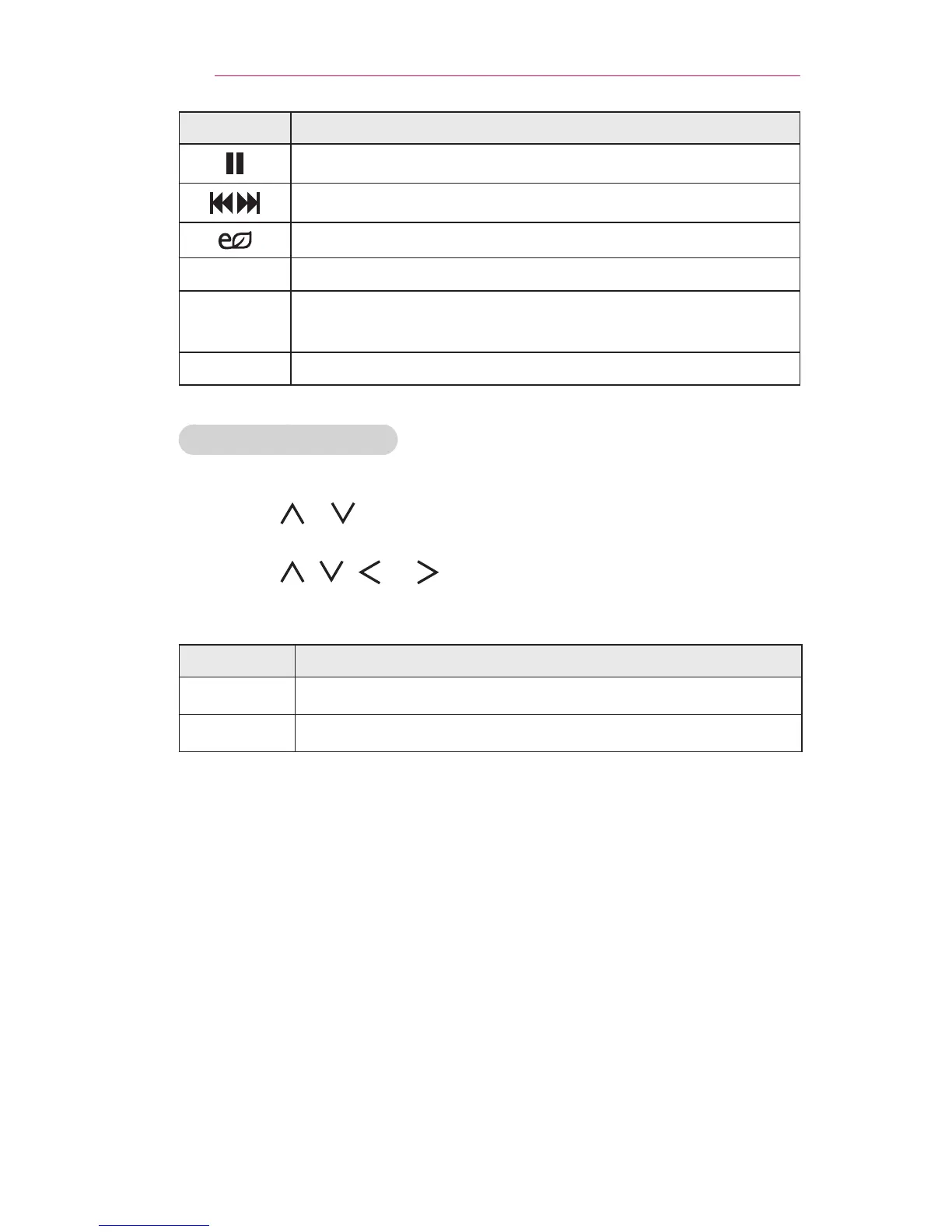
Pauses the media player.
Plays the previous/next le.
You can use the EnergySaving mode.
Option Sets up the options of Music List.
Hide
Hides the playback bar.
• Press the OK button to make the playback bar appear.
Exit Returns to the Music List screen.
OptionsforMusicList
1 Press the Q.MENU button.
2 Use the or button to move to a desired option and press the OK
button.
3 Use the , , , or button to set up each item.
SetAudioPlay.
Item Description
Repeat Selects repeat play.
Random Selects random play.
SetAudio.
You can change audio settings. (Refer to "AUDIO Settings" on page 65.)



 To Next Page