18
Your Home screen
Customizing the Home screen
You canpersonalizeyourHomescreenbyaddingapplicationicons,and
widgetstoanyHomescreencanvas.You canalsochangethewallpaper.
To add items on your Home screen:
1.GototheHomescreencanvaswhereyouwanttoaddtheitem.Then
touchandholdtheemptypartoftheHomescreenortouch .
NOTE
IfspaceisnotavailableonaparticularHomescreencanvas,youmustdeleteorremove
anitembeforeyoucanaddanotheritem.OrswitchtoanotherHomescreencanvas.
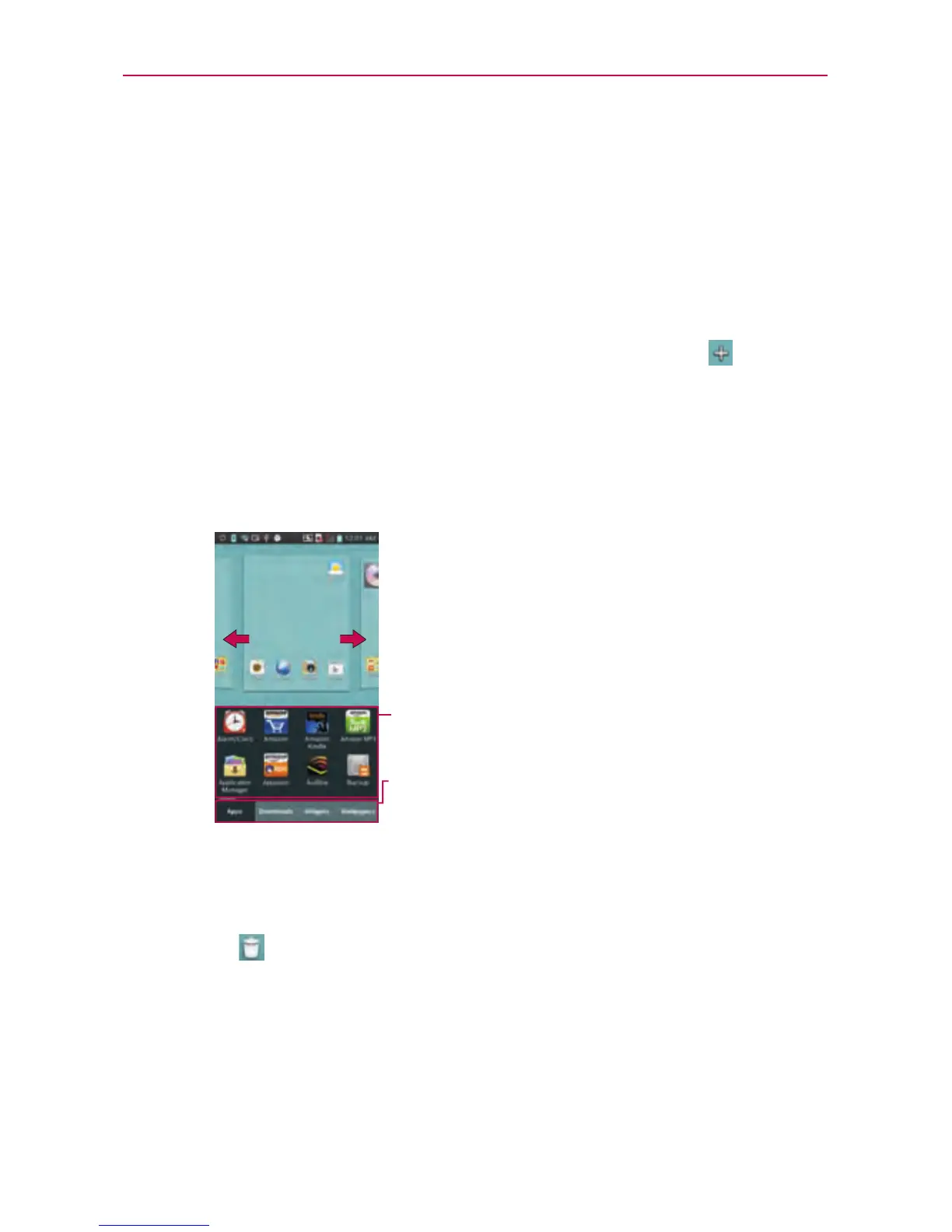
2.Touchthedesiredtabatthebottomofthescreenandselecttheitem
youwanttoadd.YouwillthenseeaddeditemsontheHomescreen.
3.Dragittothelocationyouwantandliftyournger.
Slidethescreenrightorlefttoviewdifferent
screen.
Touchandholdtheiconanddragatthescreen
youwanttoput.
You canaddorremovetheappsandaccessthe
downloads.Youcanalsoaddorremovewidgets
andchangethewallpapers.
To remove an item from the Home screen:
• OntheHomescreen,touchandholdtheiconyouwanttoremove,then
dragitto
TIP!
ToaddanapplicationicontotheHomescreenfromtheApplicationsmenu,touchand
holdtheapplicationyouwanttoadd.TheApplicationsmenuclosesandtheHome
screenwillbedisplayed.



 To Next Page