19
Your Home screen
Customizing an application icon from the Home
screen
NOTE
Thisfeatureallowsyoutomakeand
useaniconwiththepicturesinyourGallery.
You canfurthereditapplicationiconsontheHomescreen.
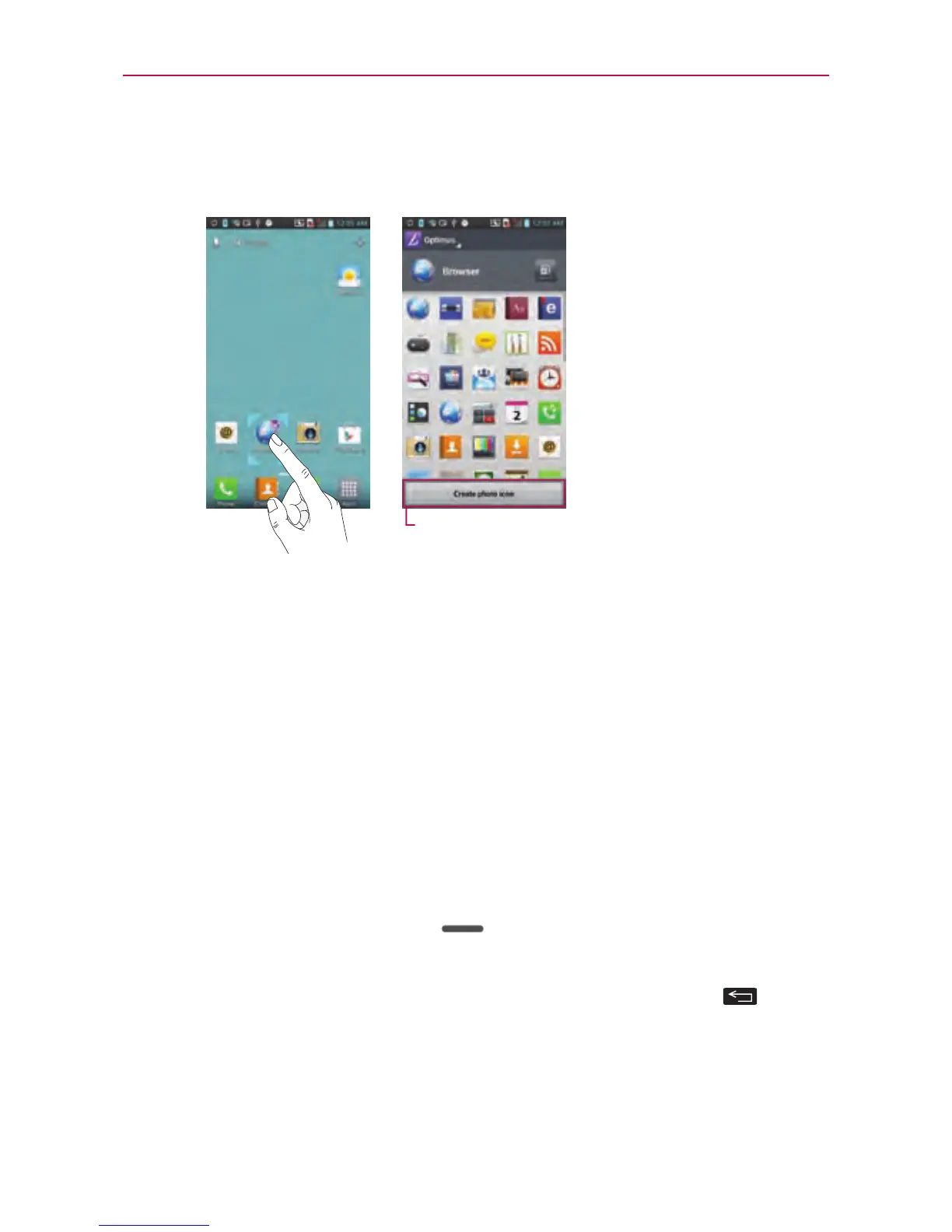
1.Touchandholdaniconuntilthecanvasgridisdisplayed,thenrelease
theicon.Aneditingiconappearsattheupperrightsideoftheapplication
icon.
2.Touchtheiconandselectthedesiredicondesign.
3.TouchCreate photo iconandselectTake phototoopentheCamera
applicationandtakeapictureorSelect from Gallerytochooseoneof
theavailablepicturesinyourGallery.
Returning to recently-used applications
1.TouchandholdtheHomeKey .Thescreendisplaysapop-upwith
iconsofapplicationsyouusedrecently.
2.Touchanicontoopentheapplication.OrtouchtheBackKey
to
returntoyourcurrentapplication.



 To Next Page