Recomputing Data Files
A Step By Step Example
13-6 Using the LI-6400
13
7 Recompute the file
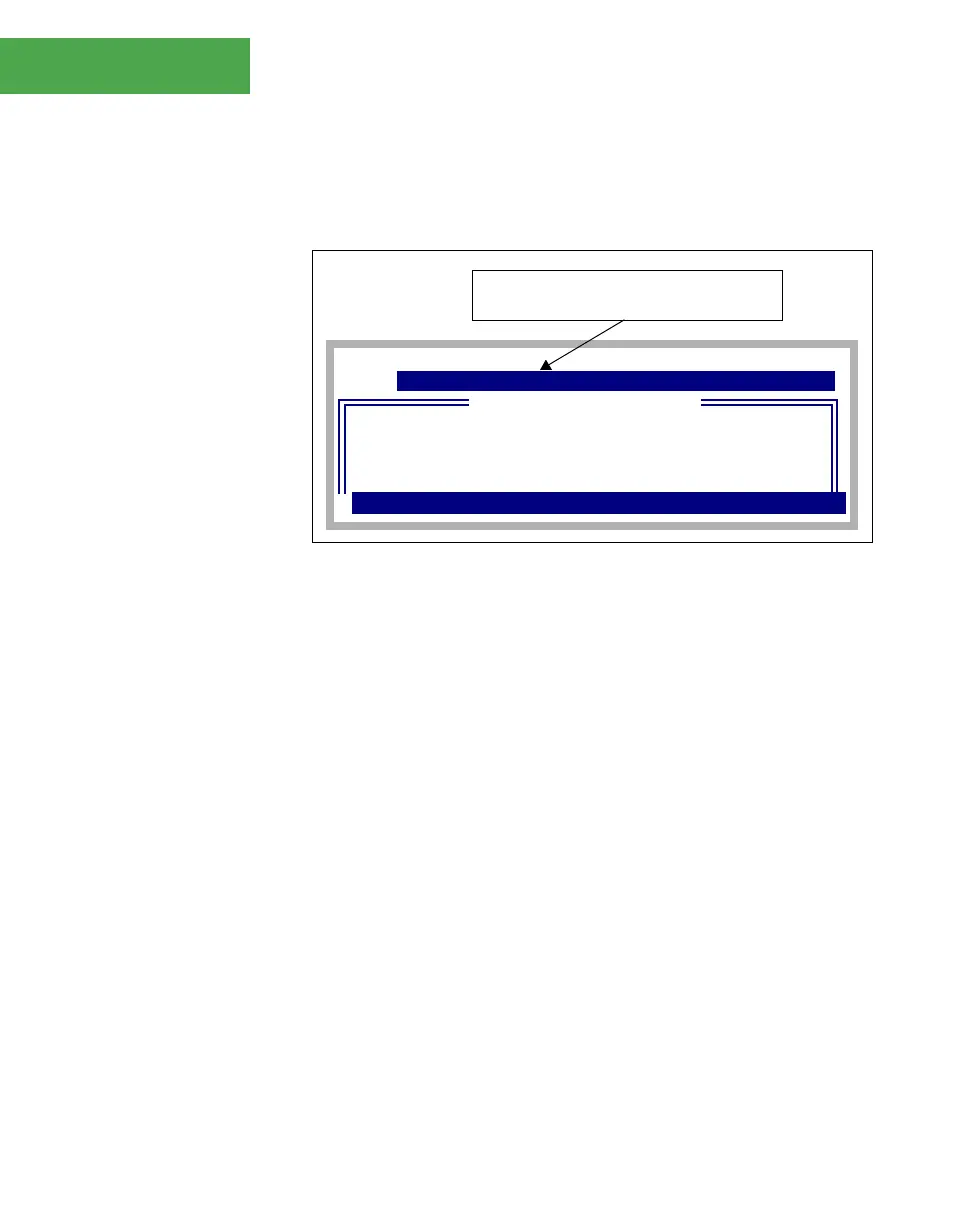
Press f5 (RECOMP). Because the destination is a file, you will be asked to
name this file (Figure 13-6).
As the file recomputes, the display will show a dot for every observation pro-
cessed:
Recomputing.....
8 View the results
After the file is generated, GraphIt (Chapter 12) is called to allow you to view
the new file either graphically or textually.
DIR: /User
Write to what file
+
MyData (RCMP)
File:
"AbeÕs data
Junk Data
MyData
ZekeÕs Data"
Dir
¨
¨
¨
CANCEL
¨
SELECT
Add "(RDMP)" to the file name, or other-
wise modify the name to make a new file.
Figure 13-6. You are prompted for the destination file when you start the re-
computation, if the Destination: entry is set to "Write to a file".


 To Next Page