Recomputing Data Files
The Details
Using the LI-6400 13-7
The Details
RecomputeÕs Main Screen
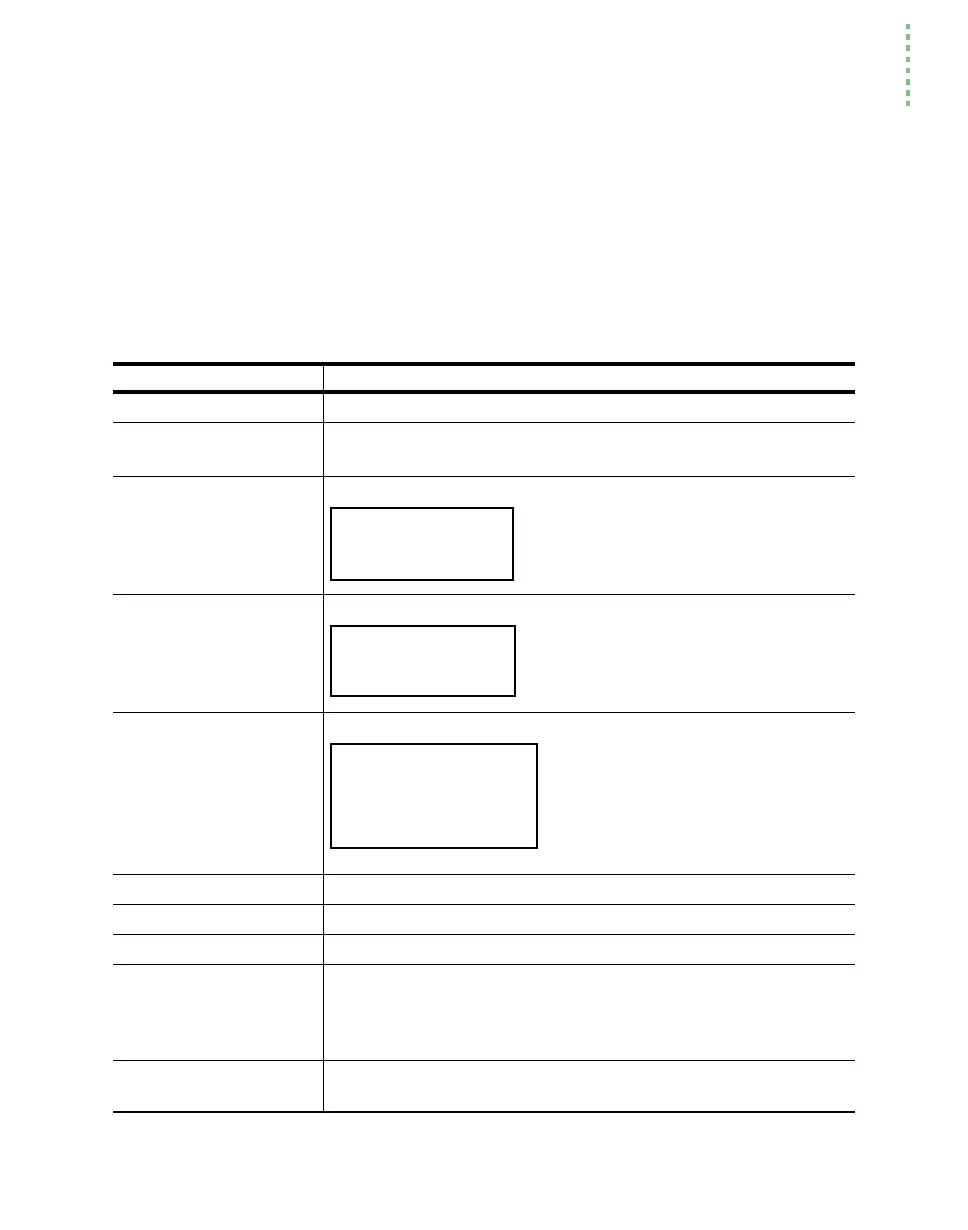
The complete list of items to be found in RecomputeÕs main screen is shown
in Table 13-1.
Table 13-1. RecomputeÕs Main Screen entries.
Main Screen Entry Discussion
SourceFile:
The Þle to be recomputed.
Destination:
Toggles between "Buffer" and "File". Select "File", or you
may run out of memory unless the Þle is very small.
LeafArea:
Has three possible settings:
The global value applies to all observa-
tions in the file. Prompt for new values
if each observation has a potentially dif-
ferent area.
StomRat:
Has three possible settings:
The global value applies to all observa-
tions in the file. Prompt for new values
if each observation has a potentially dif-
ferent stomatal ratio.
BLCond:
Has five possible settings:
If you are changing leaf area or sto-
matal ratio, then set this to Comput-
ed. The global value and prompted
values should be a 1-sided value,
which is subsequently adjusted for
stomatal ratio.
ComputeList=
Specify the name of the compute list file to use.
LogFormat=
Specify the name of the log format file to use.
PromptList=
Specify the name of the prompt list file to use. (OPEN 3.2)
LightSource=
Specify the light source. The relevant item here is not so much the
source, as the conversion factor for converting the ParIn value to
absorbed W/m2. This is relevant only to energy balance computa-
tions.
AlphaK=
If none of the light source entries has the AlphaK you need, then
you can enter it here explicitly.
No Change
One Global Value (n)
Prompt for new values
No Change
One Global Value (n)
Prompt for new values
No Change
Computed (file name)
One global value (1-sided)
Prompt for new values
No BLC correction


 To Next Page