Communication
18
6.3 RJ-45 Data Line Protection Connectors
Data line (in and out) connectors on the rear of the UPS provide transient voltage surge suppression
(TVSS) for network devices.
6.4 UPS Communications
The Liebert PSI XR is equipped with a Liebert IntelliSlot
®
port to provide advanced communication
and monitoring options.
Liebert’s shutdown software continually monitors the UPS and can shut down your computer or
server via USB and RS-232 in the event of an extended power failure.
The Liebert IS-WEBRT3 provides SNMP and Web-based monitoring and control of the UPS across
the network.
6.5 UPS Inverter/Transfer Voltage Configurations
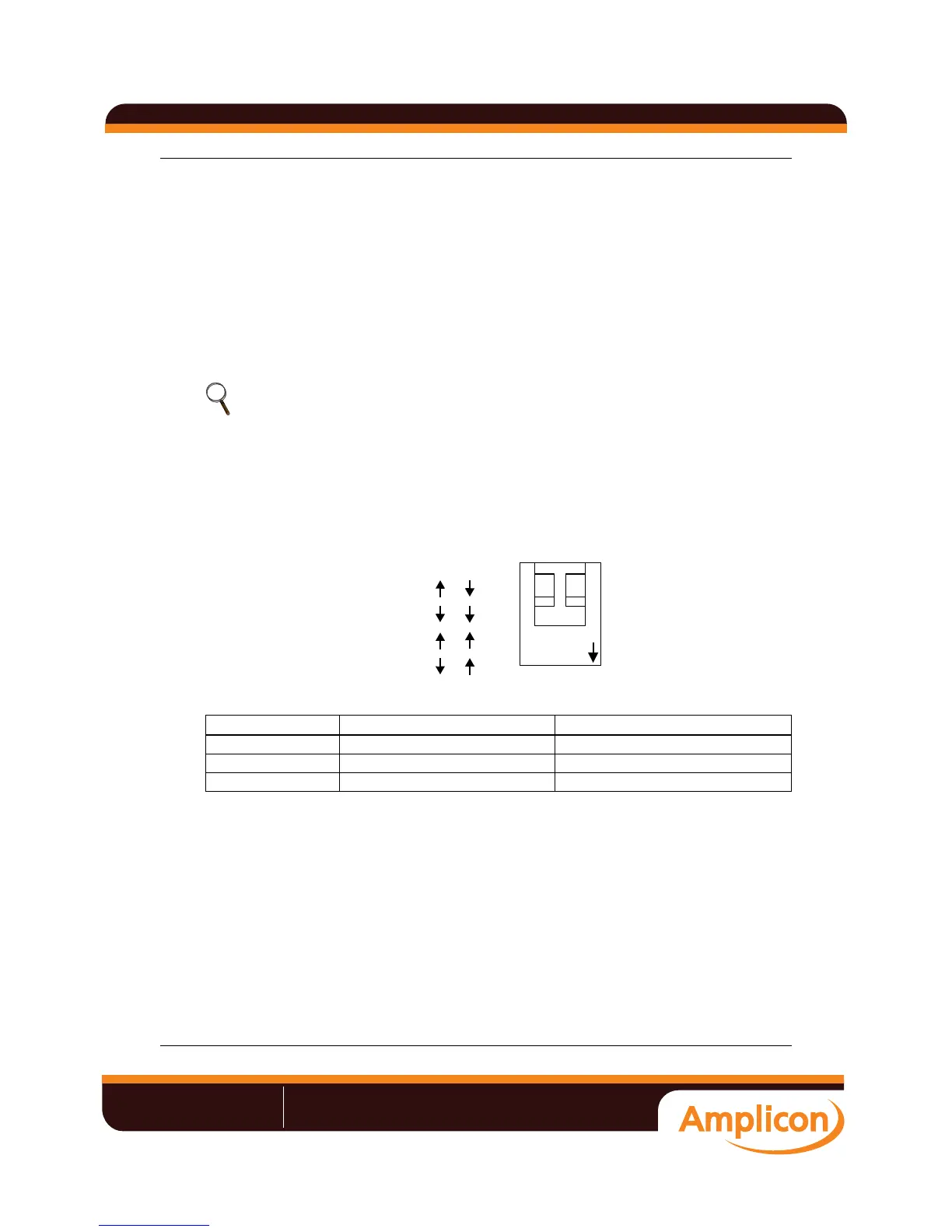
A two-pin DIP switch on the rear of the Liebert PSI XR permits setting the UPS to operate at nominal
voltages of 220V, 230V or 240V. This feature will change the high and low points at which the UPS
switches to battery power. It also will change the UPS’ output voltage when the UPS is operating in
battery mode. The factory default setting is 230 VAC.
Figure 16 DIP switch settings for 230V system
NOTE
The USB and Contact Closure communications operate in parallel. Using the Liebert IS-
WEBRT3 disables the serial communications of the DB-9.
Table 5 Voltage configurations
Setting Input Voltage Range Output Voltage (Battery Mode)
220 165~275 220VAC
230 173~288 230VAC
240 180~300 240VAC
12
DIP
ON
FUNCTION
Voltage = 220V
Voltage = 230V
Voltage = 230V
Voltage = 240V
12
«V°V°ÕÊÊÊÊÊÊ/Ê>`ÊÃÌÀÕiÌ>ÌÊvÀÊ`ÕÃÌÀÞ
->iÃ\ʳ{{Êä®Ê£ÓÇÎÊxÇäÊÓÓäÊÊÊ7iLÃÌi\ÊÜÜÜ°>«V°V°ÕÊÊÊ>\ÊÃ>iÃJ>«V°V°ÕÊÊ
Liebert UPS user manual







 To Next Page