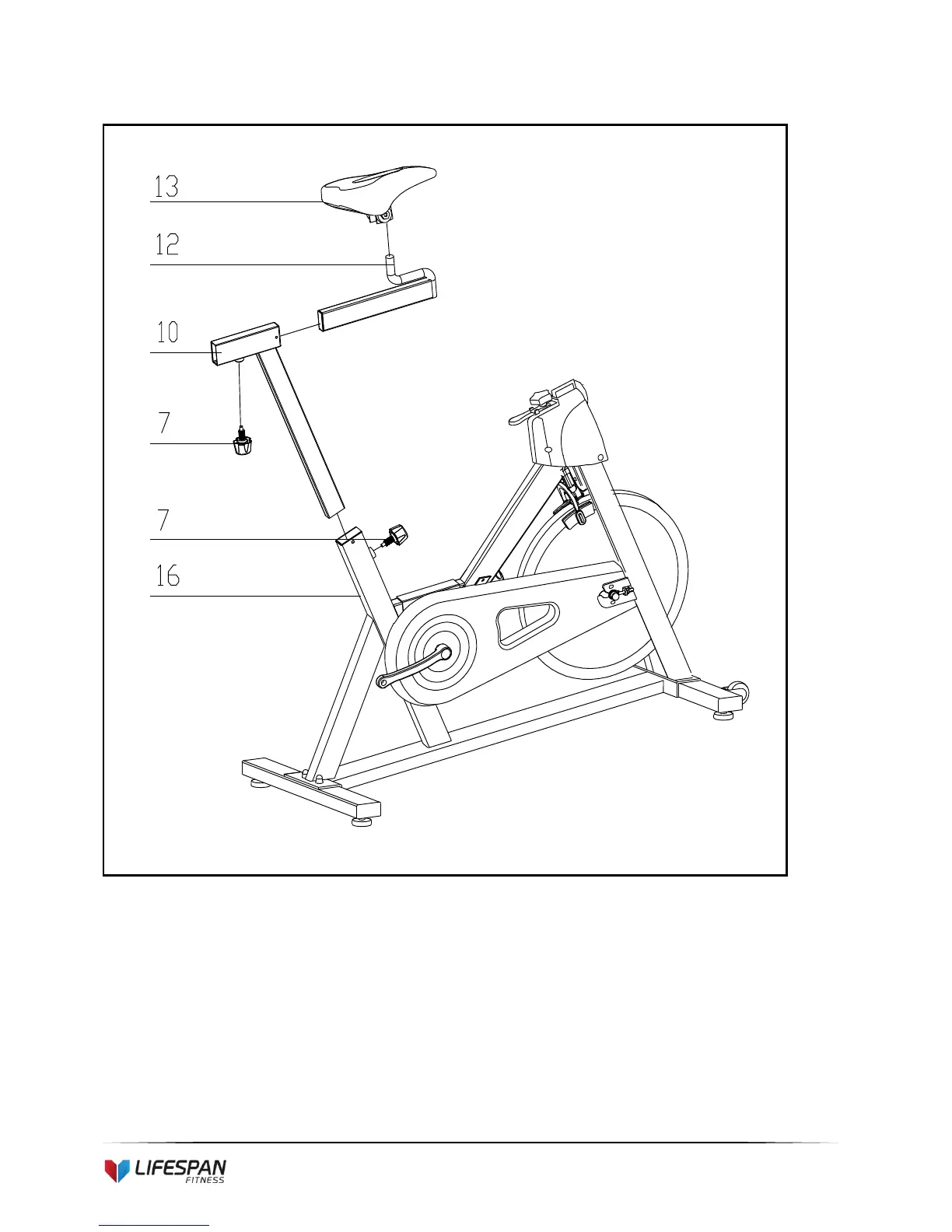
STEP 2:
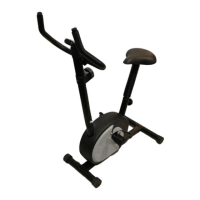
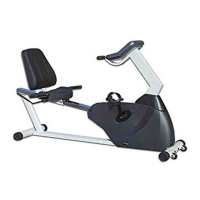
1. Slide the Vertical Seat Post (pt.10) into the seat post housing on the main frame (pt.16).
2. Slide the Seat Post (pt.12) into the Vertical Seat Post (pt.10). You will have to slacken the knurled
section of the Spring Adjustment Knob (pt.7) and pull the knob back and then select and align
holes for the desired height. Release the knob and retighten the knurled portion.
3. Now fix the Seat (pt.13) to the Vertical Seat Post (pt.12) as shown, and tighten the bolts around the
screws under the seat.


 To Next Page