Lighthouse REMOTE-2 PN Series Operating Manual
248083310-1 Rev 36 248083310-1 Rev 3
Operation Understanding the LEDs
Note: The Rxxx2PN
incorporates a pump
protection circuit that turns
the pump OFF if the Inlet
air supply is blocked. To
restore the instrument to
normal operation, clear the
obstruction, open the
cover, turn the switch OFF,
wait a few seconds and
turn the switch ON. The
pump should start.
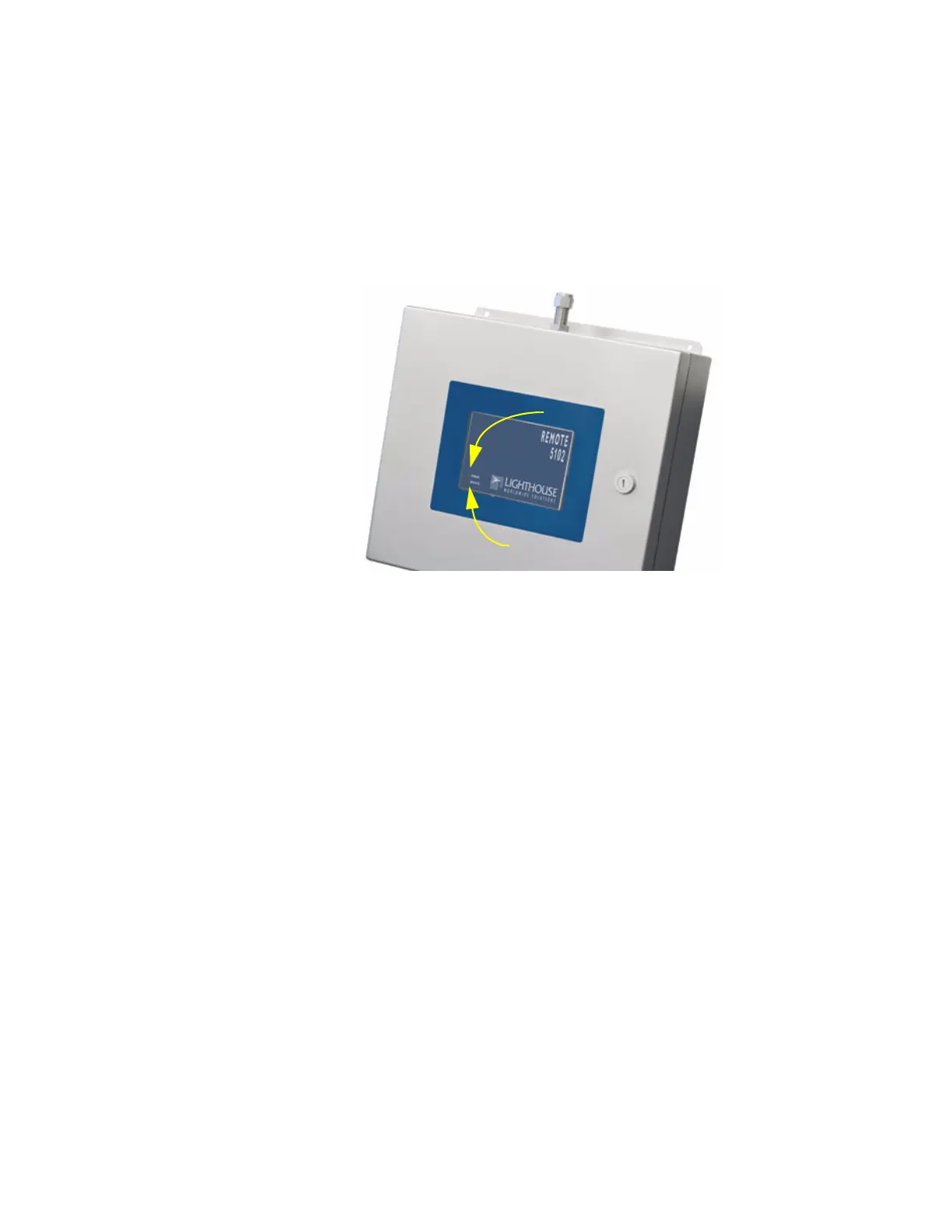
The front-panel LEDs have specific meanings when illuminated. The
figure below shows location of the LEDs and gives a brief description
of their meaning.
Figure 3-6 Example of Front Panel LEDs
• The green POWER LED turns on when the instrument is powered
on.
• The red SERVICE LED will turn on and remain steady if Laser
power is out of range, the sensor optics are dirty or the view volume
contains foreign objects. A flashing LED indicates an alarm
condition, such as particle counts exceeding set limits.
• If the internal pump stops running, the Inlet air supply may be
obstructed and the pump protection circuit has turned the pump
OFF. To restore normal pump operation, find and clear the
obstruction and turn the power switch OFF. Wait a few seconds and
turn the switch ON. The pump should start running. Contact
Lighthouse Technical Support if this fails to restore normal pump
operation.
Power LED
Service LED



 To Next Page